
If your company bids on US government contracts, you have probably heard the name Costpoint in a proposal review, an audit prep session, or a DCAA conversation. It comes up for a reason: Costpoint is the ERP most established government contractors run their books on. But what does it actually do, what does it cost in 2026, and is it the right fit for your size of business? This guide answers all three, using only facts verified on Deltek’s own pages as of October 2026.
At AppsInsight we review business software every day, from AI accounting tools to full ERP platforms. Costpoint sits in a category of its own, so we will also compare it against the generic ERP options covered in our guide on how to choose the right ERP software for your business.
1. What Costpoint is and who makes it
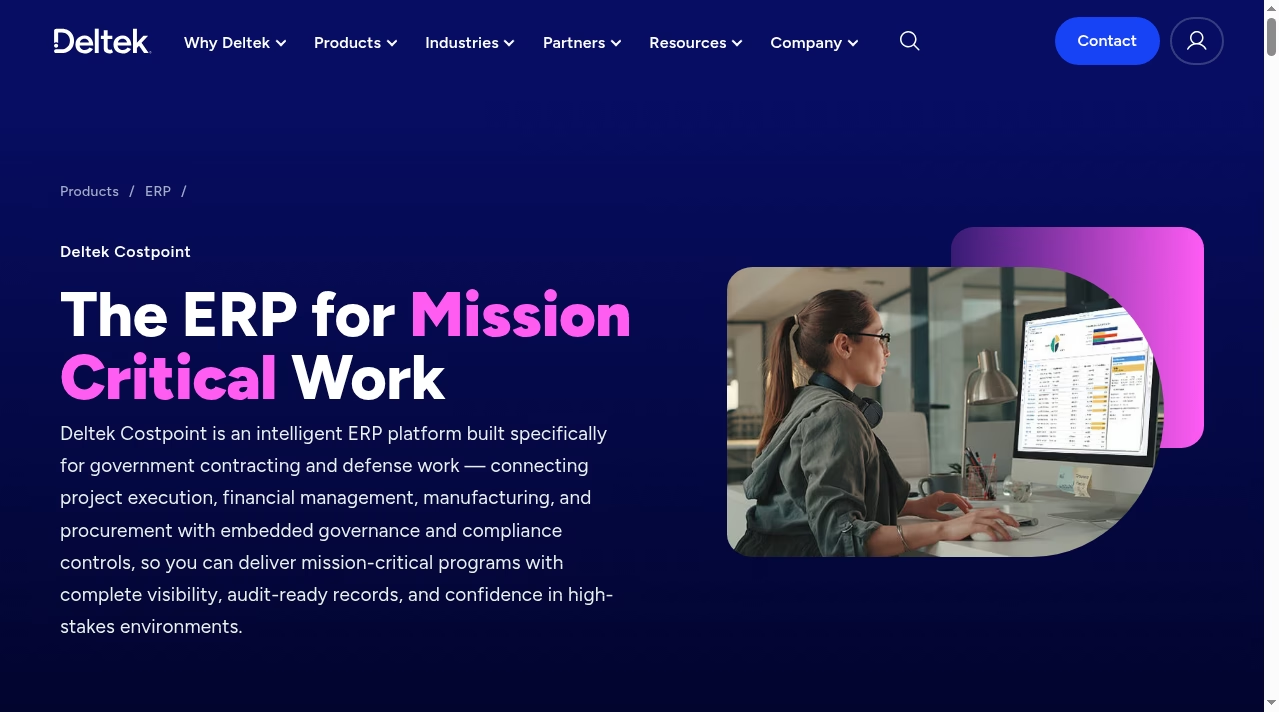
Costpoint is an ERP (enterprise resource planning) platform built by Deltek, a company that has focused on project-based businesses for decades. Unlike a general-purpose ERP that gets customized for government work after purchase, Costpoint was designed from the start for government contracting and defense work. It connects project execution, financial management, manufacturing and procurement in one system, with governance and compliance controls embedded rather than bolted on.
A quick history note for context: Costpoint has been around long enough that “we run Costpoint” is shorthand in the GovCon world for having your accounting house in order. Primes often ask subcontractors what system they run before awarding work, because the answer predicts how clean invoicing and audit support will be. That network effect is part of what you are buying.
The customer base tells the story. Costpoint is used by contractors ranging from small businesses winning their first subcontracts to large defense primes managing multi-entity portfolios. Deltek describes it as the industry’s most trusted ERP for government contractors, and G2 has recognized it as a leader in project-based ERP software. The common thread across its customers is not size but contract type: if you bill the government, your accounting has to follow rules that commercial software was never built for.
If you are new to ERP in general, our explainers on the role of ERP systems in business operations and the benefits of ERP are good primers before going deeper here.
2. What Costpoint actually does: the core modules
Costpoint is modular. A contractor can start with accounting and time capture, then add domains like HR, capture management, supply chain or manufacturing as the work grows. Here is what each major piece covers, based on Deltek’s current product documentation:
- Accounting and financial management. Project-based financials, compliance and billing in one system, with DCAA audit support and FAR-aligned controls. This is the core most customers start with.
- Time, expense and workforce management. Employees can enter time, submit timesheets and handle approvals directly inside Microsoft Outlook or Teams without logging into Costpoint. Automated DCAA compliance checks, payroll integration and AI-assisted anomaly detection are built in.
- Planning and resource management. Budgets, forecasts and workforce data in one place, so managers can match people to projects and spot cost overruns before they hit margins.
- Capture and contract management. Every contract from pre-award to closeout, with FAR/DFARS compliance controls connected to project financials.
- Manufacturing. A manufacturing lifecycle module for contractors who build products, not just deliver services. We have covered how manufacturing operations are changing in our piece on AI in manufacturing processes; Costpoint’s angle is tying production directly to contract financials.
- Supply chain and procurement. The full source-to-pay cycle with vendor qualification and audit-ready documentation.
- Shop floor time. Time and labor capture for manufacturing environments, with DCAA, FAR and state labor rule compliance.
- Costpoint Payments. AP and AR automation through secure digital portals.
- Costpoint for Small Business. A packaged version for growing GovCon firms (more on its pricing below).
Two more pieces are worth calling out. The Command Center dashboards give each role a live view of contract, project, financial and operational health, with drill-down from summary numbers to the underlying transactions. And because everything posts to the same project ledger, a program manager and a controller are always looking at the same numbers, which sounds basic but is the failure point of most stitched-together setups.
The through-line is project accounting. Every module posts back to the same project and contract records, which is what makes audit trails coherent. If your team currently tracks project costs in spreadsheets, our guides on purchase orders, reconciliation in accounting and how to calculate variance cover the manual processes Costpoint automates.
3. The compliance story: FAR, DFARS, CAS, DCAA and CMMC
Compliance is the real reason contractors buy Costpoint, and it deserves its own section. Government contracts come with accounting obligations that generic systems do not handle natively: cost segregation, indirect rate management, burdening, revenue recognition by contract type, and billing formats auditors expect. Costpoint builds these into the accounting framework itself.
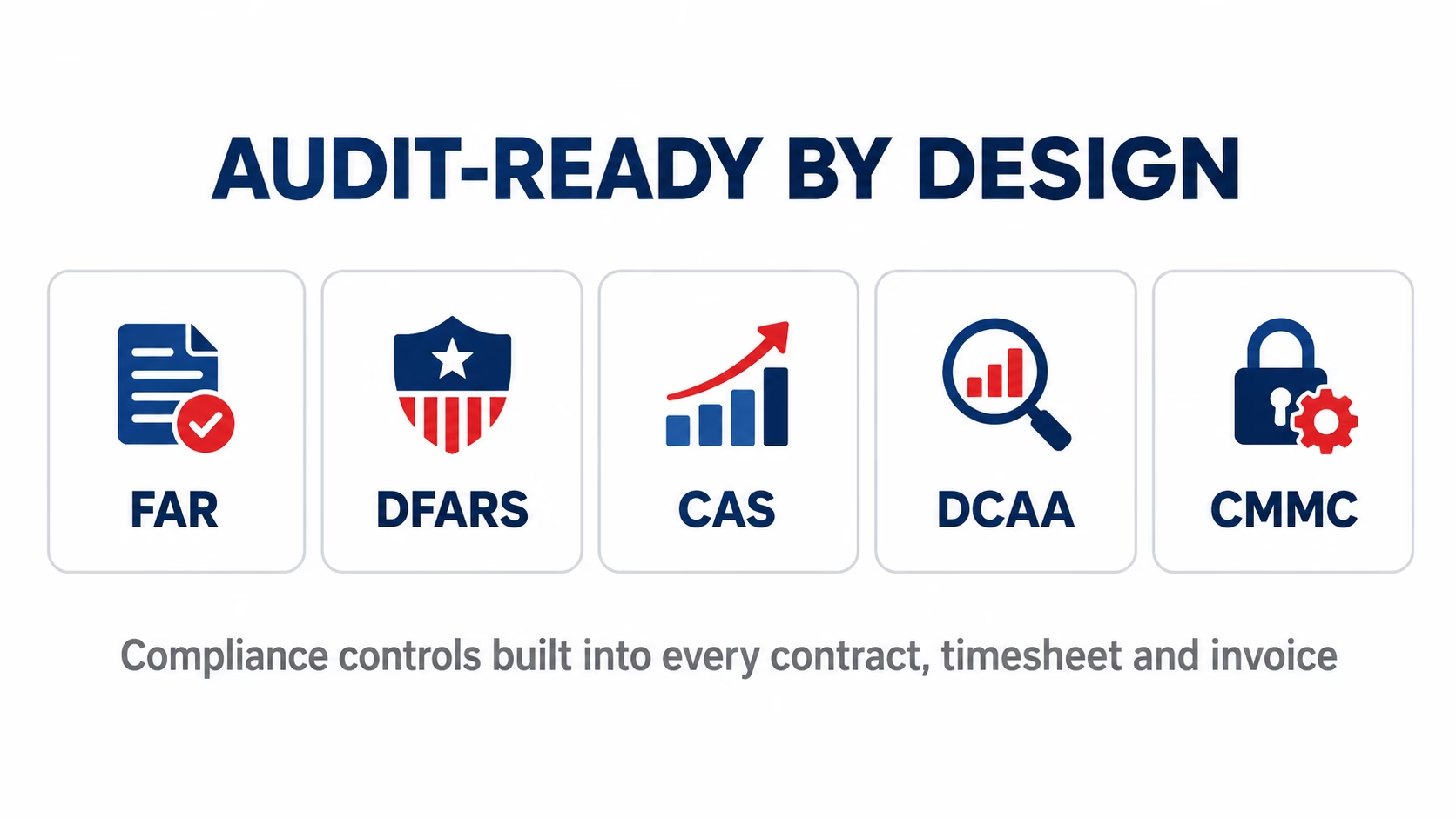
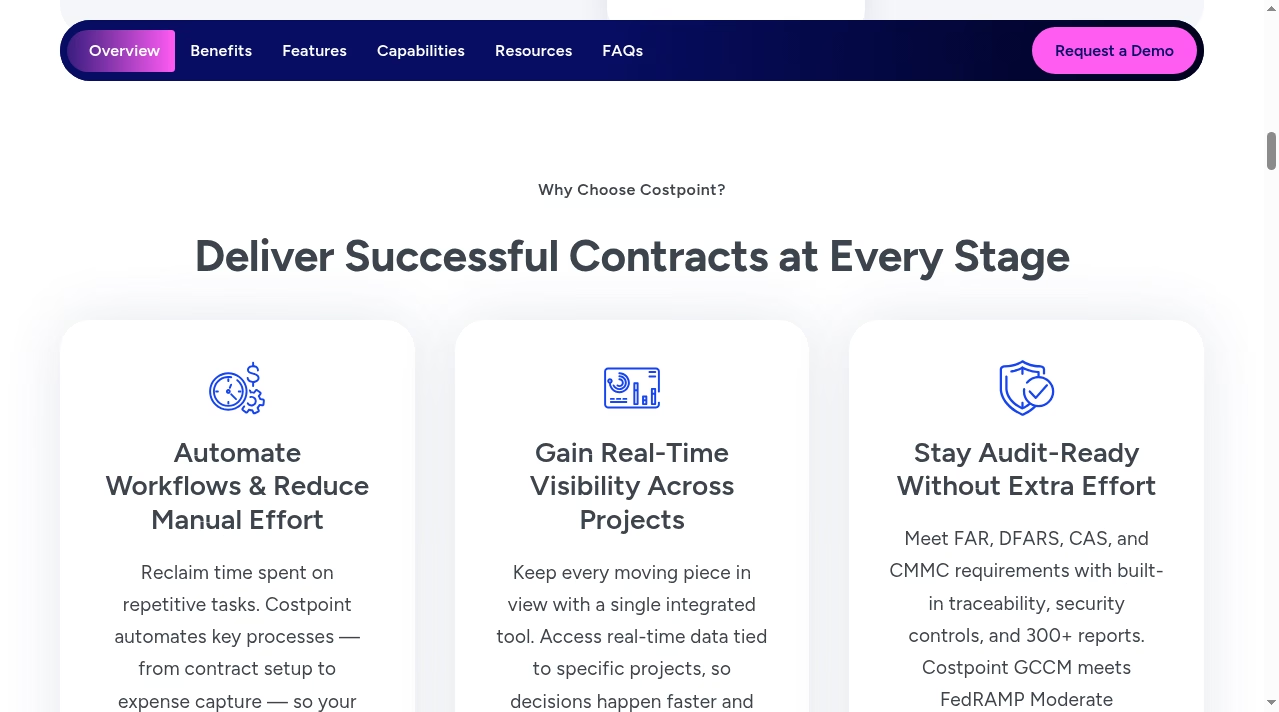
On the regulatory side, Deltek states that Costpoint helps contractors meet FAR, DFARS, CAS and CMMC requirements with built-in traceability, security controls and more than 300 prebuilt reports. For defense work specifically, there is Costpoint GCCM (GovCon Cloud Moderate): a cloud deployment that meets FedRAMP Moderate Equivalency per DoD policy, is listed on the FedRAMP Marketplace, and supports DFARS 252.204-7012 and CMMC requirements with US-only hosting.
Indirect rates deserve a plain-English note, because they are where new contractors get burned. Government contracts require you to separate direct costs (labor and materials billed to a specific contract) from indirect costs (overhead, fringe, general and administrative), then apply calculated rates to allocate those indirect pools fairly across contracts. Get the pools or the math wrong and you either under-recover legitimate costs or bill the government too much, and both outcomes hurt. Costpoint maintains these pools, computes the rates and applies them automatically as transactions post. That is not a feature a generic ERP ships with.
What does that mean in practice? When a DCAA auditor asks how a cost was allocated, the answer lives in the system with an audit trail, instead of in someone’s spreadsheet logic. Deltek’s AWS Marketplace listing claims customers can save up to 80% of the time spent preparing for audits. We would treat that figure as vendor-reported, but the direction is right: audit prep is where purpose-built GovCon accounting pays for itself. For a wider look at tools in this space, see our roundup of top compliance automation tools and the compliance software category and our explainer on endpoint security for the security side of CMMC programs.
4. AI inside Costpoint: Dela and the 2025 interface update
Costpoint is not a static legacy product. On July 16, 2025, Deltek announced a major release with a modernized interface built on its Deltek Harmony design framework, a role-based Command Center for analytics (starting with project management roles), and expanded AI from Dela, Deltek’s AI layer.
The AI capabilities fall into three groups:
- Ask Dela, a digital assistant that answers questions and completes tasks in natural language. Deltek says it can now be trained on an organization’s own documentation and training guides.
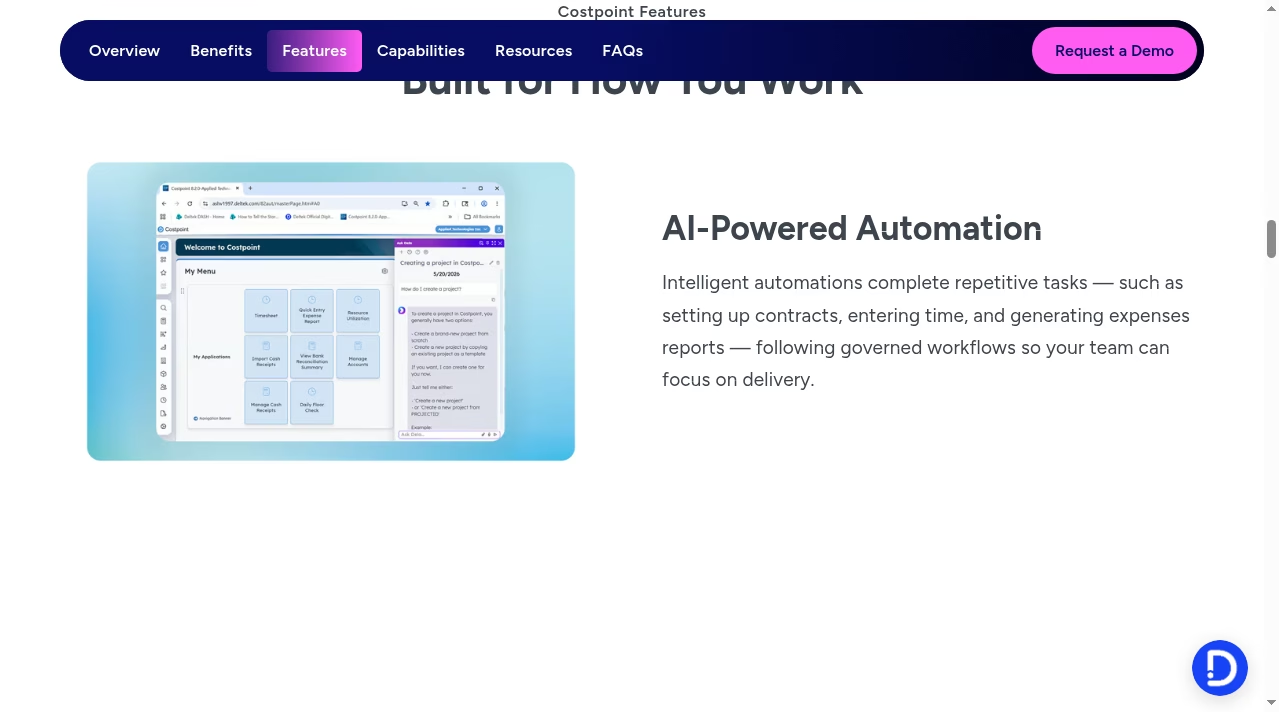
- Dela Agents, which automate repetitive work rather than just answering questions. The new Contract Agent, for example, creates contract records by extracting key terms and metadata from uploaded documents. Other agents handle time entry, approvals and expense reports.
- Smart Summaries, generative AI summaries that surface key insights from project and financial data.
One detail worth noting: Dela Agents are positioned as governed automation, meaning the agent actions follow the same approval workflows and audit trails as human entries. In a compliance-driven environment that distinction matters. An AI that books time or creates contracts without leaving an audit trail would be unusable for a DCAA-audited firm; Deltek clearly knows its audience here. Browse the automation software category if you want to compare adjacent tools.
The 2025 release also brought Teams-based approvals and vendor certification management, and the new interface is available in the GCCM cloud as well. For contractors evaluating where AI fits in finance operations, our analysis of how AI agents are transforming enterprise workflows gives useful context beyond a single vendor.
5. What Costpoint actually costs
Pricing is where most Costpoint content online gets vague, so here is exactly what is verifiable today.
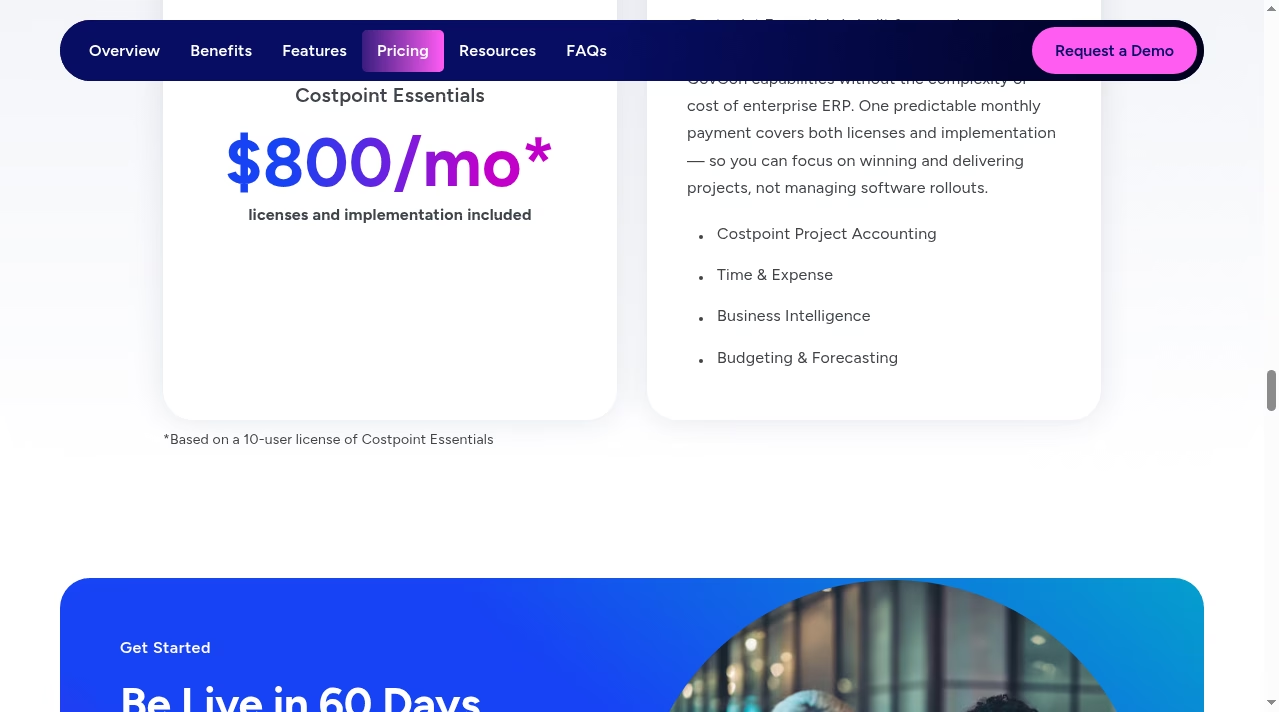
Costpoint Essentials, the small-business package, has public pricing: $800 per month for a 10-user license, with licenses and implementation included. Deltek promises go-live in 60 days or less at that price. Essentials includes Costpoint Project Accounting, Time and Expense, Business Intelligence, and Budgeting and Forecasting. A single predictable payment covers both software and rollout, which is unusual in ERP where implementation routinely costs more than licenses.
Full enterprise Costpoint is quote-only. Deltek does not publish a public enterprise price list, and cost depends on user count, modules (manufacturing and supply chain add cost), deployment choice and implementation scope. On AWS Marketplace, a 12-month custom cloud contract is listed at $420,000, which gives a rough sense of the enterprise end. If a vendor quote matters to your decision, treat anything outside Deltek’s own pages as an estimate, including third-party per-user figures.
What drives enterprise cost up? Four levers, based on how Deltek structures deals: named users (and which roles need full access), activated modules (manufacturing and supply chain are the expensive ones), deployment (standard cloud versus GCCM with its security overhead), and implementation scope, particularly data migration and integrations. If you are scoping integrations, our explainer on enterprise application integration covers the patterns you will run into.
The honest takeaway: Essentials is one of the few genuinely affordable entries into GovCon-grade accounting, while enterprise Costpoint is a serious investment that only pays off when contract complexity demands it. For context on what ERP spend looks like across the market, see our piece on the impact of ERP systems in business management.
6. Costpoint vs a generic ERP or QuickBooks
Deltek maintains its own comparison against QuickBooks, and the argument is straightforward: small-business accounting tools cannot segregate costs by contract, compute indirect rates, or produce DCAA-ready records. Here is the same comparison in table form:
| Capability | Costpoint | Generic ERP / small-business accounting |
|---|---|---|
| Project-based accounting by contract | Native, built for GovCon contract types including Cost Plus | Usually needs customization or spreadsheet workarounds |
| Indirect rate management and burdening | Built in | Rarely supported out of the box |
| DCAA audit readiness | Audit trails, controls and 300+ reports designed for it | Manual evidence gathering |
| FAR, DFARS, CAS, CMMC alignment | Embedded; GCCM meets FedRAMP Moderate Equivalency | Not addressed |
| Timekeeping compliance | DCAA checks, Teams/Outlook entry, anomaly detection | Basic time tracking |
| Public entry pricing | $800/mo (Essentials, 10 users, implementation included) | Varies; implementation often extra |
| Best fit | Government contractors of any size | Commercial businesses without contract accounting rules |
The pattern is consistent with what we see across the finance software category: horizontal tools win on price and simplicity until regulation enters the picture, then vertical tools win on total effort. If your contracts are purely commercial, Costpoint is more system than you need. If you bill the government, the generic route usually costs more in workarounds than it saves in license fees.
7. Who should use Costpoint (and who should not)
The decision usually comes down to one question: do your contracts impose accounting rules that general software cannot follow? If you are bidding cost-reimbursable work, dealing with provisional billing rates, or facing a DCAA audit in the next year, you already know the answer. If your revenue is fixed-price commercial work, the compliance machinery would sit idle.
Costpoint makes sense for:
- Government contractors who need DCAA-defensible books, from first-time subcontractors to defense primes.
- Firms outgrowing QuickBooks or spreadsheets as contract types get more complex (especially cost-reimbursable work).
- Contractors with manufacturing or complex procurement who want production and supply chain tied to project financials.
- Teams preparing for CMMC or DFARS 7012 obligations who need FedRAMP-equivalent cloud hosting. Our cybersecurity software category covers the tooling that typically surrounds a CMMC program.
- Small GovCon firms that want a predictable entry price: the $800/month Essentials package is aimed exactly at them.
Costpoint is probably wrong for:
- Businesses with no government contracts. A commercial services firm will be happier with the options in our AI accounting software roundup.
- Very small teams that only need invoicing and expense tracking, where a full ERP adds admin work instead of removing it.
- Companies wanting instant self-serve setup. Even Essentials involves a structured 60-day onboarding, and enterprise deployments are partner-led projects.
The grey zone is the growing subcontractor doing a few million a year on QuickBooks and spreadsheets. That used to mean a painful leap to enterprise pricing. Essentials changed the math: at $800 per month with implementation included, the jump is now smaller than the monthly cost of the workarounds, which is exactly Deltek’s pitch and, for once, the pitch holds up.
Peraton’s VP of Enterprise Applications and Analytics, Eric Ruscheinski, has described the operational impact of standardizing on the Deltek platform at enterprise scale, which is the profile Costpoint is built for: mission-driven organizations where reliability and compliance are not optional.
8. Implementation: what getting started looks like
Two paths exist. Essentials customers get a structured onboarding with a pre-configured Quick Start database, and Deltek commits to a 60-day or faster go-live, with the Deltek Learning Hub providing role-based training. Enterprise deployments are larger projects with data migration, indirect rate structure design, integrations and partner involvement, and they take months rather than weeks.
A realistic enterprise timeline runs four phases: discovery and process design (chart of accounts, indirect pools, project structures), configuration and integration build, data migration and validation, then training and cutover. The contractors who struggle are usually the ones who treat it as an IT install instead of a finance transformation. Budget internal time for the people who actually run project accounting; they will spend weeks in design workshops and testing.
Practical advice from what we see across ERP rollouts: lock your indirect rate structure and contract setup conventions before configuration starts, and clean your historical data before migration, not after. Our guide on choosing ERP software includes an evaluation checklist that applies here, and teams running distributed finance staff may also want to read about virtual desktops for secure remote access to finance systems. Contractors comparing project controls tooling can also browse the project management software category and the business intelligence category for complementary tools.
9. Costpoint questions answered
Is Costpoint only for government contractors?
Government contracting is its home ground and where nearly all of its value lives. Deltek sells other products for different project-based businesses, but Costpoint itself is purpose-built for GovCon rules, contract types and audits. A commercial business would pay for capabilities it never uses.
How much does Costpoint cost per month?
Costpoint Essentials is $800 per month for a 10-user license with implementation included, as published on Deltek’s site. Full enterprise Costpoint is quote-only and depends on users, modules and deployment scope. Any other per-user figure you find online is a third-party estimate, not a Deltek list price.
Does Costpoint replace QuickBooks?
For a government contractor, yes, that is the most common migration path. QuickBooks handles general small-business bookkeeping but cannot segregate costs by contract, manage indirect rates, or produce DCAA-ready records. Deltek positions Essentials directly at firms making this switch, with go-live in 60 days.
Is Costpoint cloud-based?
Yes. Costpoint runs in Deltek’s GovCon Cloud (built on AWS), and the GCCM variant meets FedRAMP Moderate Equivalency per DoD policy with US-only hosting for defense contractors handling controlled unclassified information.
What is the difference between Costpoint and Costpoint GCCM?
GCCM (GovCon Cloud Moderate) is the deployment option for contractors with elevated security obligations: DFARS 252.204-7012 and CMMC support, FedRAMP Moderate Equivalency per DoD policy, and US-only hosting. If your contracts involve controlled unclassified information (CUI), GCCM is the version your security officer will ask about. The 2025 interface and AI updates are available in both versions, so this is a hosting and compliance decision, not a features decision.
How long does Costpoint take to implement?
Essentials targets 60 days or less using Deltek’s pre-configured Quick Start database. Enterprise implementations with manufacturing, multi-entity structures or heavy integrations are longer, partner-led projects. Scope discipline at the start is the biggest factor.
Does Costpoint include AI features?
Yes. The July 2025 release expanded Dela, Deltek’s AI layer: the Ask Dela assistant, Dela Agents that automate tasks like contract record creation and time entry, and Smart Summaries that surface insights from project data. The agents work inside governed workflows, so automated actions still follow approval chains and leave audit trails.
Bottom line: Costpoint is the default choice when government contract accounting rules stop being optional. Essentials has made the entry point genuinely reachable at $800 per month, and the 2025 interface and AI updates show Deltek is still investing. If your contracts are commercial, look elsewhere first; if you bill the government, this is the benchmark every other option gets measured against.