


Smartsheet
Spreadsheet-style work management platform for projects, portfolios and processes at scale.
Paid SubscriptionFrom $9/user/mo30-day trial
- Web app
- iOS (iPhone & iPad)
- Android
- macOS

Open-source office suite with spreadsheet, document and presentation editors, free desktop apps and a cloud collaboration platform
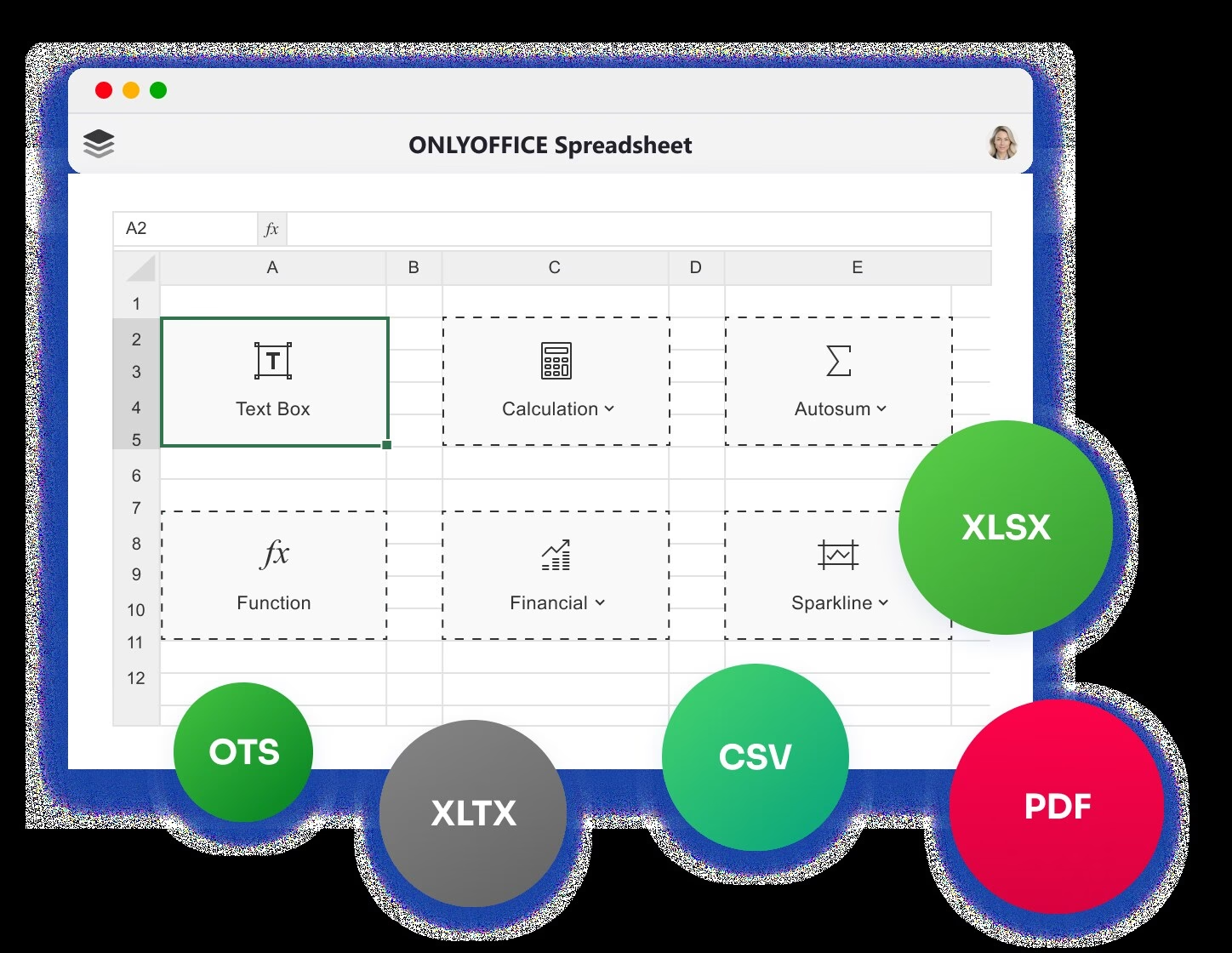
Open-source office suite with spreadsheet, document and presentation editors, free desktop apps and a cloud collaboration platform ONLYOFFICE is an open-source office suite built by Ascensio System SIA, a company registered in Riga, Latvia.
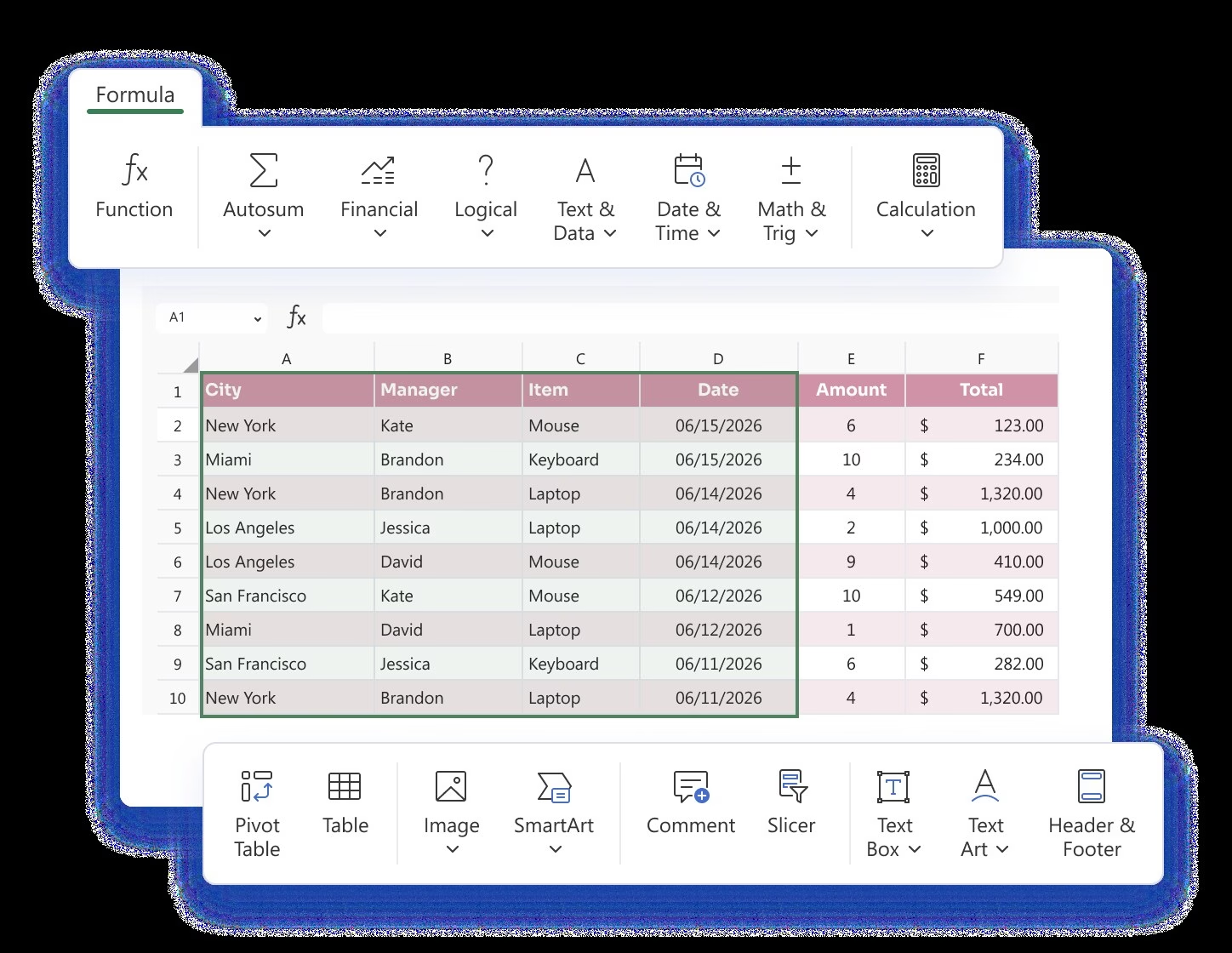
ONLYOFFICE earns its rating as the open-source office suite pick: its Spreadsheet Editor is highly compatible with Microsoft Office formats, the desktop editors are free on Windows, macOS and Linux, and the project states GDPR compliance with code on GitHub. For teams wanting cloud collaboration, DocSpace offers a free Startup plan and a Business plan at $20 per admin per month, and everything can also be self-hosted.
ONLYOFFICE is an open-source office suite built by Ascensio System SIA, a company registered in Riga, Latvia. The official about page states that ONLYOFFICE was founded by Lev Bannov, and the company’s own history timeline begins with the launch of its predecessor TeamLab in July 2009, before the rebrand to ONLYOFFICE in 2014. The suite includes Spreadsheet, Document and Presentation editors with strong Microsoft Office format compatibility, and the source code is published on GitHub.
There are three distinct products, and pricing only makes sense with that scope. First, ONLYOFFICE Desktop Editors: free apps for Windows, macOS and Linux, plus mobile apps for iOS and Android. Second, ONLYOFFICE Docs: the self-hosted or embedded editors for businesses and developers. Third, ONLYOFFICE DocSpace: the cloud collaboration platform where rooms of users co-edit documents and spreadsheets in real time. Official connectors cover WordPress, Jira and Zoom, among many others.
Pricing, verified on the
ONLYOFFICE is an open-source office suite built by Ascensio System SIA, a company registered in Riga, Latvia. The official about page states that ONLYOFFICE was founded by Lev Bannov, and the company’s own history timeline begins with the launch of its predecessor TeamLab in July 2009, before the rebrand to ONLYOFFICE in 2014. The suite includes Spreadsheet, Document and Presentation editors with strong Microsoft Office format compatibility, and the source code is published on GitHub.
There are three distinct products, and pricing only makes sense with that scope. First, ONLYOFFICE Desktop Editors: free apps for Windows, macOS and Linux, plus mobile apps for iOS and Android. Second, ONLYOFFICE Docs: the self-hosted or embedded editors for businesses and developers. Third, ONLYOFFICE DocSpace: the cloud collaboration platform where rooms of users co-edit documents and spreadsheets in real time. Official connectors cover WordPress, Jira and Zoom, among many others.
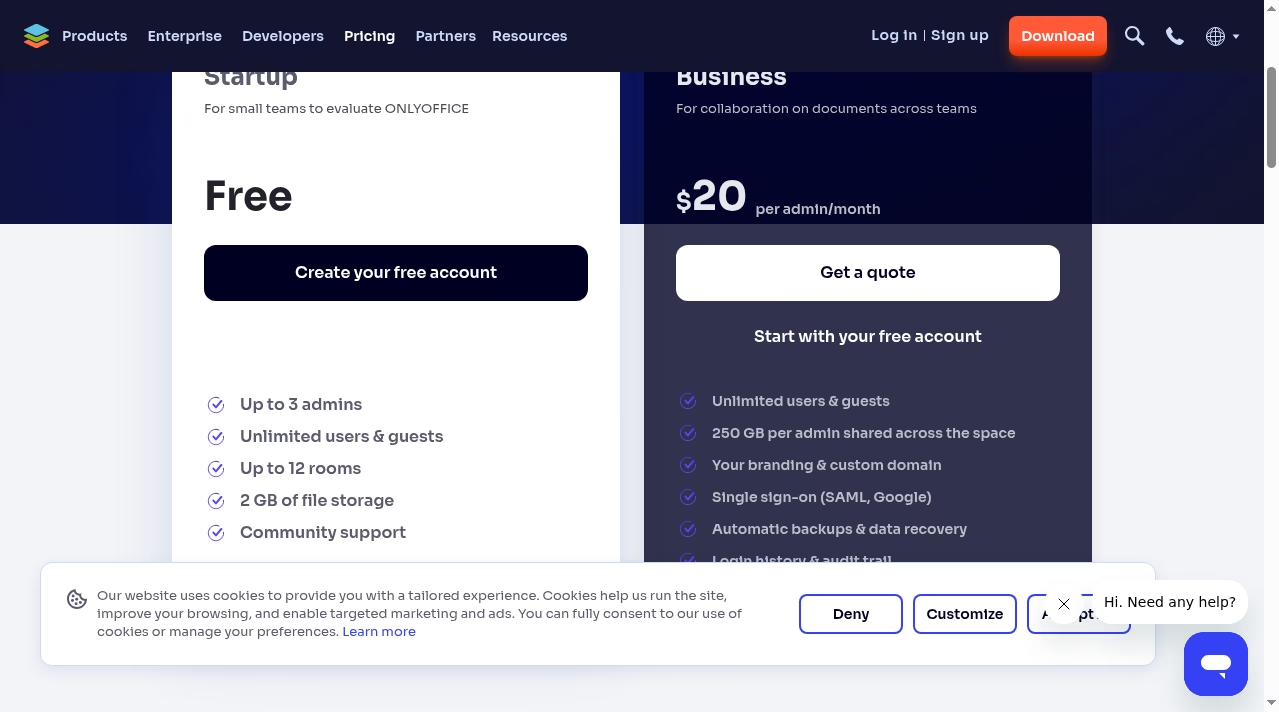
Pricing, verified on the official pricing pages in October 2026: Desktop Editors are free. DocSpace cloud has a free Startup plan for 3 admins with unlimited users, and its Business plan costs $20 per admin per month, with only admins paid. Self-hosted ONLYOFFICE Docs Home costs $149 per server per year, and Docs Enterprise is offered as a 1-year license from $30 per connection per year with a 50-connection minimum, or as a lifetime license via quote, per the official pricing page. Because these are different products with different units, we do not show a single starting price for the listing. The official pricing page offers a 30-day free trial of the cloud DocSpace Business plan (Try free for 30 days); the permanently free products cover the rest.
Watch-outs: the three-product pricing structure takes a moment to map, and the per-admin model on DocSpace differs from the per-user pricing of most suites, so compare totals carefully. Self-hosting Docs is powerful but needs IT capacity. Desktop Editors are full-featured for most work, though Excel power users with niche add-ins may still miss Microsoft-specific tooling.
Overall, ONLYOFFICE is the strongest open-source option in this category: a free desktop spreadsheet editor that opens Office files cleanly, a genuinely free cloud tier for small teams, and a self-hosting path for privacy-sensitive organizations. Teams wanting a simpler single-price cloud suite should compare Google Workspace, Microsoft 365 and Zoho.
We researched ONLYOFFICE in October 2026 using its official website, about page, unified pricing page, download pages, legal notices, privacy policy and help center, and compared its published capabilities and pricing against other spreadsheet software in this category. Because ONLYOFFICE prices three distinct products (free Desktop Editors, the DocSpace cloud platform, and self-hosted Docs), we present each price with its product scope rather than a single starting price. Ratings reflect editorial judgment based on that research. We did not purchase a plan or run a live pilot for this listing.
| Pricing | Open source |
|---|---|
| Free plan | Yes |
| Free trial | Yes (30 days) |
| Pricing page | View pricing |
| Platforms | Web app, iOS (iPhone & iPad), Android, macOS, Windows, Linux, Self-hosted / On-premise |
| API | Yes |
| Company | Ascensio System SIA |
| Apps Insight Score | 49/100 |
Editorial points are assigned by AppsInsight editors and cannot be purchased or influenced.
| Feature | ONLYOFFICE | Smartsheet | Airtable | Google Sheets |
|---|---|---|---|---|
| Rating | 4.4 / 5 | 4.6 / 5 | 4.5 / 5 | 4.5 / 5 |
| Pricing | Open source | Paid Subscription | Free+Paid | Free+Paid |
| Starting price | — | From $9/user/mo | From $20/seat/mo | From $7 |
| Free plan | Yes | Included | Included | Included |
| Free trial | Yes (30 days) | Yes (30 days) | No | Yes (14 days) |
| Platforms | Web app, iOS (iPhone & iPad), Android, macOS, Windows, Linux, Self-hosted / On-premise | Web app, iOS (iPhone & iPad), Android, macOS, Windows | Web app, iOS (iPhone & iPad), Android, macOS, Windows | Web app, iOS (iPhone & iPad), Android |
| Best for | Teams that want a free, open-source spreadsheet editor for desktop Privacy-conscious organizations that prefer self-hosting their office suite Developers embedding document and spreadsheet editing into their own products Businesses wanting a free DocSpace workspace for real-time co-editing | Teams whose shared spreadsheets have become fragile project trackers Project and PMO teams needing Gantt, dashboards and automations Enterprises that need SSO, governance and portfolio tooling Spreadsheet-comfortable teams that want structure without retraining | Operations, content teams, light CRM | Teams of any size that collaborate on spreadsheets daily Individuals and small businesses that need a free, capable spreadsheet Organizations already on Google Workspace Analysts who want AI help building and filling spreadsheets Mixed environments that exchange Excel files with partners |
ONLYOFFICE vs Smartsheet ONLYOFFICE vs Airtable ONLYOFFICE vs Google Sheets
$0 /mo
$0 billed annually
$0 /mo
$0 billed annually
$20/admin /mo
$20/admin/month billed annually
$149/server/yr billed annually
From $30/connection/yr billed annually
Spreadsheet-style work management platform for projects, portfolios and processes at scale.


Spreadsheet-database hybrid for flexible workflows

Collaborative, AI-powered spreadsheets - free with a Google account
Free web spreadsheets or full desktop power with Microsoft 365 and Copilot AI

Free collaborative spreadsheet with an AI data analyst, part of Zoho Workplace.

AI-first spreadsheet with live data integrations and a plain-language AI Analyst.

Open-source relational spreadsheet-database with Python formulas, granular permissions and self-hosting
AI-first spreadsheet with live data integrations and a plain-language AI Analyst.

Free, open source desktop spreadsheet from The Document Foundation.
Free collaborative spreadsheet with an AI data analyst, part of Zoho Workplace.
No reviews yet. Be the first to review this app.
Already have an account? Log in to track your reviews.