


Smartsheet
Spreadsheet-style work management platform for projects, portfolios and processes at scale.
Paid SubscriptionFrom $9/user/mo30-day trial
- Web app
- iOS (iPhone & iPad)
- Android
- macOS

Collaborative docs, spreadsheets and chat - built into Salesforce
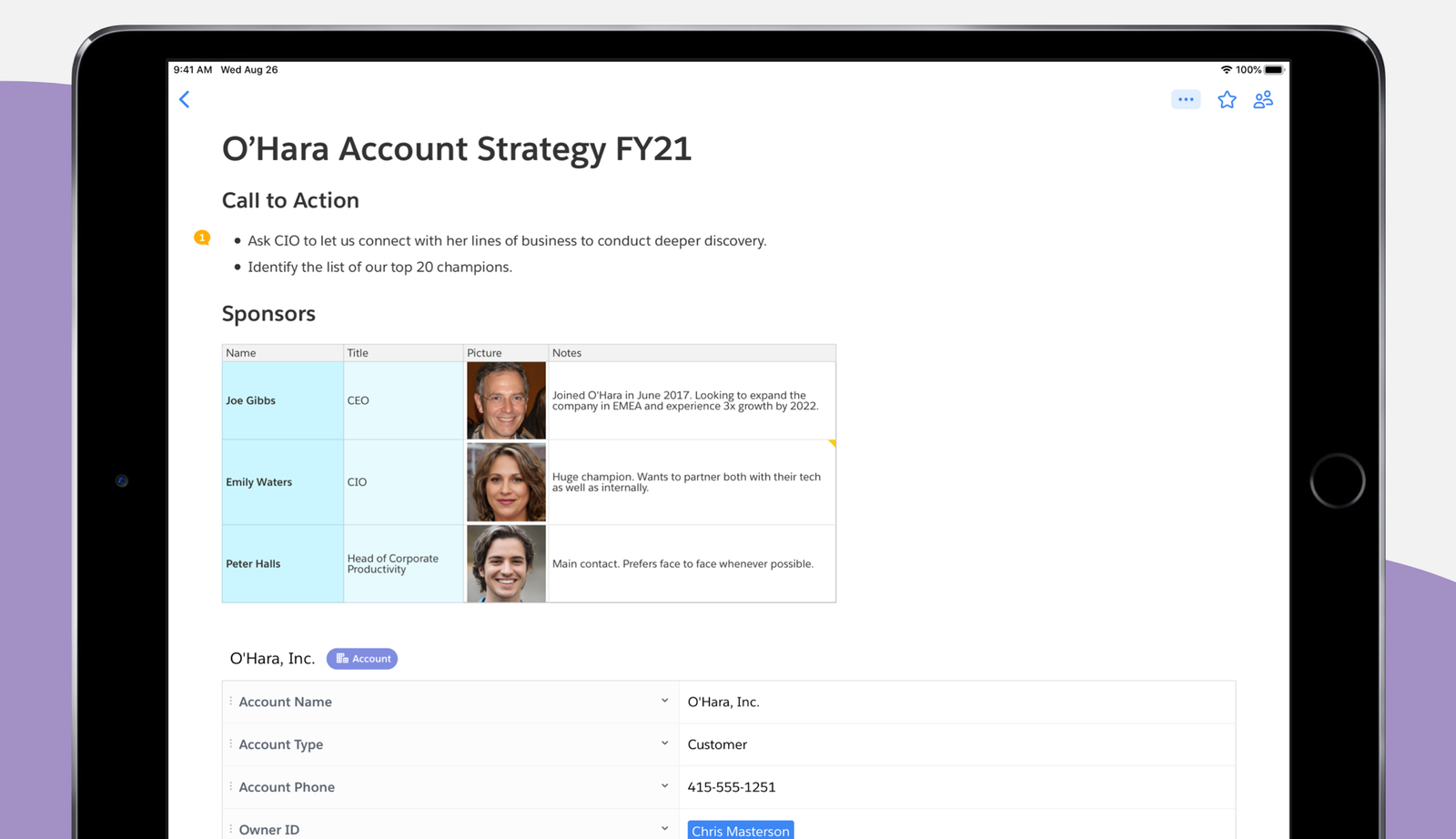
Collaborative docs, spreadsheets and chat - built into Salesforce Important availability notice: Salesforce is retiring Quip.
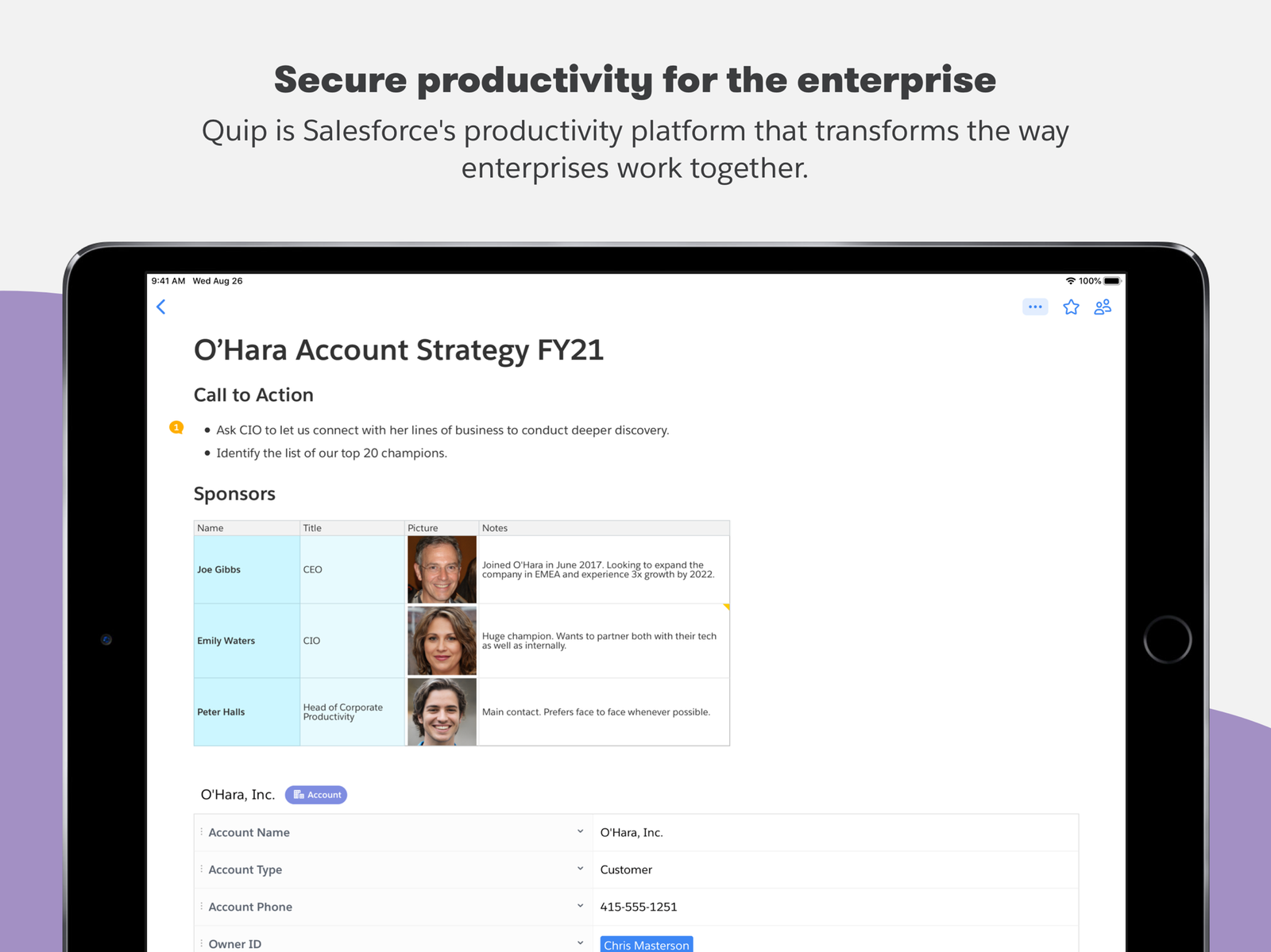
Quip collapses docs, spreadsheets, slides and chat into one canvas, and its Advanced tier is genuinely unique: live documents embedded in Salesforce records with two-way data sync. Salesforce is retiring Quip, so this review serves existing customers managing their current subscription - new customers can no longer sign up (see the availability notice).
Important availability notice: Salesforce is retiring Quip. Effective February 17, 2026, new paid, free and trial Quip accounts are no longer available to anyone who is not an existing customer. Existing customers keep access until the end of their current subscription term: renewals end March 1, 2027, and free instances close on March 31, 2027, according to Salesforce’s official retirement notice.
Quip is Salesforce’s collaborative productivity platform: documents, spreadsheets, slides and team chat in one shared workspace. Quip was founded in 2012 by Bret Taylor and Kevin Gibbs, and joined Salesforce in 2016. It is available on the web, on desktop (Mac and Windows), and through official iOS and Android apps.
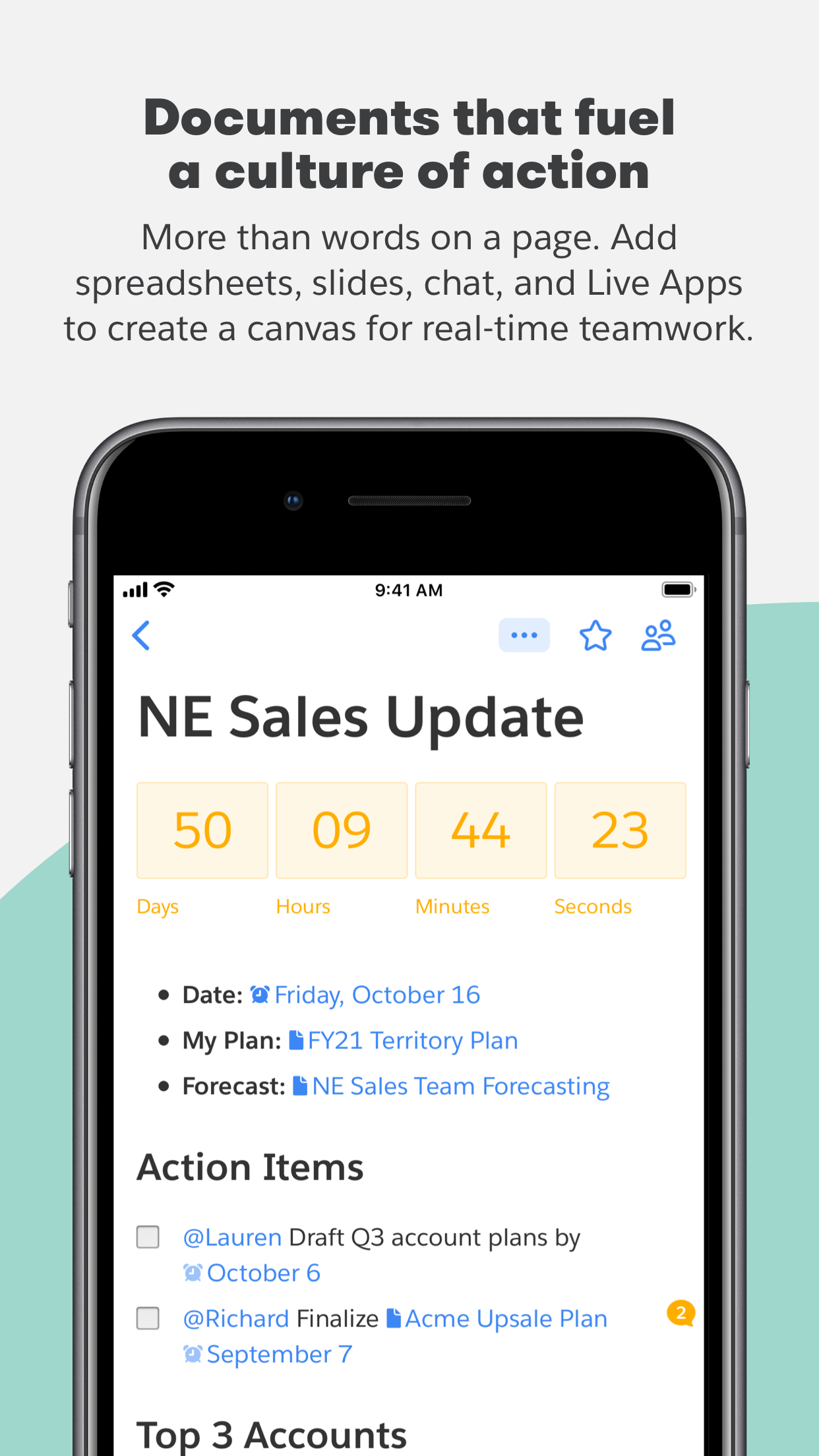
Every Quip document and spreadsheet has chat built in, so teams discuss, revise and reach decisions in one place instead of over email. Group chat and 1-to-1 messaging are part of the product, and Live Apps add interactive elements
Important availability notice: Salesforce is retiring Quip. Effective February 17, 2026, new paid, free and trial Quip accounts are no longer available to anyone who is not an existing customer. Existing customers keep access until the end of their current subscription term: renewals end March 1, 2027, and free instances close on March 31, 2027, according to Salesforce’s official retirement notice.
Quip is Salesforce’s collaborative productivity platform: documents, spreadsheets, slides and team chat in one shared workspace. Quip was founded in 2012 by Bret Taylor and Kevin Gibbs, and joined Salesforce in 2016. It is available on the web, on desktop (Mac and Windows), and through official iOS and Android apps.
Every Quip document and spreadsheet has chat built in, so teams discuss, revise and reach decisions in one place instead of over email. Group chat and 1-to-1 messaging are part of the product, and Live Apps add interactive elements – countdowns, calendars, polls and more – directly inside documents. Templates cover common use cases so teams can start quickly.
Quip’s distinguishing strength is its Salesforce integration. On the Advanced tier, users edit live documents inside Salesforce records through the Lightning Document Component, and view, update and discuss field, record, report and list data with two-way sync between Quip and Salesforce. Salesforce positions Quip Advanced for sales and service workflows such as living account plans, collaborative close plans and case swarming.
Pricing is per user per month, and under the retirement notice only existing customers can still purchase or renew. Quip Starter costs $10 per user per month billed annually ($12 with a monthly commitment); the official pricing page notes Starter cannot be purchased or combined with Quip for Salesforce. Quip Plus is $25 per user per month billed annually and adds single sign-on, the Enterprise API and custom Live Apps. Quip Advanced is $100 per user per month billed annually and adds the live Salesforce editing and two-way data sync. Plus and Advanced are sold through Salesforce sales.
Quip is most relevant to organizations already running it inside Salesforce that need to manage their current subscription term. New buyers cannot sign up and should look at the alternatives Salesforce points to, such as Slack and Agentforce Sales.
We researched Quip in October 2026 using the official quip.com pricing page (all three editions and footnotes), the official product pages, and Quip's official blog post on the Salesforce acquisition. Prices were confirmed on the rendered pricing page. No hands-on testing was performed.
| Pricing | Paid Subscription |
|---|---|
| Starting price | $10/user/mo annual |
| Free plan | No |
| Free trial | No |
| Pricing page | View pricing |
| Platforms | Web app, iOS (iPhone & iPad), Android, macOS, Windows |
| API | Yes |
| Company | Quip (Salesforce) |
| Apps Insight Score | 47/100 |
| Implementation | Easy |
| Learning curve | Beginner |
Editorial points are assigned by AppsInsight editors and cannot be purchased or influenced.
| Feature | Quip | Smartsheet | Airtable | Google Sheets |
|---|---|---|---|---|
| Rating | 4.2 / 5 | 4.6 / 5 | 4.5 / 5 | 4.5 / 5 |
| Pricing | Paid Subscription | Paid Subscription | Free+Paid | Free+Paid |
| Starting price | $10/user/mo annual | From $9/user/mo | From $20/seat/mo | From $7 |
| Free plan | Included | Included | Included | Included |
| Free trial | No | Yes (30 days) | No | Yes (14 days) |
| Platforms | Web app, iOS (iPhone & iPad), Android, macOS, Windows | Web app, iOS (iPhone & iPad), Android, macOS, Windows | Web app, iOS (iPhone & iPad), Android, macOS, Windows | Web app, iOS (iPhone & iPad), Android |
| Best for | Salesforce customers who want collaborative documents inside their CRM records Teams that want docs, spreadsheets and chat in a single workspace | Teams whose shared spreadsheets have become fragile project trackers Project and PMO teams needing Gantt, dashboards and automations Enterprises that need SSO, governance and portfolio tooling Spreadsheet-comfortable teams that want structure without retraining | Operations, content teams, light CRM | Teams of any size that collaborate on spreadsheets daily Individuals and small businesses that need a free, capable spreadsheet Organizations already on Google Workspace Analysts who want AI help building and filling spreadsheets Mixed environments that exchange Excel files with partners |
$12/user /mo
$10/user/mo billed annually
$25/user/mo billed annually
$100/user/mo billed annually
Spreadsheet-style work management platform for projects, portfolios and processes at scale.


Spreadsheet-database hybrid for flexible workflows

Collaborative, AI-powered spreadsheets - free with a Google account
Free web spreadsheets or full desktop power with Microsoft 365 and Copilot AI
Apple's free spreadsheet app with polished templates and real-time collaboration

Free collaborative spreadsheet with an AI data analyst, part of Zoho Workplace.
Apple's free spreadsheet app with polished templates and real-time collaboration

Free all-in-one office suite for documents, spreadsheets, presentations and PDF

Open-source office suite with spreadsheet, document and presentation editors, free desktop apps and a cloud collaboration…

Open-source relational spreadsheet-database with Python formulas, granular permissions and self-hosting
No reviews yet. Be the first to review this app.
Already have an account? Log in to track your reviews.