


Presentations are everywhere from classrooms to boardrooms and in 2025, they’ve become even more essential for work, school, and business. But let’s be honest, making slides from scratch can be stressful and time-consuming. That’s exactly why AI Presentation Makers are becoming the go-to choice for professionals, students, and entrepreneurs.
According to MarketsandMarkets, the global presentation software market is expected to hit $7.4 billion by 2028, with AI tools leading the charge. These apps don’t just give you templates; they think for you. They can generate entire decks, polish your design, and even suggest the right words — all in minutes. Imagine going from a blank screen to a polished presentation before your coffee gets cold.
About AI Presentation Makers
So, what exactly are AI Presentation Makers? In simple words, they are smart tools that use artificial intelligence to help you design slides, write content, and organize ideas. Instead of spending hours adjusting fonts, layouts, and images, you can let AI do the heavy lifting while you focus on your message.
These tools work by combining design templates, natural language processing, and automation. You type in your topic or upload content, and the AI generates a full presentation — complete with visuals, layouts, and even suggested talking points. It feels like having a design assistant sitting next to you.
2025 is shaping up to be a huge year for AI in presentations. More people are working remotely, teams need faster collaboration, and businesses want presentations that look professional without hiring a designer. That’s why AI Presentation Makers are quickly becoming a must-have for anyone who creates slides regularly.
Why Use AI Presentation Makers?
If you’ve ever stared at a blank slide wondering where to start, you’re not alone. Creating a great presentation takes time, creativity, and a lot of patience. But here’s the good news: AI Presentation Makers can make the process so much easier.
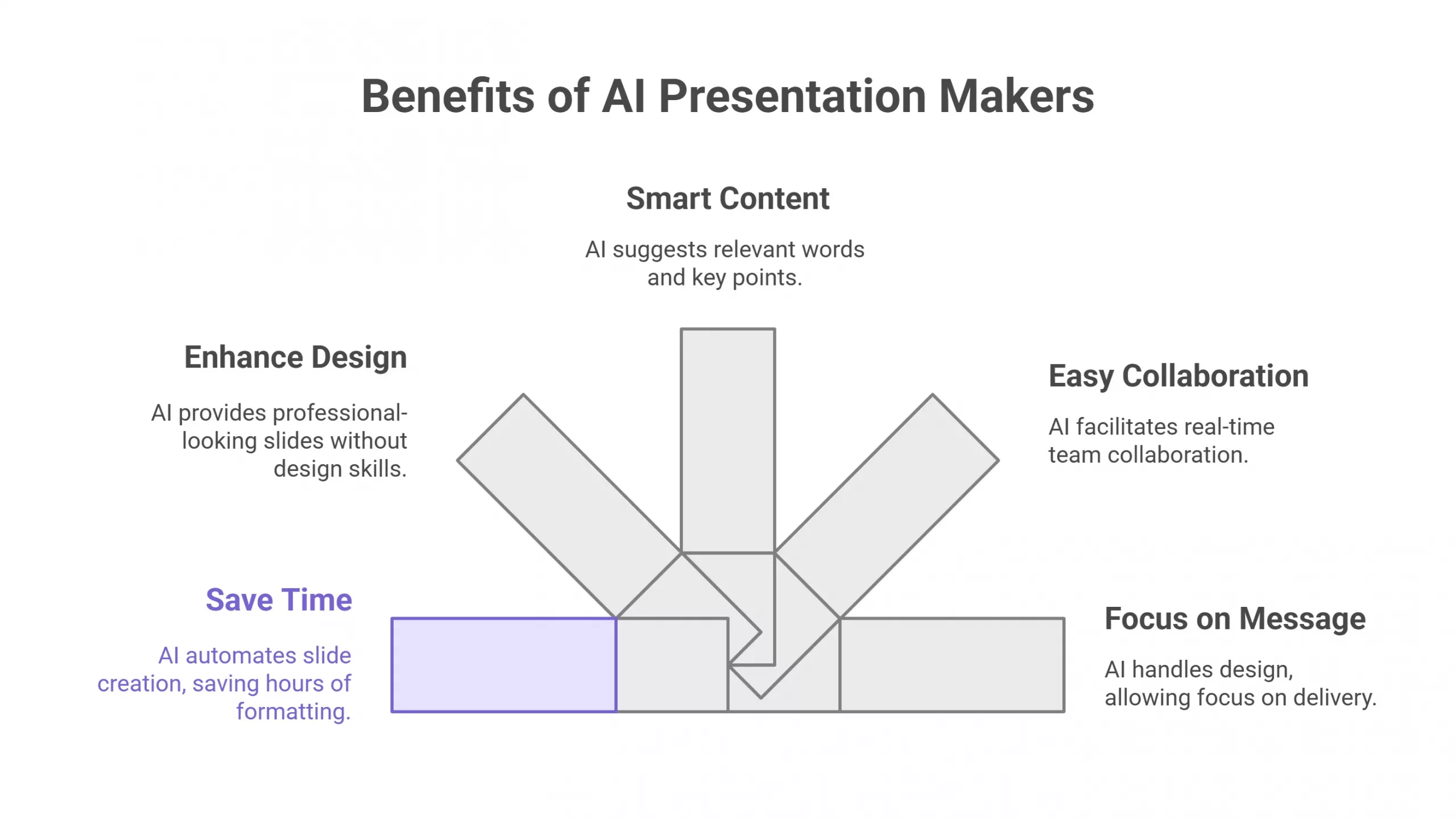
Here’s why you’ll love using them:
- Save time with automation — Instead of spending hours formatting, AI builds slides in minutes.
- Design better slides with less effort — You don’t need design skills to get a professional look.
- Get smart content suggestions — AI helps you find the right words and key points.
- Make collaboration easy — Share and edit with your team in real time.
- Stay focused on your message — Let AI handle the design so you can focus on delivery.
With these benefits, it’s no surprise that more professionals and students are switching to AI-powered tools for their presentations.
How We Chose the 10 Best AI Presentation Makers
Now you might be wondering, “With so many tools out there, how did we pick the top 10?” That’s a fair question. We wanted this list to be genuinely useful, not just another random roundup. So, we looked at the things that actually matter when you’re creating a presentation.
Here are the main factors we considered:
- Features — Does the tool offer smart slide generation, templates, and AI writing support?
- Ease of use — Can anyone pick it up quickly, even without design skills?
- Pricing — Is it affordable or worth the investment for what it offers?
- Popularity — Do real users recommend it and trust it?
- Innovation — Does the tool bring something fresh to the table in 2025?
By keeping these points in mind, we narrowed down the top AI Presentation Makers that stand out for both beginners and pros.
1. GenPPT: AI Presentation Software
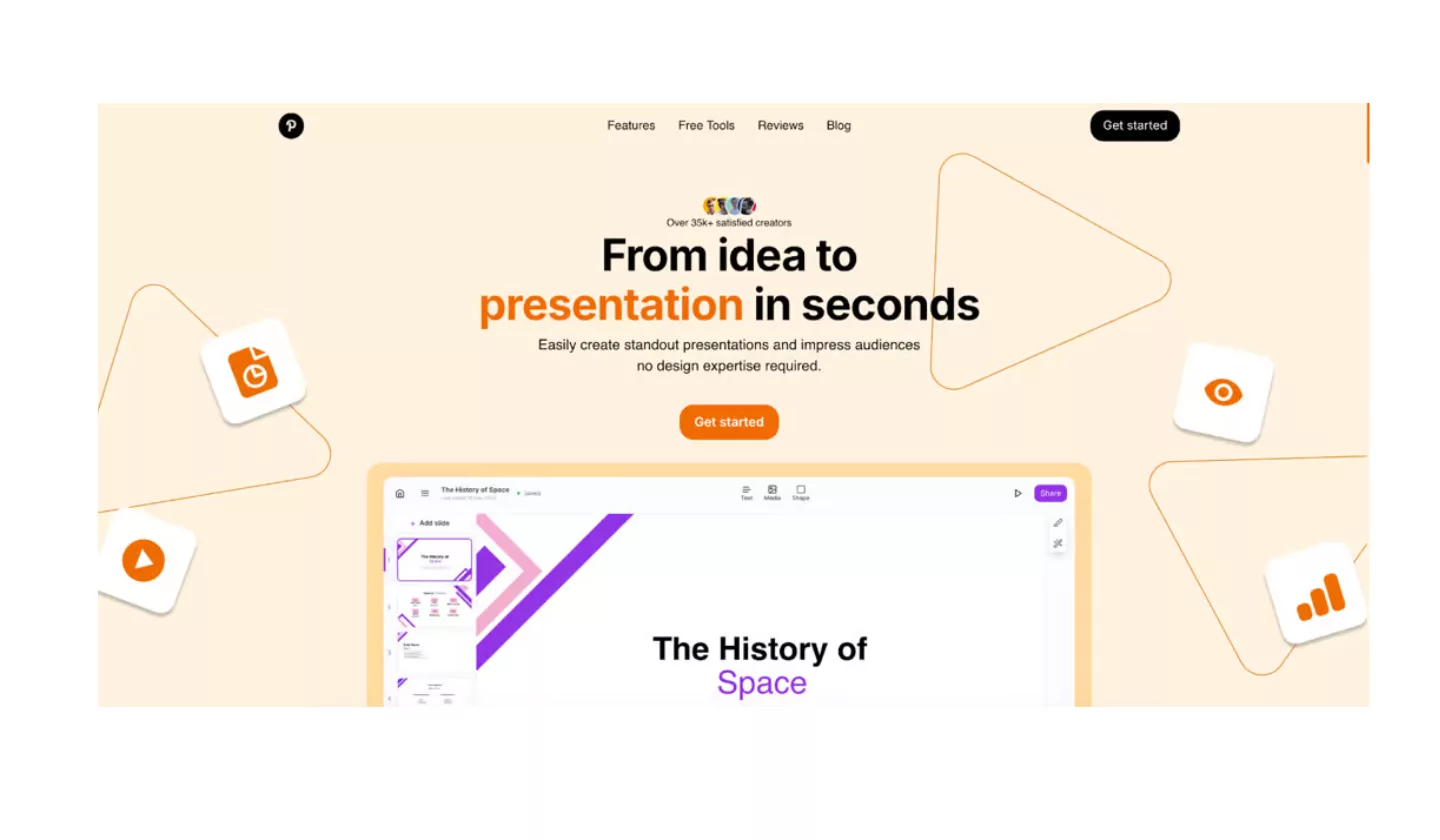
GenPPT is one of the newest AI Presentation Makers making waves in 2025. If you often find yourself short on time or struggling with design ideas, this tool feels like a lifesaver. You can start by typing in a topic, and within seconds, GenPPT generates a professional-looking deck complete with layouts, suggested visuals, and draft text.
What makes GenPPT special is its focus on speed and simplicity. Unlike some tools that overload you with too many settings, this one keeps things clean and straightforward. It’s designed for people who don’t want to spend hours tweaking slides but still want presentations that look sharp and engaging.
Another standout feature is its customization flexibility. Once the AI builds your deck, you can easily adjust colors, swap layouts, or refine text to match your style. Plus, GenPPT is cloud-based, so you can access your work anytime and collaborate with teammates in real time. Whether you’re preparing for a business pitch, a class project, or a workshop, GenPPT helps you get from idea to polished slides much faster.
Features
- AI-powered slide generation from any topic prompt
- Ready-made templates with modern, clean designs
- Smart text suggestions to improve content flow
- Real-time collaboration for teams
- Cloud access for easy editing anywhere
Best For
Busy professionals and students who want quick, polished presentations without design stress.
Looking for? Trending New Social Media Sites & Platforms
2. Gamma: Best AI Presentation Tools
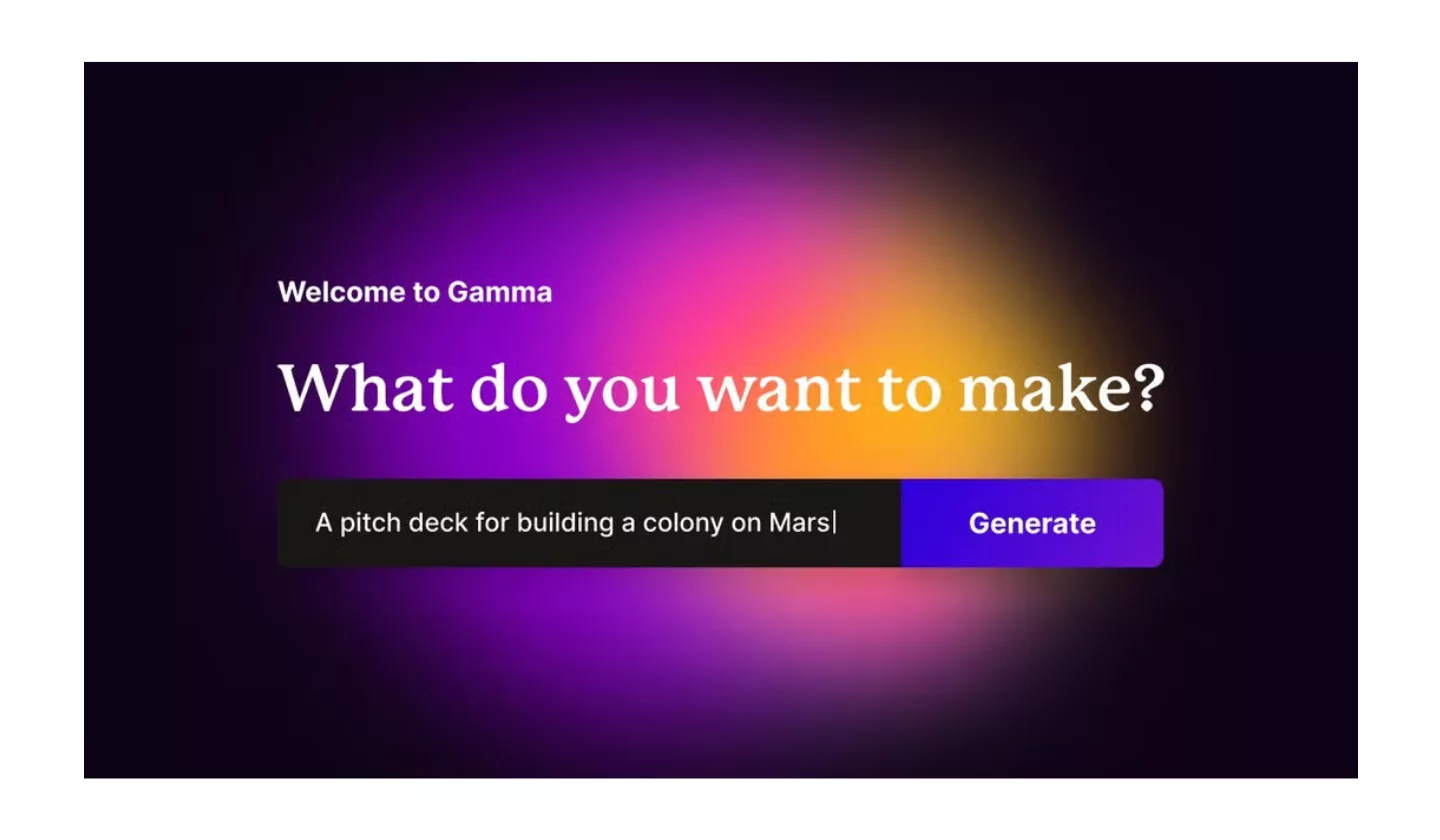
Gamma has quickly become a favorite among AI Presentation Makers because it does more than just create slides — it helps you tell a story. Instead of giving you a static deck, Gamma builds dynamic presentations that feel fresh and interactive. You simply type in a prompt, and the AI generates a visually appealing presentation that’s ready to share.
What sets Gamma apart is its unique approach to design. The tool doesn’t just offer templates; it adapts layouts and visuals based on your content. This makes every presentation feel custom-made rather than cookie-cutter. Another plus is that Gamma supports web-based, scrollable presentations, which are perfect if you want to break free from traditional slide-by-slide formats.
Gamma also integrates seamlessly with multimedia, so you can easily embed videos, charts, and links without leaving the platform. And if you’re working with a team, you’ll love the collaboration features that make editing smooth and fast. For anyone tired of boring slides, Gamma is a creative way to reimagine presentations in 2025.
Features
- AI-generated dynamic and interactive presentations
- Content-first layouts tailored to your topic
- Web-based format with scrollable decks
- Easy embedding of videos, charts, and links
- Team-friendly collaboration tools
Best For
Creative professionals and teams who want modern, engaging, and interactive presentations.
3. Beautiful.ai: Best AI Tools for Presentations
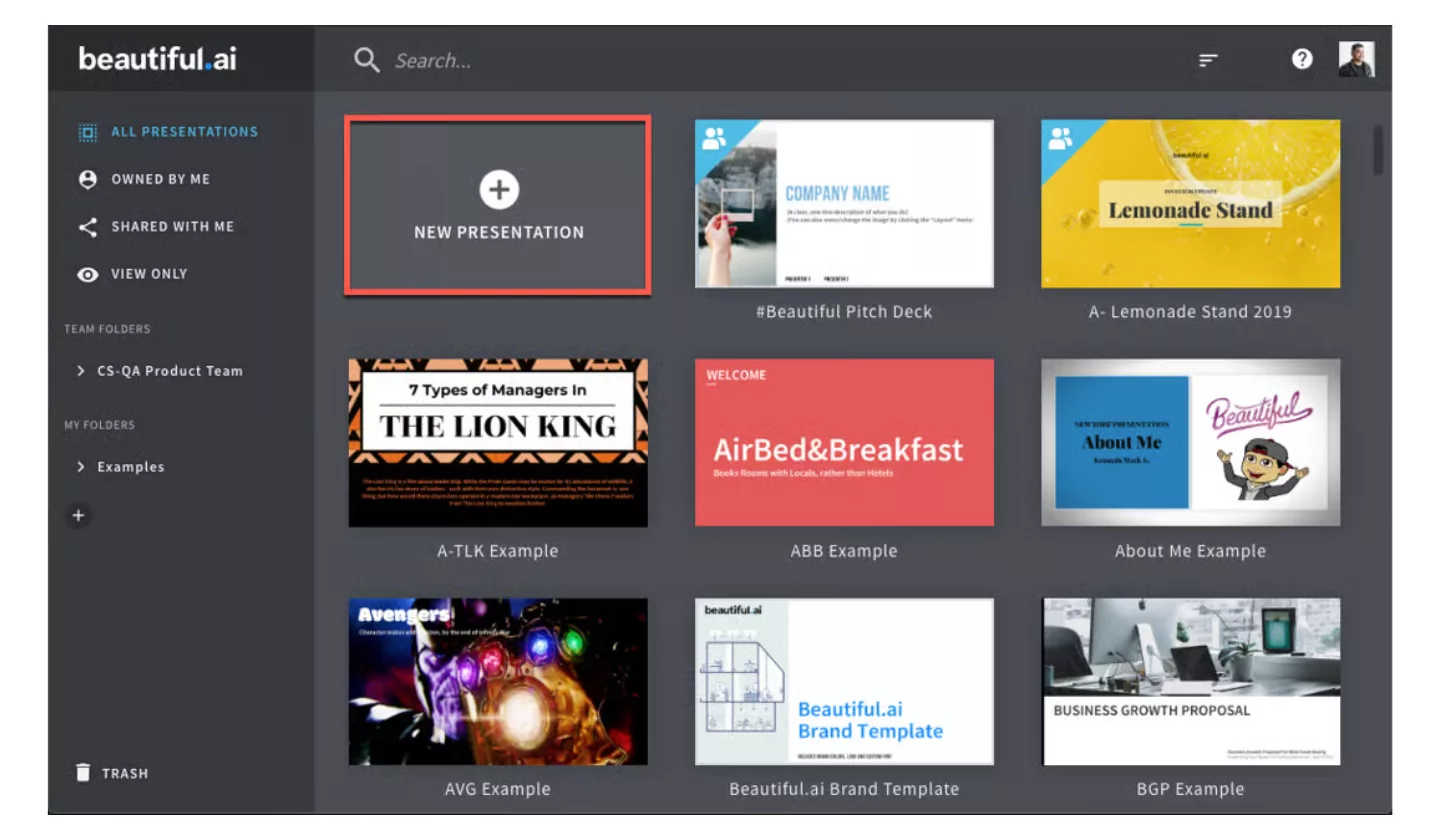
When it comes to sleek and professional designs, Beautiful.ai has been a standout among AI Presentation Makers for a while, and in 2025 it’s only getting better. The tool’s main focus is design automation — it ensures your slides always look clean, balanced, and visually impressive without you needing to fuss over details.
The beauty of Beautiful.ai is how it simplifies layout decisions. You just drop in your text, data, or images, and the AI automatically arranges everything in a way that looks polished. No more worrying about misaligned charts or cluttered slides. For professionals who care about aesthetics but don’t have design expertise, this tool feels like a built-in designer.
Another major plus is the library of smart templates. These aren’t just static designs — they adapt as you add or change content. Combined with collaboration features and analytics to see how audiences interact with your deck, Beautiful.ai is perfect for teams who need both style and function.
Features
- Smart templates that adjust to your content automatically
- AI-powered slide formatting for professional layouts
- Built-in analytics to track audience engagement
- Collaboration tools for teams and clients
- Large library of professional icons and visuals
Best For
Business teams, marketers, and professionals who want sleek, design-first presentations.
Looking for? Top Growing Social Media Platforms In The US
4. MagicSlides: AI Slide Generators
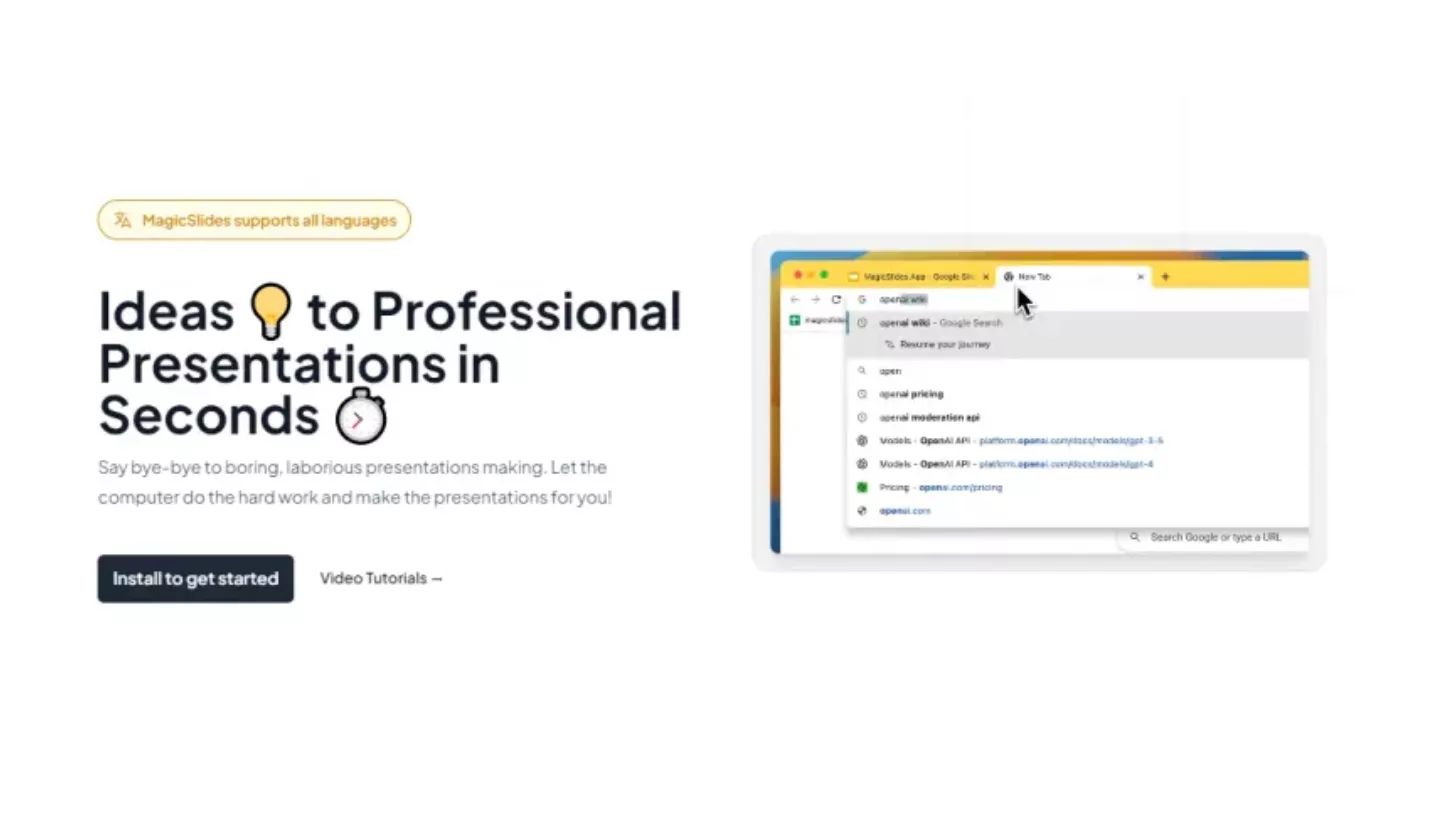
MagicSlides is one of the simplest yet powerful AI Presentation Makers you can use in 2025. It works directly with Google Slides, which makes it perfect for anyone already comfortable in that space. Instead of starting from scratch, you just give MagicSlides a topic or a short outline, and the AI instantly creates a complete presentation within Google Slides itself.
The best part? Everything stays editable in Google Slides. That means you can easily adjust text, change colors, or add charts without worrying about compatibility. MagicSlides is especially handy for students, teachers, and professionals who need quick slide decks without switching to a new platform.
Another highlight is how light and user-friendly it feels. You don’t need to learn a whole new tool — you just add the extension and start building. For people who want AI speed but also the flexibility of Google Slides, MagicSlides is a perfect balance.
Features
- Works directly inside Google Slides
- AI generates full presentations from a topic prompt
- Quick setup with no learning curve
- 100% editable content within Google Slides
- Great for students, educators, and quick business decks
Best For
Students, teachers, and professionals who want fast AI-generated slides in Google Slides.
5. Canva: Top AI Tools for Presentations
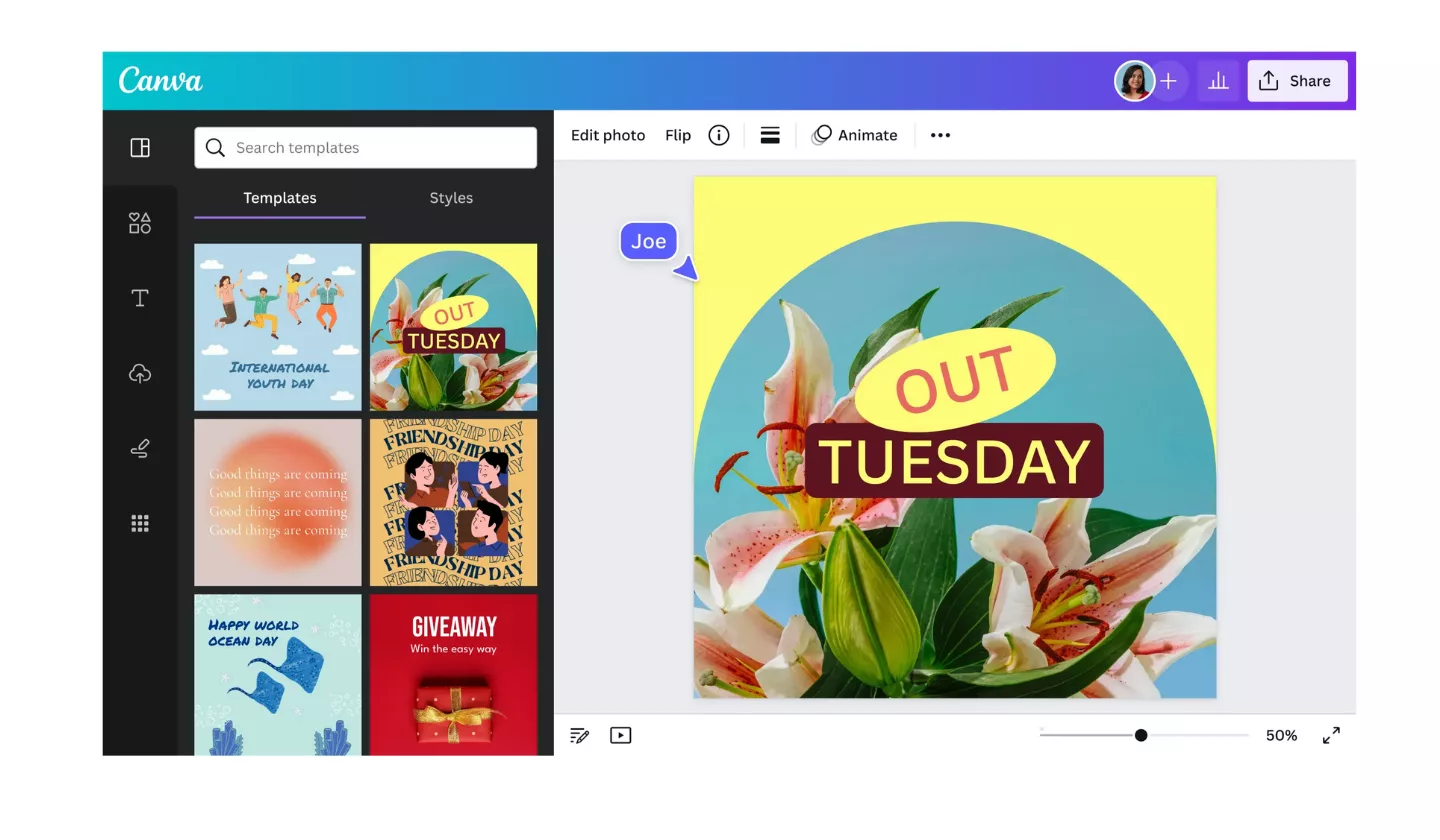
Canva has always been a favorite for design lovers, and in 2025, it has become one of the most popular AI Presentation Makers too. If you’ve used Canva before, you know it’s super easy to drag, drop, and customize. But with AI built in, things get even more exciting. Now you can type in a topic or even a short sentence, and Canva’s AI will generate slides for you instantly.
What makes Canva stand out is its massive library of templates, fonts, and graphics. Whether you need a business pitch deck, a classroom project, or a social media presentation, Canva has something ready to go. The AI just makes the process faster by pulling in the right layouts and designs.
On top of that, Canva supports real-time collaboration, so multiple people can work on the same presentation at once. It also integrates smoothly with other formats like PDF, video, and even websites. Canva is ideal if you want professional designs but still love having creative control.
Features
- AI-powered presentation generator from simple prompts
- Huge library of templates, icons, and graphics
- Easy drag-and-drop customization
- Real-time collaboration with teams
- Export options for slides, videos, and more
Best For
Anyone who wants both creativity and AI speed — from businesses to students.
Looking for? Best Translation Apps Available on Android
6. Slidesgo: AI-Powered Presentation Maker

If you’re someone who loves ready-to-use templates, Slidesgo is a gem among AI Presentation Makers in 2025. Known for its huge library of creative designs, Slidesgo combines traditional templates with AI-powered assistance to help you get a polished presentation in minutes. Instead of worrying about design, you can focus on your content while the AI takes care of structure and styling.
Slidesgo is especially popular with educators, students, and small businesses because of its colorful, eye-catching designs. The tool makes it easy to choose a theme, generate slides with AI, and then tweak details as needed. Since Slidesgo works with both Google Slides and PowerPoint, you don’t have to worry about file compatibility.
What’s great is that Slidesgo offers a lot of free options, which is perfect if you’re on a budget. At the same time, its premium plan opens up even more professional templates and customization features. If you want your slides to look creative without spending hours designing, Slidesgo is a strong choice.
Features
- AI-assisted presentation generation
- Thousands of creative templates for all topics
- Works with both Google Slides and PowerPoint
- Free and premium options available
- Customizable colors, fonts, and layouts
Best For
Students, teachers, and small businesses looking for creative and budget-friendly presentations.
7. Plus AI: Online AI Presentation Generator
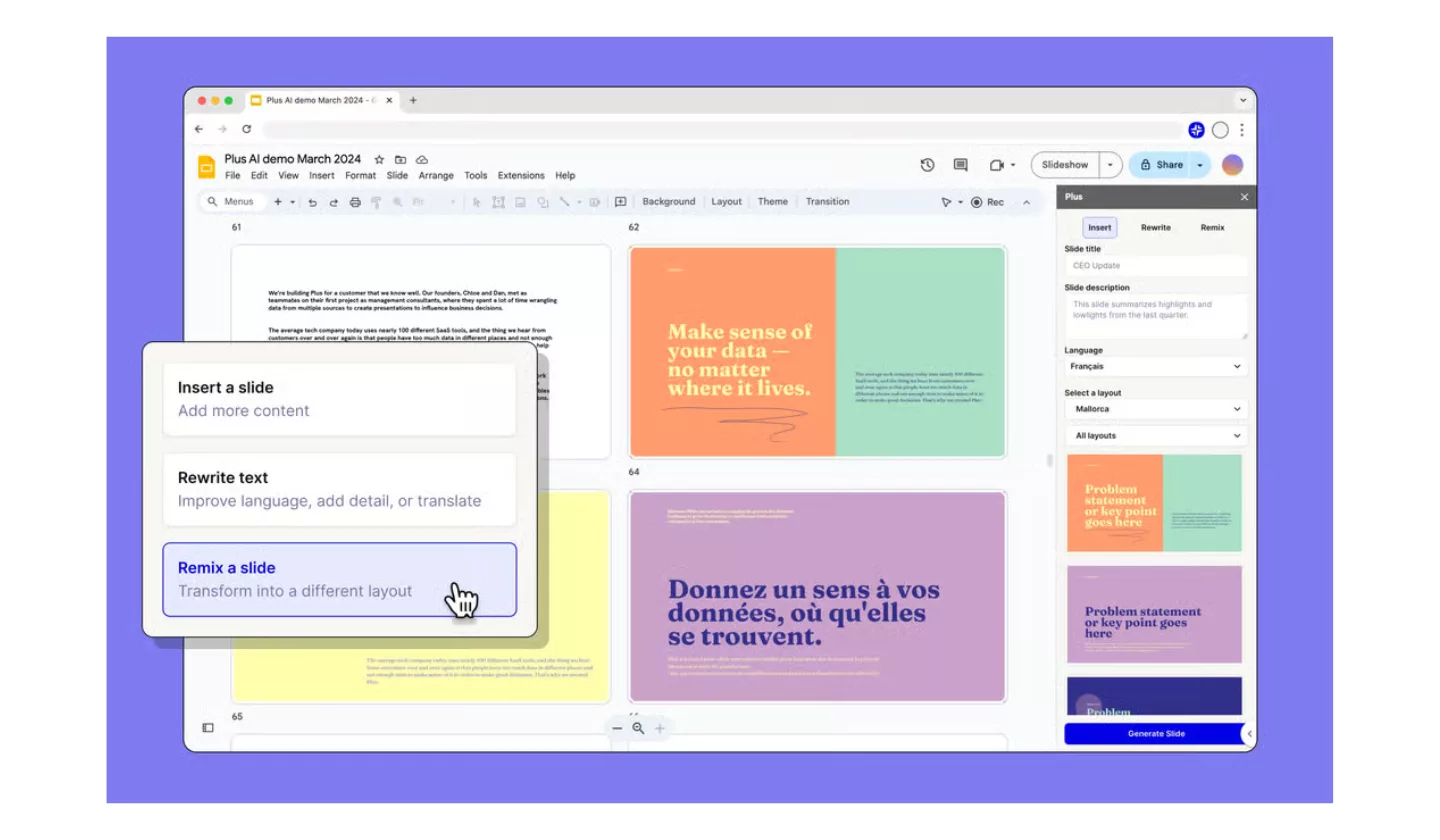
Plus AI is a rising star in the world of AI Presentation Makers, and in 2025 it’s gaining attention for its flexibility and powerful integration. Unlike tools that lock you into one platform, Plus AI works directly with Google Slides and PowerPoint, making it a natural fit for professionals who rely on those programs daily.
The tool is designed to help you generate, edit, and improve slides with just a few clicks. You can start from a blank deck, or let the AI build a full presentation from a short prompt or outline. Plus AI also offers rewriting and expansion features, so if you have rough content, the AI will polish it and make it presentation-ready.
What makes Plus AI special is how seamlessly it blends into your workflow. You don’t have to learn a whole new tool — you just add it to the software you already use. This makes it perfect for teams that want the benefits of AI without changing their habits.
Features
- Works directly inside Google Slides and PowerPoint
- AI slide generation from prompts or outlines
- Rewriting and content expansion features
- Easy-to-use interface with minimal learning curve
- Great for teams and professionals in familiar workflows
Best For
Professionals and teams who want AI-powered help without leaving Google Slides or PowerPoint.
For you! Free OBS Alternatives for Screen Recording in 2025
8. Simplified AI: Best AI Presentation maker for Business
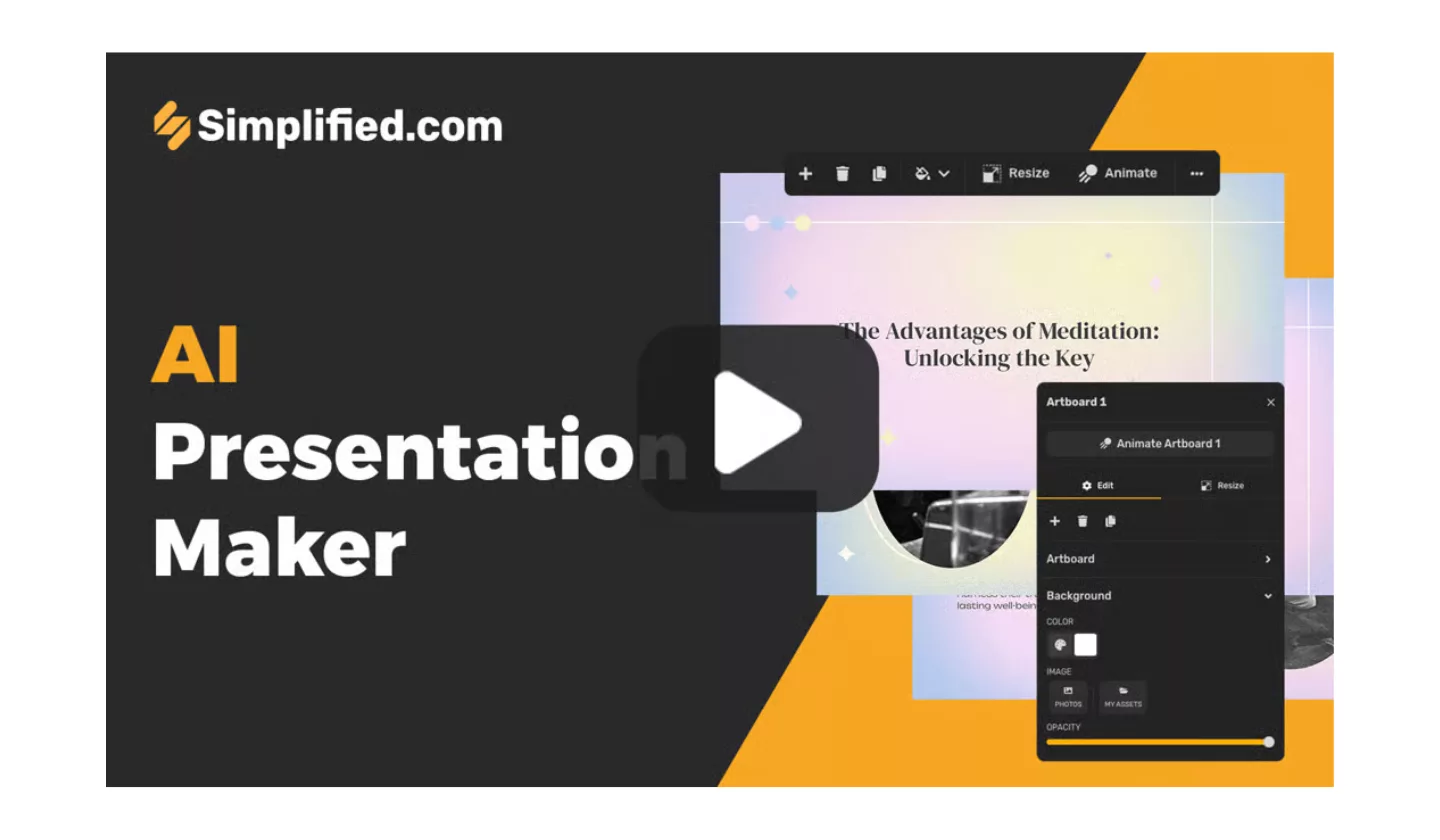
Simplified AI is more than just a presentation builder — it’s an all-in-one design and content creation platform. In 2025, it’s one of the most versatile AI Presentation Makers because it doesn’t just help with slides; it also assists with graphics, videos, social media posts, and even copywriting. If you want one tool to cover multiple creative needs, Simplified AI is a strong choice.
For presentations, the AI generator makes it easy to go from idea to polished deck in minutes. You simply type in your topic, and the AI instantly creates slides with layouts, visuals, and text suggestions. What’s impressive is that you can then enhance your presentation with graphics, videos, or animations — all without leaving the platform.
Simplified AI is cloud-based, so you can access your work anytime and collaborate with teammates in real time. It’s particularly helpful for marketers, startups, and creators who need to produce professional presentations alongside other digital content. If you’re looking for flexibility and speed, Simplified AI has you covered.
Features
- AI-powered presentation generator with smart layouts
- Built-in tools for graphics, video, and social media content
- Real-time team collaboration in the cloud
- Drag-and-drop editing for easy customization
- One platform for multiple creative needs
Best For
Marketers, startups, and creators who want AI slides plus extra design tools.
9. Visme: Free AI Tools to Create Presentations
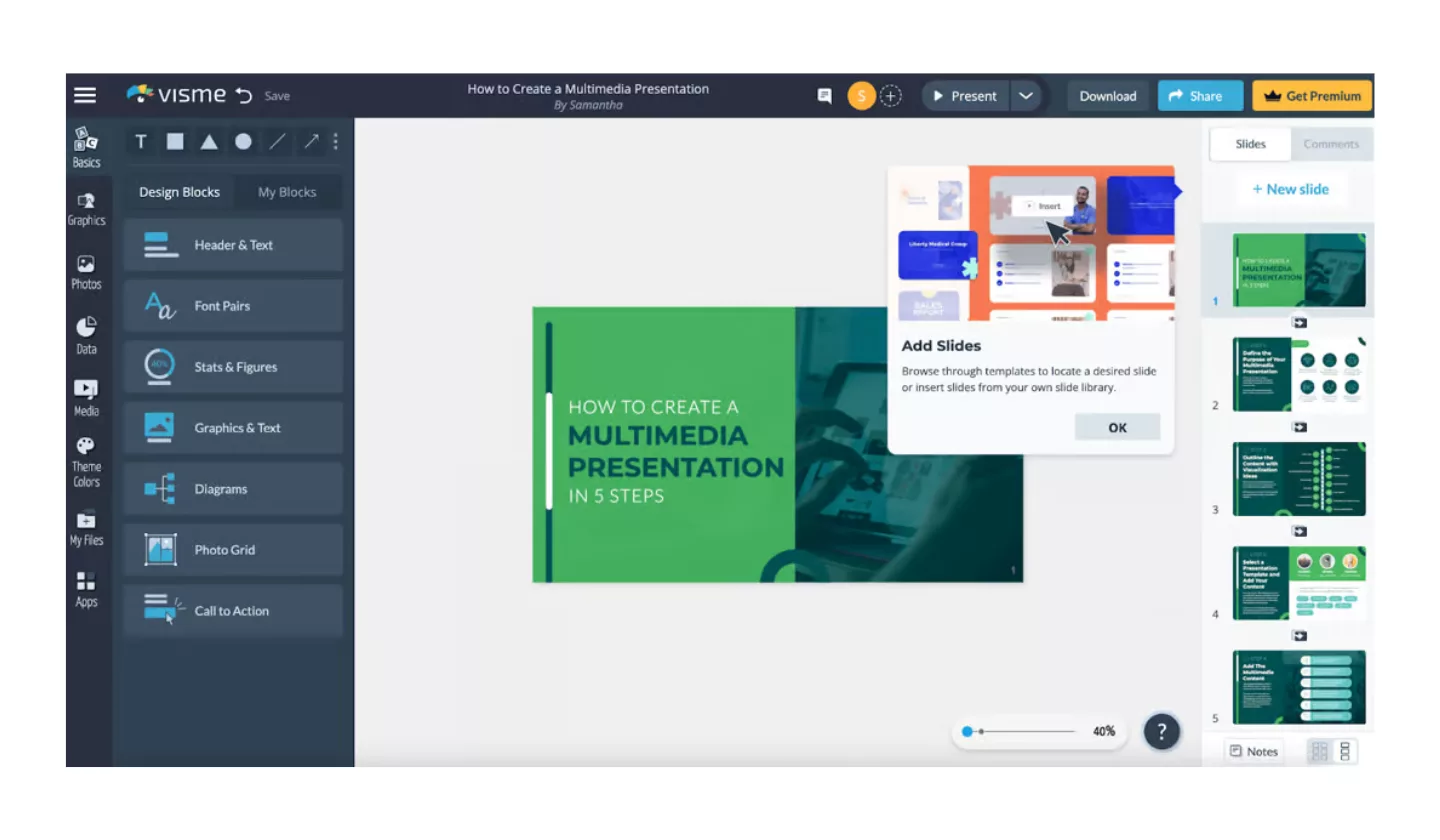
Visme has been a trusted name in visual communication for years, and in 2025 it stands out as one of the most powerful AI Presentation Makers. What makes Visme unique is its ability to combine data visualization with presentation design. If your slides often include charts, infographics, or reports, Visme gives you everything you need to make them look professional and engaging.
With its AI features, you can now generate presentations quickly by entering a prompt or uploading your content. The tool then suggests layouts, visuals, and even interactive elements. Beyond presentations, Visme also supports infographics, documents, videos, and social graphics — making it a true all-in-one design solution.
Another advantage is the collaboration and analytics options. Teams can co-edit presentations, and you can track how audiences engage with your decks. This is especially valuable for businesses that want to measure impact. If you want slides that combine creativity, data, and interactivity, Visme is a top choice.
Features
- AI-powered presentation generator with smart layouts
- Advanced tools for charts, infographics, and data visuals
- Supports interactive elements like links, videos, and animations
- Collaboration and analytics features for teams
- All-in-one platform for multiple content types
Best For
Businesses, educators, and professionals who need data-driven, engaging, and interactive presentations.
Read once! Trending App Ideas with Features, Benefits, and Development Costs
10. Decktopus: Best AI Slide Generator for Students
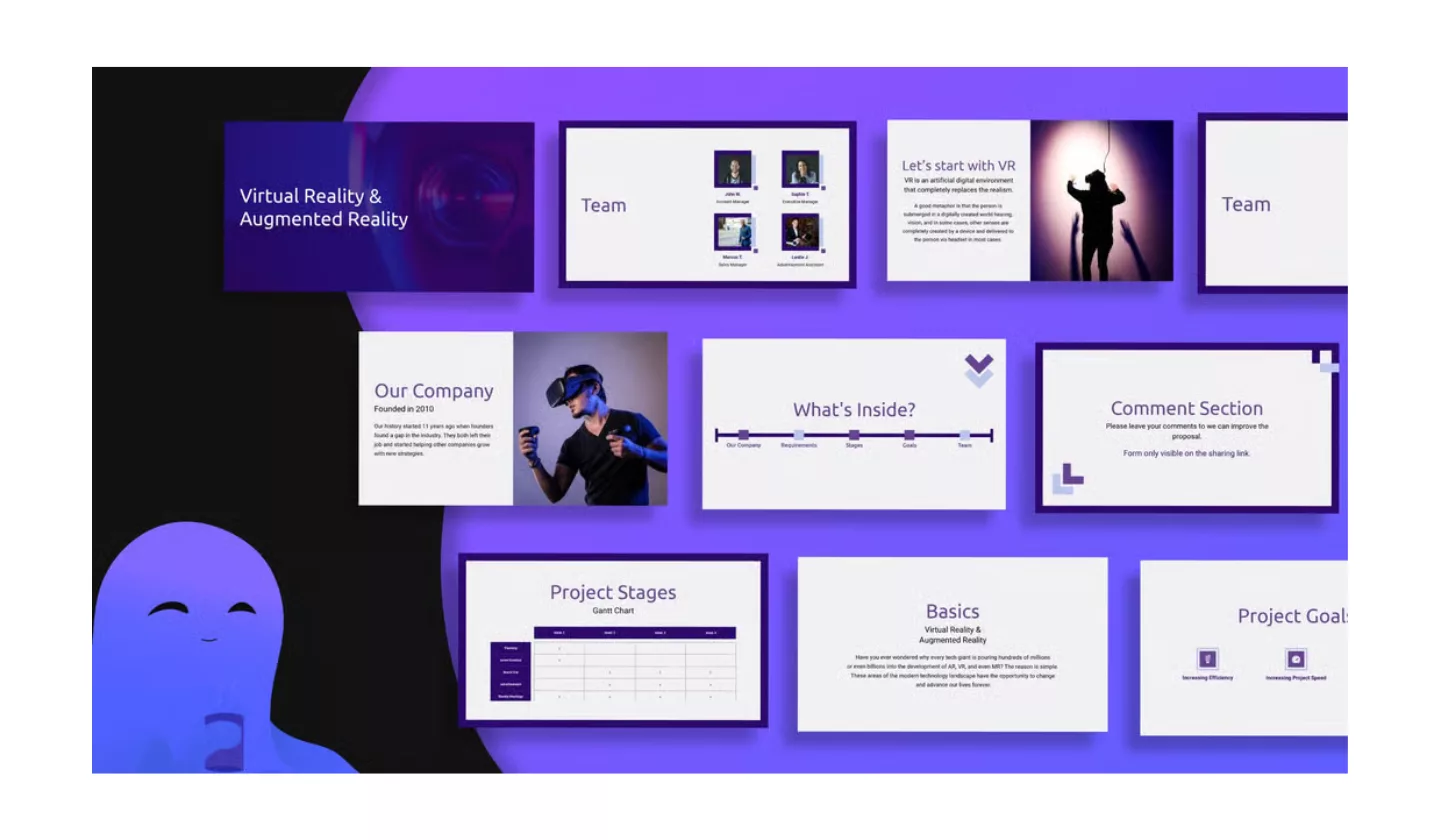
Decktopus is one of the smartest AI Presentation Makers in 2025 because it goes beyond design and helps you with content too. Unlike some tools that focus only on layouts, Decktopus actually suggests text, talking points, and even structure for your slides. It feels like having a co-presenter who helps you organize your ideas and polish your delivery.
The tool is designed for speed and simplicity. You can start with just a topic, and within seconds, Decktopus creates a ready-to-use presentation. From there, you can adjust colors, fonts, and images to match your personal or brand style. It also comes with built-in features like voice recording, feedback collection forms, and presenter notes — making it more than just a slide generator.
Decktopus is perfect for professionals who often need to pitch ideas, create reports, or run workshops. It doesn’t just save time; it also boosts confidence by giving you well-structured slides that are easy to present.
Features
- AI-powered slide generation with content suggestions
- Built-in presenter notes and voice recording
- Feedback forms integrated into presentations
- Easy customization with templates and themes
- Cloud-based with sharing and collaboration features
Best For
Professionals, coaches, and teams who need polished, ready-to-present decks quickly.
We have listed! Most Trending Apps In USA
Sum up
By now, you’ve seen how AI Presentation Makers are transforming the way we create slides in 2025. They save time, improve design, and make presentations more engaging without requiring advanced design skills.
These tools make life easier for students, professionals, and businesses alike. Whether you need a quick deck for class, a polished pitch for clients, or a team presentation that looks consistent and professional, there’s an AI solution to match your needs.
Pick one of these tools and give it a try. Start with a free version, test the AI features, and see how it changes your workflow. Once you experience the time savings and professional results, you’ll never want to build slides the old way again.
If you found this helpful, you might also enjoy exploring AI Tools for Content Creation, where we dive into platforms that help with writing, design, and video production.
FAQs
Do AI Presentation Makers work offline?
Most AI Presentation Makers are cloud-based, which means you need an internet connection to generate and edit slides. This is because the AI relies on online servers to process your requests. However, once you’ve created your presentation, many tools allow you to download it in formats like PowerPoint or PDF. That way, you can still present offline even if the tool itself doesn’t work without internet access.
Are AI-generated presentations customizable?
Yes, absolutely. AI tools create the initial presentation for you, but you can always edit it to fit your style. You can change fonts, colors, layouts, and images just like in traditional presentation software. Some tools even suggest design tweaks as you edit. So while AI gives you a quick starting point, you still have full control to personalize your deck.
Is my data safe when using AI Presentation Makers?
Most popular AI Presentation Makers prioritize user privacy and security. Your data is usually stored in the cloud with encryption. However, it’s always smart to check the privacy policy of the tool you’re using, especially if you’re working with sensitive or business information. Some platforms even offer enterprise-level security features for companies that need extra protection.
Can AI Presentation Makers help with storytelling?
Some AI tools go beyond design and actually help you structure your message. For example, Decktopus and Gamma suggest talking points, outlines, or even full scripts for your slides. While AI can’t capture your exact voice, it’s great at organizing ideas and guiding you through a logical flow. This makes it easier to create presentations that not only look good but also tell a clear story.
Do professionals really use AI Presentation Makers?
Many professionals across industries are adopting AI Presentation Makers because they save time and improve quality. Marketers use them for pitches, educators use them for lessons, and business teams use them for client meetings. With features like collaboration, analytics, and branding, these tools are designed for real-world professional use. In fact, they’re becoming a standard part of modern workplaces.
Related Blogs
10 Tricks to Increase Your Engagement on Social Media
10 Sprout Social Alternatives That Can Make Your Social Media Management Easy