


Whether you’re traveling, working with international clients, or just trying to learn a new language, having the right translation app on your Android phone can make a big difference. In 2026, translation apps have evolved beyond simple word swaps. With powerful AI engines, real-time conversation tools, and offline features, today’s best Android translation apps can handle everything from business documents to street signs with ease.
This article breaks down the 7 best translation apps available on Android in 2026 based on accuracy, features, user experience, and overall reliability.
What to Look for in a Good Translation App (2026 Edition)
Before choosing the best app for your needs, consider a few key features that can significantly affect the quality of your translation experience. Not all translation apps are created equal, and the right one for you depends on your specific use case, whether it’s for business, travel, learning, or daily communication.
Here are the features to keep in mind:
- Translation Accuracy
- Offline Functionality
- Conversation Mode
- OCR (Optical Character Recognition)
- Language Coverage
- User-Friendly Interface
- Ad-Free Experience
- App Ratings and Community Trust
7 Best Translation Apps on Android in 2026
The Android app market in 2026 offers a wide range of translation tools that cater to different use cases, whether it’s quick phrase lookups, full document translation, or real-time conversations. Each app listed below has been selected based on its overall performance, reliability, and usefulness in real-world scenarios. These are the top translation apps Android users are relying on this year for multilingual communication on the go.
1. MachineTranslation.com

Best for: Document translation and comparing AI-generated results
MachineTranslation.com offers side-by-side comparisons of output from multiple AI translation engines, including Google, DeepL, and ChatGPT. It supports over 240 languages and is particularly useful for reviewing full documents while keeping their original formatting intact.
Key Features:
- Supports document translation with layout preservation
- Compares multiple AI outputs
- No ads, no sign-up required
- Free 100,000 credits
Summary: This app suits users who want more visibility into how different engines interpret text and who value translation accuracy for formal content.
Download MachineTranslation.com in Play Store
2. Google Translate
Best for: Everyday use, travelers, and wide language support
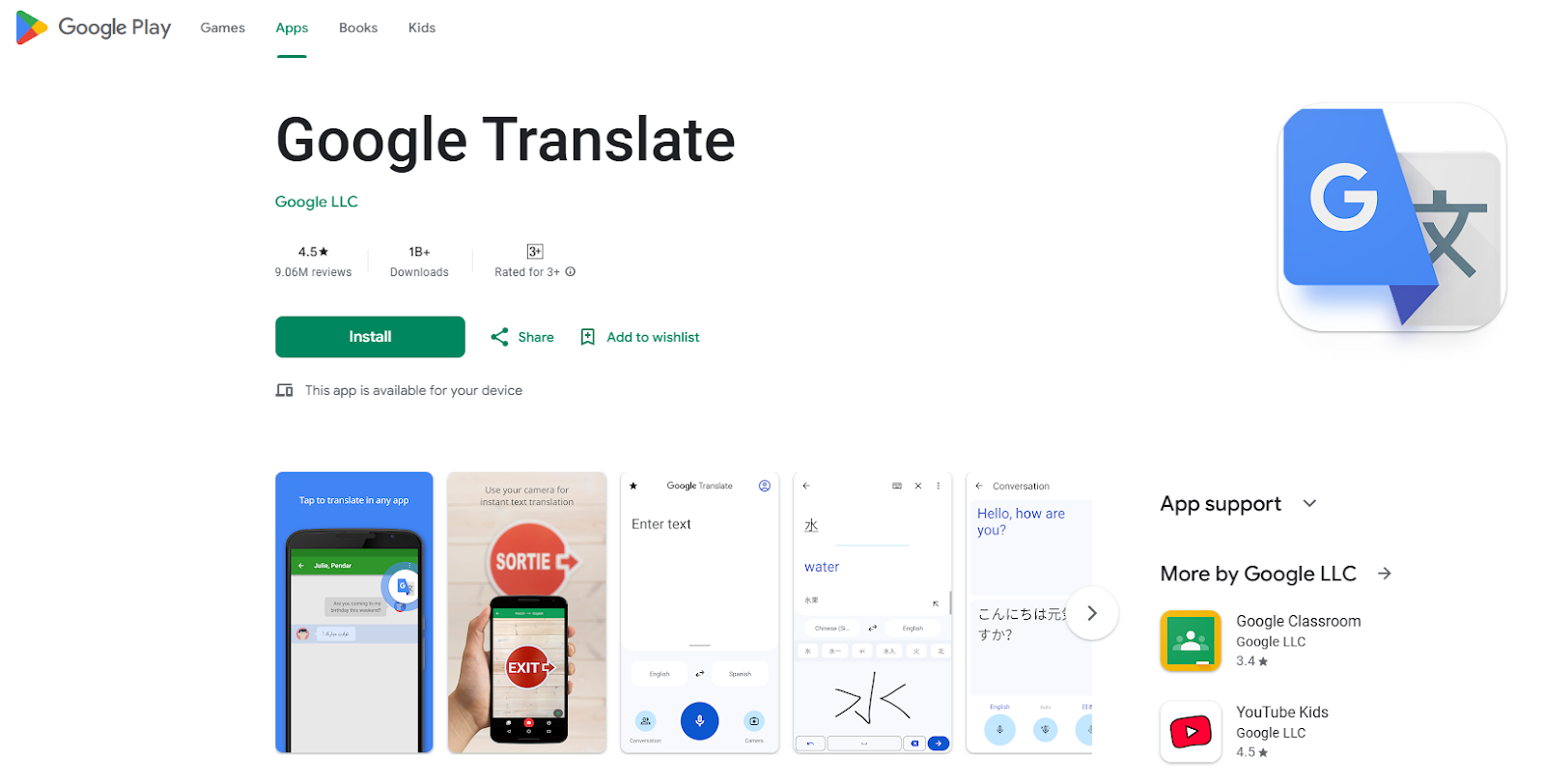
Google Translate remains one of the most widely used apps on Android thanks to its simplicity and extensive language database. With support for over 130 languages and intuitive features like offline access and instant camera translation, it remains a practical tool for users around the world. Its continued updates and integration with other Google services also contribute to its ongoing popularity among Android users.
Key Features:
- Translates over 130 languages
- Works offline for select languages
- Real-time voice conversation mode
- Camera input for signs and documents
Why It Stands Out: It’s a go-to tool for quick translations, particularly useful for travelers and students. Offline functionality and camera input make it a convenient choice when exploring new environments.
Download Google Translate in Play Store
3. DeepL Translator

Best for: High-quality translations for European languages
DeepL has built a strong reputation for translation quality, particularly in business and professional settings. It is often preferred by users who need clear, context-aware translations for formal writing. While it supports fewer languages than some competitors, its focus on quality makes it a solid option for European language translation.
Key Features:
- Exceptional accuracy in nuanced texts
- Clean, no-frills interface
- Ideal for translating formal documents
- Focused on core European languages
Why It Stands Out: Although it supports fewer languages than some competitors, DeepL is often praised for capturing context and tone better than others. It’s especially useful for legal, academic, and professional use cases.
Download DeepL Translate in Play Store
4. Microsoft Translator

Best for: Teams, enterprise use, and real-time multilingual conversations
Microsoft Translator is part of Microsoft’s productivity suite and integrates smoothly with Office apps. It offers real-time translations across multiple devices and supports both voice and text input. Its collaboration features make it useful for teams working in multilingual environments or participating in global meetings.
Key Features:
- Translates text, voice, and images
- Real-time multi-device conversation mode
- Integration with Outlook, Word, and Teams
- Phrasebooks for business travel
Why It Stands Out: It’s perfect for multilingual meetings or group conversations in professional environments. With built-in integration across Microsoft services, it’s a smart choice for remote teams.
Download Microsoft Translator in Play Store
5. iTranslate

Best for: Tourists and casual learners
iTranslate combines a sleek user interface with tools tailored for travel and everyday communication. It offers practical features for quick phrase translation and voice input, making it a good option for users navigating unfamiliar environments. Its offline capabilities and simple layout also appeal to those looking for a lightweight, straightforward app.
Key Features:
- Offline mode for over 40 languages
- Voice-to-voice conversation translator
- Phrasebooks and dictionary support
- Premium tier available for additional features
Why It Stands Out: iTranslate makes it easy to get quick answers, whether you’re ordering food, asking for directions, or learning basic phrases abroad.
Download iTranslate in Play Store
6. Papago

Best for: Asian languages and casual translation
Papago, developed by South Korea’s Naver, specializes in East Asian language pairs. It is known for its strong performance in translating Korean, Japanese, and Chinese, and is widely used by both locals and travelers in those regions. The app offers practical tools for interpreting everyday language with solid accuracy and ease of use.
Key Features:
- Strong Korean, Japanese, and Chinese support
- Voice, image, and handwriting input
- Conversation translation
- Built-in phrase guides
Why It Stands Out: Papago is particularly useful for travelers or users interacting in Asian language contexts. Its voice and handwriting support makes it a practical tool when keyboard input isn’t an option.
Download Naver Papago in Play Store
7. SayHi

Best for: Real-time voice translation
SayHi is designed for seamless spoken translations during casual conversations. It offers a simple and intuitive way to translate speech in real time, making it especially useful in informal or spontaneous interactions. While it lacks some of the document or offline features found in other apps, its strong focus on voice communication makes it a reliable choice for on-the-go conversations.
Key Features:
- Fast speech-to-speech translation
- Male and female voice options
- Customizable speech speed
- No need to type—just talk and translate
Why It Stands Out: It’s great for informal situations like chatting with new friends, asking locals for help, or navigating unfamiliar neighborhoods.
How to Choose the Right Translation App for You
With so many excellent options available, choosing the right translation app ultimately comes down to how and where you plan to use it. Different features will benefit different types of users. Here’s a breakdown to help you decide:
If You Travel Often
Frequent travelers need translation apps that are dependable even when internet access is limited. Look for apps that offer:
- Offline translation for key languages
- Camera translation for signs, menus, and labels
- Built-in phrasebooks for common travel questions and emergencies
Top picks: Google Translate, iTranslate, Papago
If You Work Internationally
For professionals dealing with multilingual contracts, emails, or reports, accuracy and formatting matter. Prioritize apps that can:
- Translate entire documents while maintaining original formatting
- Support industry-specific terminology
- Offer comparison features to verify translation accuracy
Top picks: MachineTranslation.com, DeepL
If You’re Conversing in Real Time
Whether you’re chatting with a taxi driver abroad or meeting clients across language barriers, live translation matters. Look for:
- Speech-to-speech translation with minimal lag
- Conversation mode to follow dialogue naturally
- Support for multiple speakers or devices
Top picks: Microsoft Translator, SayHi
If You’re Privacy-Conscious
If your work involves sensitive information or you’re concerned about where your data goes, choose apps that:
- Do not store or track your translations
- Avoid advertising and third-party tracking
- Offer clear data protection and usage policies
Top pick: MachineTranslation.com
If You’re Learning a Language
Language learners benefit from tools that reinforce vocabulary and context. Features to look for include:
- In-app dictionaries and grammar suggestions
- Multiple translation options for comparison
- Voice input to help with pronunciation practice
Top picks: iTranslate, Google Translate
No single translation app works best for everyone. Consider your daily needs and the situations where translation matters most. The best apps are those that support your goals—whether that’s travel, education, work, or privacy.
Conclusion
In 2026, Android users will benefit from an impressive selection of translation apps tailored to a wide range of needs and use cases. From casual conversations and travel assistance to formal document translation and professional communication, there’s a tool available that fits each purpose.
The apps highlighted in this guide have been chosen for their reliability, language support, ease of use, and practical features. Whether you’re looking for speed, privacy, voice translation, or formatting retention, each app offers a different advantage worth exploring. Choosing the right one depends on your personal preferences and daily tasks, but having any of these tools at your fingertips ensures you’re better equipped to navigate a multilingual world with confidence.