
I’m a digital marketing expert and passionate tech writer exploring the cutting edge of AI, digital transformation, and innovative tech solutions. I’m always on the lookout for new breakthroughs that drive efficiency, creativity, and growth in today’s fast-paced digital landscape.
Now is the time to start exploring and implementing AI tools for students. The future is already here — are you ready to take the leap?
Must-Have AI Apps for Students (FREE)
| No. | AI Tool | Category / Use Case | Free / Paid |
|---|---|---|---|
| 1 | ChatGPT | Writing, Research, Learning | Free (GPT-3.5) / Paid (GPT-4) |
| 2 | Quillbot | Rewriting, Editing | Free basic / Paid unlimited |
| 3 | Grammarly | Writing Assistant | Free basic / Premium advanced |
| 4 | Google Gemini | Productivity, Research | Free basic / Paid (Gemini Advanced) |
| 5 | ChatPDF | Research & Reading | Free small files / Paid large files |
| 6 | Natural Readers | Audio Learning | Free basic / Paid realistic voices |
| 7 | Mubert | Focus & Creativity | Free limited / Paid Pro unlimited |
| 8 | Doctrina AI | Tutoring & Homework Help | Free daily / Paid unlimited |
| 9 | Tutor AI | Personalized Learning | Free limited / Paid full access |
| 10 | AskCodi | Coding & Tech | Free basic / Paid Pro |
| 11 | Hocoos | Portfolio & Website Building | Free basic / Paid with domain |
| 12 | Kickresume | Resume & Career | Free basic / Paid templates |
| 13 | Replika | Mental Wellness | Free text / Paid voice & video |
| 14 | ElevenLabs | Voice & Presentation | Free basic / Paid commercial |
| 15 | BypassGPT | Editing & Humanizing AI Text | Free limited / Paid unlimited |
What Is Artificial Intelligence (AI)?
Artificial Intelligence, or AI, refers to machines or software that can think, learn, and act like humans — but faster and smarter. For students, AI isn’t just about robots or complex algorithms. It’s about making your life easier, from writing essays and summarizing PDFs to generating music, designing resumes, or even preparing for exams.
AI can:
- Help you organize your notes.
- Rewrite and polish essays.
- Create presentations in minutes.
- Answer complex questions.
- Tutor you on tough topics.
Simply put, AI gives you more time to think and less time to stress.
We have listed! Most Popular AI Apps For Daily Use
15 Best Student AI Apps to Write Faster, Study Better, Learn More
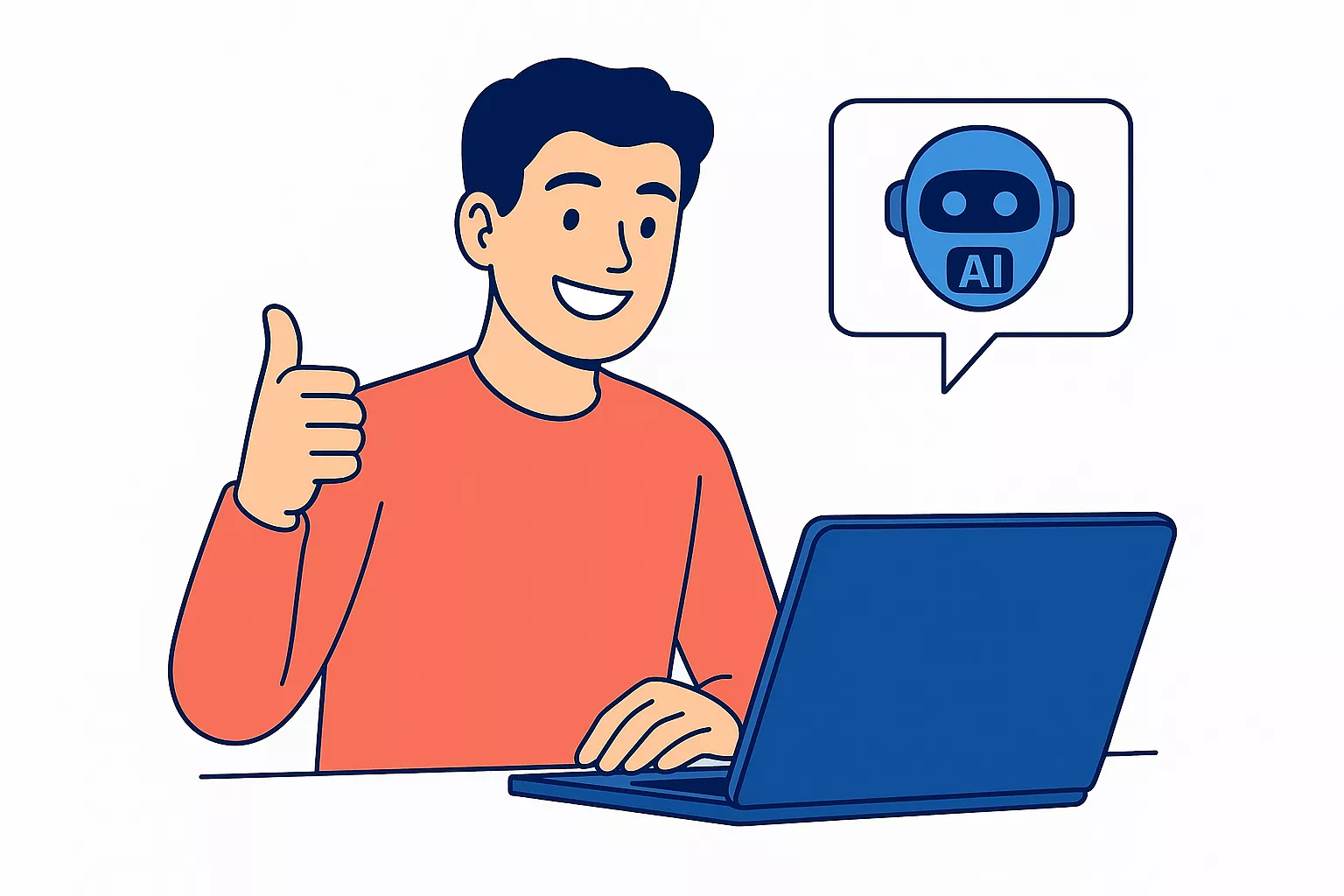
Let’s dive into the tools that will actually make a difference in your student life.
1) ChatGPT (by OpenAI): — Your All-Round Study Companion
If I could recommend just one tool to every student in 2025, it would be ChatGPT. Developed by OpenAI, ChatGPT is like your friendly virtual tutor — always available to brainstorm ideas, summarize content, or explain complex topics in plain language.
You can ask it anything — from “Explain quantum mechanics simply” to “Write an essay outline about climate change.” ChatGPT can generate summaries, sample essays, flashcards, coding solutions, and even quiz questions.
Why it’s great for students:
ChatGPT saves time. Instead of spending hours reading 10 web pages, you can ask ChatGPT to summarize everything for you. You can even use it to practice interviews, create scripts, or prepare for presentations.
Best Tip:
Always guide it with specific instructions. For example:
“Act as a college tutor. Explain this topic in 3 simple paragraphs, then give me 3 real-life examples.”
Free vs. Paid:
The free plan (GPT-3.5) is powerful, but the GPT-4 plan offers better reasoning, creativity, and image-based input — worth it if you’re doing research-heavy work.
Example use:
Before: You’re stuck on your history essay.
After: You ask ChatGPT for a 3-paragraph summary and debate-style arguments and your essay starts flowing effortlessly.
Also Check? What Are The Best AI Apps For IPhone
2) Quillbot — The Rewriting Genius
We all know how painful editing can be. That’s where Quillbot comes in — your AI-powered paraphrasing assistant.
Quillbot helps you rewrite sentences to make them clearer, simpler, and plagiarism-free. Whether it’s improving grammar, rephrasing a paragraph, or summarizing research papers, Quillbot makes your writing sound natural and professional.
Why it’s great for students:
If you’re rewriting research notes or improving a rough essay draft, Quillbot transforms your content instantly. It also integrates with Chrome, Google Docs, and Word — so you can paraphrase as you write.
Best Tip:
Use its “Modes” smartly — Formal for academic work, Creative for essays, and Concise for summaries.
Free vs. Paid:
Free users get 125 words per paraphrase; Premium unlocks unlimited words, advanced grammar correction, and tone adjustments.
Example use:
Before: “Artificial intelligence is changing industries at a fast rate.”
After Quillbot: “AI is rapidly transforming global industries.”
A cleaner, smoother rewrite is ready for your assignment.
Read once! What are the Best Free AI Humanizer Tools?
3) Grammarly — Your Personal Writing Coach
If you’ve ever wished for a teacher who could check your writing 24/7 — meet Grammarly. It’s an AI-powered writing tool that goes beyond grammar correction. It fixes spelling, tone, structure, and flow — ensuring your work is both accurate and engaging.
Why it’s great for students:
Grammarly improves your writing confidence. You’ll catch errors you didn’t even know existed and learn better sentence construction over time. It’s like having a grammar coach in your browser.
Features you’ll love:
- Grammar, punctuation, and clarity suggestions.
- Tone detection (“Does this sound confident or rude?”).
- Style guide for academic writing.
- Real-time corrections in Google Docs, Outlook, and social media.
Free vs. Paid:
The free version is perfect for students. Grammarly Premium adds advanced tone adjustments, plagiarism detection, and vocabulary improvement.
Example use:
Before: “I have finish my assignment yesterday.”
After Grammarly: “I finished my assignment yesterday.”
Small fix, huge impact. Over time, these micro-improvements elevate your writing permanently.
Try once! AI Presentation Makers For Everyone
4) Google Gemini — AI Meets Everyday Tools

Google Gemini (previously Bard) is Google’s answer to ChatGPT — deeply integrated into the Google ecosystem. That means it works inside Gmail, Docs, and Sheets, helping you write, summarize, and analyze data effortlessly.
Why it’s great for students:
Most students already use Google Workspace — Gemini simply makes it smarter. You can ask it to summarize your notes, generate slides, or help you draft emails to professors.
Top Features:
- Instant text summarization in Docs.
- Smart suggestions in Slides (visuals + captions).
- Email drafting in Gmail.
- Data pattern recognition in Sheets.
Best Tip:
Use Gemini to create study summaries from long research papers. Ask:
“Summarize this document in bullet points and create a 5-slide presentation.”
Free vs. Paid:
Basic Gemini is free in Google Workspace. The Gemini Advanced plan under Google One AI Premium (powered by Gemini 1.5 Pro) unlocks deeper reasoning and file analysis.
Example use:
Imagine uploading your entire semester notes — Gemini summarizes key takeaways and even turns them into slides for your final presentation. Magic, right?
5) ChatPDF — Turn Textbooks into Conversations
Tired of scrolling through 100-page PDFs? ChatPDF is your rescue. This tool lets you upload any PDF — textbooks, journal articles, or research papers — and chat with it.
You can ask, “What are the main arguments in section 3?” or “Summarize this PDF in 5 bullet points.” ChatPDF gives answers instantly, saving you hours of reading.
Why it’s great for students:
Perfect for quick comprehension and research. You can use it to revise before exams or summarize readings for essays.
Top Features:
- Instant Q&A based on document content.
- Supports large academic PDFs.
- Highlights key points automatically.
- Saves previous chat sessions for future reference.
Best Tip:
Upload your course materials weekly. Before exams, just chat with your PDFs to refresh key concepts.
Free vs. Paid:
Free plan covers small files; Pro allows large files and unlimited questions.
Example use:
Before: You spend three hours reading a research paper.
After: You upload it to ChatPDF, ask five smart questions — and get all the key insights in 10 minutes.
Looking for? AI Video Generators (Free & Paid)
6) Natural Readers — Turn Text into Audio Instantly
Do you ever wish you could “listen” to your textbooks instead of reading them? That’s exactly what Natural Readers does. It’s an AI-powered text-to-speech tool that converts written content — from notes and essays to research papers — into natural-sounding voice.
Why it’s great for students:
We all learn differently. Some of us remember better by hearing than reading. Natural Readers helps auditory learners absorb information while multitasking — during workouts, walks, or commutes.
Features you’ll love:
- Converts text, PDFs, and web pages into audio.
- Offers realistic AI voices in multiple accents.
- Has a browser extension and mobile app for on-the-go learning.
- Allows you to download MP3s for offline listening.
Free vs. Paid:
Free version provides basic voices and limited conversions. Premium unlocks lifelike AI voices, unlimited downloads, and natural pauses that make listening pleasant.
Pro Tip:
Use Natural Readers to “prooflisten” your essays. Hearing your writing out loud helps catch awkward phrasing or errors your eyes might miss.
Example use:
Before: You’re trying to read 30 pages of dense economics text before class.
After: Upload the file to Natural Readers, pop in your earbuds, and listen while traveling. You still cover your material — without feeling overwhelmed.
Natural Readers turns study time into an effortless experience, especially for students with reading fatigue, visual impairments, or busy schedules.
Looking for? Free AI Tools for Creating Social Media Posts
7) Mubert — AI Music for Focus and Flow
Meet Mubert, your AI-powered DJ for study sessions. It generates royalty-free, customizable music using AI algorithms. Whether you need background focus tunes for deep study or ambient tracks for presentations, Mubert creates them instantly.
Why it’s great for students:
Focus music has proven cognitive benefits. Mubert helps block distractions, boost concentration, and improve memory retention — all through AI-generated sounds tuned for productivity.
Features you’ll love:
- Generates unlimited soundtracks by mood or activity (Focus, Relax, Create, etc.).
- Integrates with YouTube, Twitch, and Spotify.
- Offers playlists for specific cognitive states (deep work, meditation, study).
- Royalty-free — so you can even use it in video projects.
Free vs. Paid:
Free version allows limited downloads. Mubert Pro removes limits and provides commercial usage rights.
Pro Tip:
Create a “Study Mix” — 90 minutes of focus music — before exams. Consistency in audio environments helps your brain enter a focused state faster.
Example use:
You’re working on your final report and need silence — but silence feels boring. Mubert creates a balanced ambient background that helps you enter the flow zone and stay there.
Mubert isn’t just music — it’s your brain’s productivity partner.
8) Doctrina AI — Your Personal AI Study Partner
When studying tough subjects like physics or economics, you often wish you had a tutor on call. That’s what Doctrina AI offers — instant academic assistance powered by artificial intelligence.
What it does:
Doctrina AI is built for students. It answers academic questions, explains difficult concepts step-by-step, and even creates quizzes to test your understanding.
Why it’s great for students:
No more Googling vague answers. With Doctrina AI, you get precise, textbook-quality responses tailored to your level of understanding.
Features you’ll love:
- Personalized explanations by grade level or complexity.
- Supports science, math, and humanities topics.
- Can generate practice tests and flashcards.
- Simple interface — just type your question and learn instantly.
Free vs. Paid:
Free plan includes a daily limit; premium plan gives unlimited tutoring.
Example use:
Before: You’re stuck on a physics question and frustrated.
After: You paste it into Doctrina AI — it not only gives the answer but explains the “why” behind every formula.
Pro Tip:
Use Doctrina AI to revise before tests. Ask it to generate quick quizzes and explanations. It’s like a personal teacher — minus the scheduling issues.
9) Tutor AI — Build Your Own Learning Path
Tutor AI is like having a personalized coach who builds a course just for you. Simply type what you want to learn — for example, “Learn digital marketing in 2 weeks” — and it creates a structured lesson plan, complete with modules, examples, and quizzes.
Why it’s great for students:
Tutor AI adapts to your pace and interests. Instead of following generic online courses, you get a learning journey customized for your needs.
Features you’ll love:
- AI-generated mini-courses.
- Lesson summaries and quizzes.
- Personalized curriculum with milestones.
- Easy navigation through a clean interface.
Free vs. Paid:
Free users can create basic learning modules. The premium version adds detailed lesson content, interactive exercises, and progress tracking.
Example use:
You’re preparing for an internship. Type “Learn Excel and Google Sheets for business” — and Tutor AI builds your 7-day crash course instantly.
Pro Tip:
Pair Tutor AI with ChatGPT to deepen topics. Use Tutor AI for structure, and ChatGPT for examples or assignments.
This tool transforms learning into a fun, self-paced experience — perfect for modern students who crave flexibility.
10) AskCodi — Your AI Coding Assistant
If you’re a computer science or engineering student, AskCodi will feel like magic. It’s an AI-powered code assistant that helps you write, understand, and debug code in seconds.
What it does:
AskCodi supports over 10 programming languages, including Python, JavaScript, and C++. It can explain your code, find errors, or even generate full functions from natural language commands.
Why it’s great for students:
It removes the “stuck” moments in coding. Instead of wasting hours debugging, AskCodi shows you what went wrong and how to fix it.
Features you’ll love:
- Code generation and explanation.
- AI debugging and optimization.
- Syntax correction.
- API and GitHub integration.
Free vs. Paid:
Free version offers basic coding help; Pro plan adds real-time debugging, extended language support, and IDE plugins.
Example use:
You type: “Write a Python function that checks if a number is prime.”
AskCodi instantly writes the code and explains each line.
Pro Tip:
Use AskCodi not to copy code — but to learn how the logic works. It’s like pairing with a senior developer during every coding session.
11) Hocoos — Build a Website in Minutes
Need a personal portfolio or mini project website? Hocoos is your best friend. It’s an AI website builder that designs, writes, and launches your site — all in under 10 minutes.
What it does:
You answer a few questions about your purpose (“I’m a student showcasing my design projects”), and Hocoos generates a beautiful, functional website — complete with copy, layout, and SEO tags.
Why it’s great for students:
Building a portfolio is crucial for internships, scholarships, or side hustles. Hocoos helps you stand out — no coding required.
Features you’ll love:
- Prebuilt, responsive templates.
- AI-generated text and design layout.
- Integration with Google Analytics, Calendly, etc.
- Instant publishing on custom domains.
Free vs. Paid:
Free plan includes Hocoos branding; premium removes branding and offers domain connection.
Example use:
You’re applying for an internship — Hocoos builds your personal site with bio, projects, and contact info within minutes.
Pro Tip:
Edit the AI-generated copy to reflect your authentic voice. The structure is there — you just personalize it.
12) Kickresume — Resume Writing Made Smart
Resumes are intimidating, but Kickresume makes them easy. It uses AI to generate job-ready resumes and cover letters based on your skills, education, and target job.
Why it’s great for students:
You can build your first resume in 10 minutes without starting from scratch. The templates are ATS-friendly (meaning employers’ software can read them easily).
Features you’ll love:
- Dozens of resume templates.
- AI-powered content generation.
- Cover letter builder.
- Grammar and style checker built-in.
Free vs. Paid:
Free for basic templates; premium unlocks personalized feedback and design exports.
Example use:
Before: You’re staring at a blank Word document.
After: Kickresume writes your full resume — complete with bullet points for your internships and soft skills.
Pro Tip:
Ask Kickresume to “rewrite in a confident tone” for job applications. Small tweaks make big impressions.
13) Replika — The Emotional Support AI
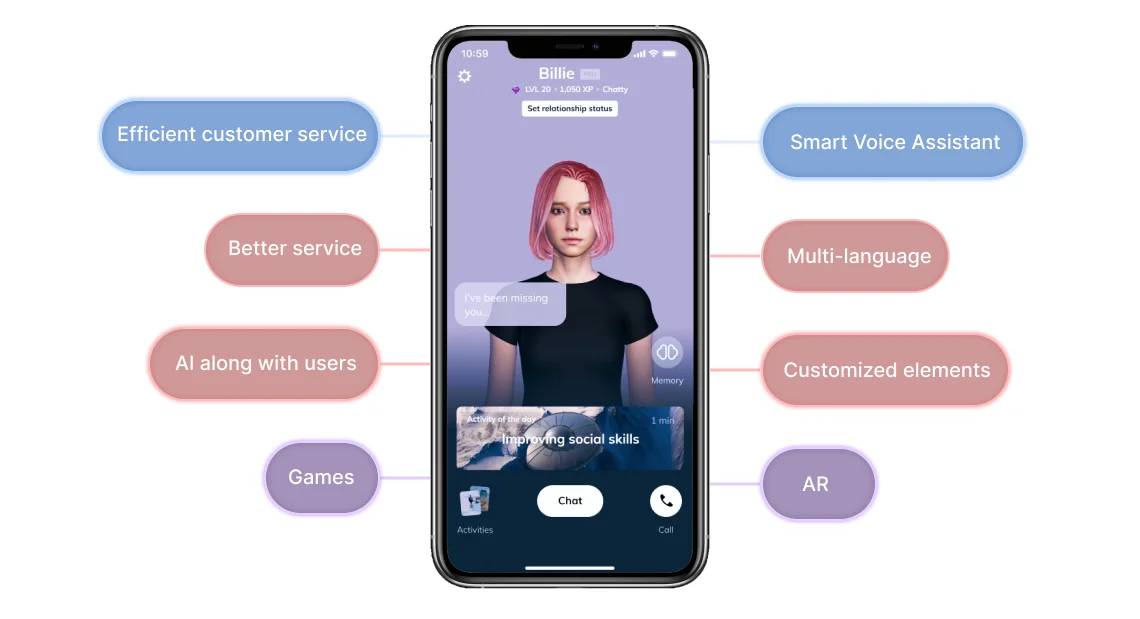
Student life isn’t just about assignments — it’s about managing stress, anxiety, and emotions. Replika is an AI companion designed to support your mental well-being through conversation.
What it does:
You chat with your Replika about your day, goals, or worries. Over time, it adapts to your personality and offers comforting responses.
Why it’s great for students:
It’s a safe, judgment-free space to vent or practice social interactions. Many students use Replika to manage exam stress or loneliness.
Features you’ll love:
- Personalized conversations.
- Daily mood tracking.
- Mindfulness exercises.
- Voice and video chat (Premium).
Free vs. Paid:
Free plan for text chats; premium adds emotional voice interactions.
Example use:
Feeling overwhelmed during finals? Replika can guide you through breathing exercises and motivational affirmations.
Pro Tip:
Use Replika as a wellness habit, not a dependency. It complements self-care, not replaces real connections.
14) ElevenLabs — The AI Voice You’ll Love
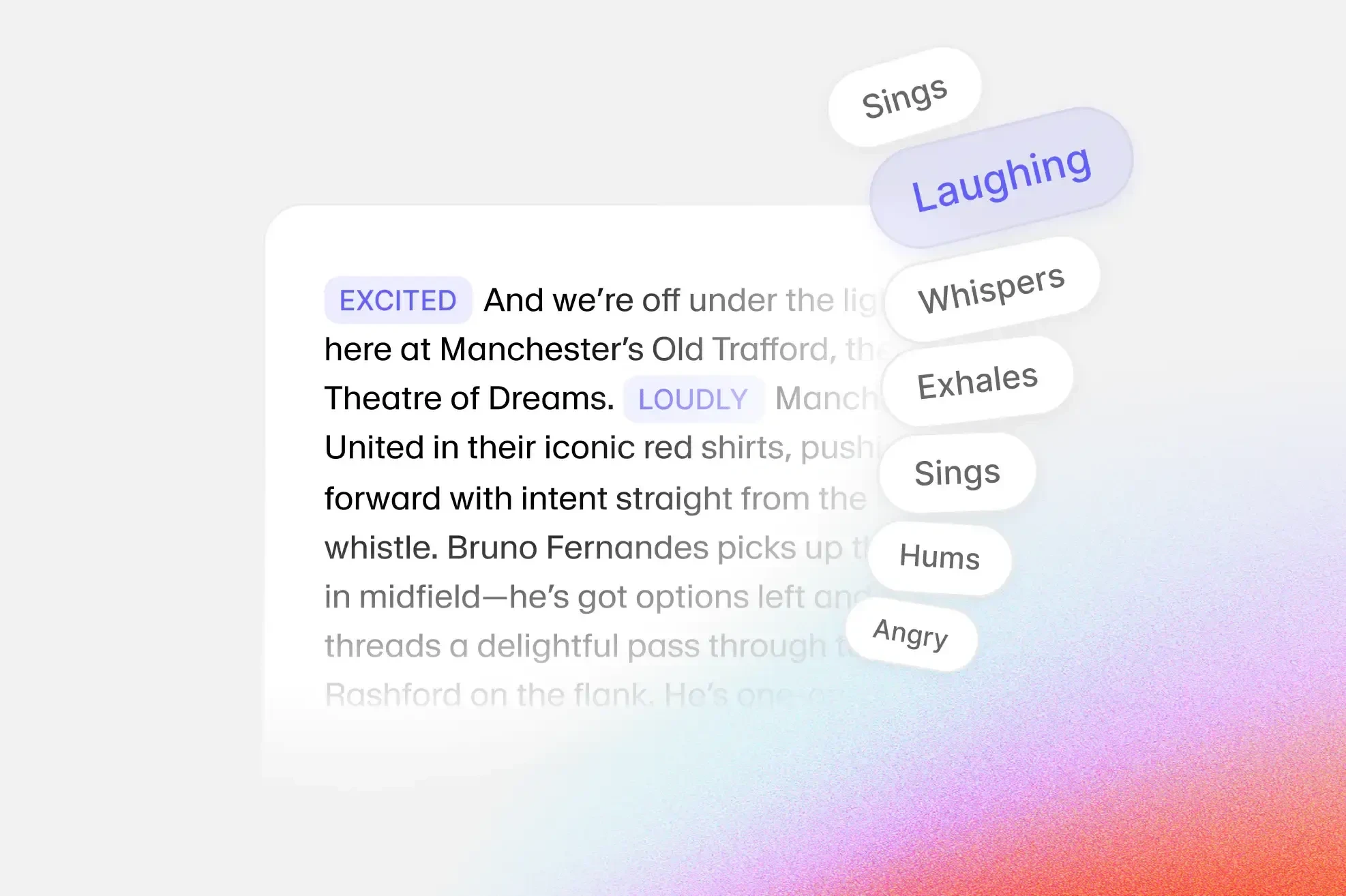
ElevenLabs creates incredibly realistic AI voices for narration, podcasts, or videos. For students in media, design, or communication, this is a game-changer.
Why it’s great for students:
You can bring your presentations and projects to life with professional-grade audio narration — without recording yourself.
Features you’ll love:
- Lifelike text-to-speech.
- Voice cloning for personal projects.
- Multilingual support.
- Integration with YouTube, TikTok, and podcasts.
Free vs. Paid:
Free version gives limited minutes. Paid plans offer high-quality exports and commercial rights.
Example use:
You’ve created a marketing video for class but hate recording your voice. ElevenLabs turns your script into a natural, confident narration.
Pro Tip:
Use distinct voices for different presentation slides to maintain engagement.
15) BypassGPT — Humanize AI Content Instantly
Ever written something with ChatGPT and worried it “sounds too AI”? Enter BypassGPT — an AI tool that rewrites your text to sound fully human and undetectable by AI detectors.
Why it’s great for students:
Perfect for polishing AI-generated essays, summaries, or blogs to ensure they maintain your personal touch and tone.
Features you’ll love:
- Humanization and rephrasing engine.
- Passes AI detection tools.
- Keeps structure intact but changes rhythm.
- Works in multiple languages.
Free vs. Paid:
Free version includes limited characters; Pro unlocks unlimited conversions and faster processing.
Example use:
You used ChatGPT to draft a report. Paste it into BypassGPT — it rewrites the piece so naturally that it reads as if you wrote it yourself.
Pro Tip:
Use it for polishing, not plagiarism. Always review and personalize the final text.
Top 5 AI Tools for Students by Category
Choosing the right AI tool can feel overwhelming — especially when every app claims to “save time” or “boost productivity.” But here’s the truth: not all AI tools are built for the same purpose.
Some are great at writing essays, others excel at teaching tough subjects, and a few can literally speak your notes back to you while you’re on the move.
To make your decision easier, I’ve grouped the best AI tools for students into categories, based on what they do best. Whether you’re writing, learning, coding, or creating, this quick table will help you pick your perfect AI companion in seconds.
| Category | Top 3 AI Tools | Why They Stand Out |
|---|---|---|
| Writing & Editing | ChatGPT, Quillbot, Grammarly | Perfect for essays, rewriting, and grammar polish. Saves hours on writing assignments. |
| Learning & Research | ChatPDF, Tutor AI, Doctrina AI | Makes complex topics easy to understand. Great for self-paced study and exam prep. |
| Productivity & Focus | Google Gemini, Natural Readers, Mubert | Boosts study efficiency and helps maintain focus while multitasking. |
| Career & Communication | Kickresume, Hocoos, ElevenLabs | Builds resumes, portfolios, and presentations that stand out. |
| Coding & Tech | AskCodi, BypassGPT, Replika | Helps coders debug, rewrite AI text, and manage stress while learning. |
Benefits of AI Tools for Students
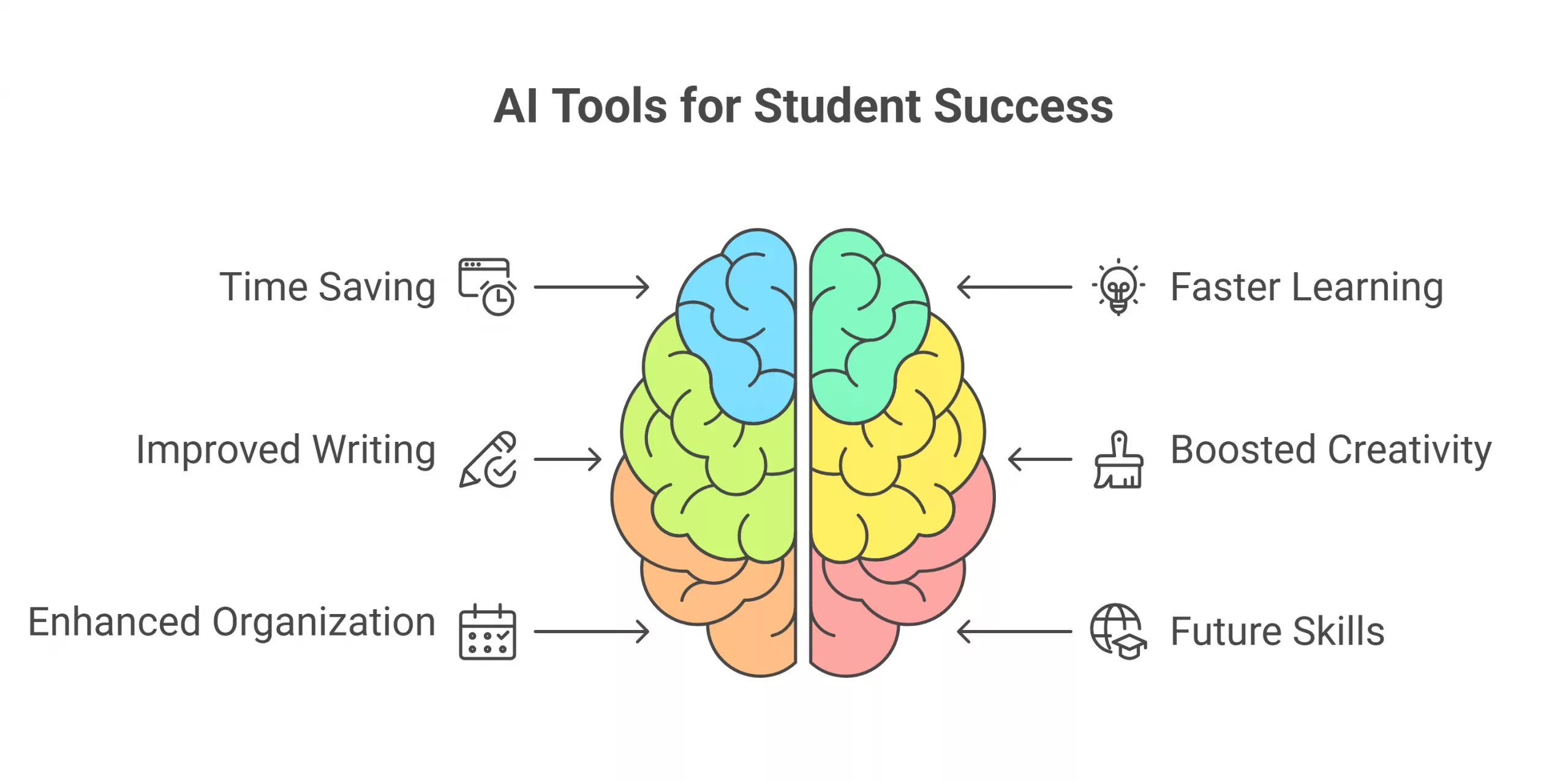
The biggest advantage of living (and studying) in 2025 is that you don’t have to do everything manually anymore. AI tools have become the ultimate student assistants — helping you research faster, write smarter, and learn better.
Below are the key benefits of using AI app as a student, with practical examples of how each can make your study routine easier and more effective.
1) Save Time on Repetitive Work
Let’s be honest, a big part of studying isn’t about learning, it’s about managing tasks. Formatting assignments, summarizing PDFs, organizing notes they eat up hours every week.
AI tools like ChatPDF, Google Gemini, and ChatGPT can handle those repetitive tasks instantly. Instead of manually reading 40 pages of research, you can ask:
“Summarize this paper in 5 bullet points.”
Result? You save hours that can be spent on understanding, not scanning.
Example: A student preparing for finals can upload all reading materials to ChatPDF and get quick summaries — turning days of reading into one productive evening.
2) Improve Writing and Communication Skills
AI writing assistants like Grammarly, Quillbot, and ChatGPT don’t just fix grammar — they teach you how to write better.
They suggest smoother sentence structures, fix awkward phrasing, and even adjust tone. Over time, you start to absorb their suggestions naturally, which improves your writing skills.
Example: You write: “I done my project already.”
Grammarly instantly corrects it to: “I’ve already completed my project.” After a few weeks, those corrections start to stick, and you’re writing better without even realizing it.
These tools turn every essay, email, and report into a mini English lesson — without the stress of red marks on paper.
3) Learn Faster and Retain More
Not everyone learns the same way. Some of us are visual learners, others prefer audio, and some like interactive practice.
AI tools like Tutor AI, Doctrina AI, and Natural Readers personalize how you study based on your preferences.
Tutor AI can generate personalized lesson plans, while Natural Readers turns your notes into audio lessons — perfect for learning while walking or commuting.
Example: If you’re a visual learner studying anatomy, AI can create diagrams or flashcards automatically, helping you retain details more effectively.
This flexibility helps you grasp concepts deeper, not just memorize them for exams.
4. Make Studying Interactive and Fun
Studying doesn’t have to be boring anymore. Tools like Replika and ChatGPT add an element of interaction and conversation.
You can “talk” to your notes, ask AI to quiz you, or have it role-play as a teacher explaining tough topics.
Instead of passively reading, you’re engaging — which improves memory retention.
Example: You can tell ChatGPT:
“Act as my history teacher and quiz me on [“Your Topic”] with 10 questions.”
Suddenly, studying feels more like a game — and less like a chore.
5) Boost Creativity and Critical Thinking
AI tools aren’t just for logic; they can spark creativity too. Mubert can generate study music, ElevenLabs can add realistic narration to your projects, and BypassGPT can rephrase content with more natural tone and flow.
Using these tools helps you think beyond the textbook — blending design, sound, storytelling, and writing into your academic projects.
Example: Creating a video presentation?
Use ChatGPT to write the script, ElevenLabs to narrate it, and Mubert to add music — turning a simple assignment into a creative masterpiece.
These experiences enhance critical thinking — you’re not just consuming information; you’re creating something new.
6. Get Personalized Learning Support
Unlike traditional classrooms, AI tools adapt to you. They track your pace, identify weak areas, and adjust lessons accordingly.
Apps like Doctrina AI or Tutor AI can sense when you’re struggling and simplify the explanation automatically — something even a real tutor might miss.
Example: If you keep asking similar math questions, Tutor AI can automatically shift to easier examples before increasing the difficulty.
This personalized feedback loop helps students of all levels — from high school beginners to college learners — progress at their own rhythm.
7) Enhance Focus and Productivity
Distractions are the modern student’s biggest enemy.
AI tools like Mubert (focus music) and Google Gemini (task automation) help you stay in your “flow zone.”
By automating routine work and creating structured to-do lists, these tools free up mental energy for deeper learning.
Example: Use Gemini to auto-summarize emails or organize tasks in Google Sheets while Mubert plays soft focus music in the background.
You’ll be amazed how much longer you can stay focused.
8) Save Money on Tutors and Paid Courses
Hiring tutors or buying extra prep materials can get expensive.
Free and freemium AI tools give you access to high-quality explanations, practice quizzes, and summaries, often matching what paid tutors provide.
Example: A student using Doctrina AI and ChatGPT can prepare for exams at zero cost — something that could otherwise cost hundreds in tutoring fees.
AI democratizes education, giving everyone access to the same quality of learning support, regardless of budget.
9) Stay Organized and Ready for Deadlines
Tools like Google Gemini, ChatGPT, and Kickresume can help you plan assignments, set reminders, and even draft to-do lists automatically.
When deadlines pile up, AI keeps you calm and organized. You can ask:
“Create a 3-day revision plan for my biology exam.”
And it will structure your tasks hour by hour — like a digital planner that never forgets.
Example: Before exams, Gemini can help organize notes and schedules while ChatGPT writes a revision checklist — turning chaos into calm.
10) Build Real-World Digital Skills
Finally, using AI tools prepares you for the future of work. AI literacy is becoming as important as digital literacy and the earlier you start, the stronger your career foundation will be.
By learning how to prompt ChatGPT, edit with Grammarly, or design with Hocoos, you’re already building skills that employers value in marketing, tech, writing, and research.
Example: Students using Kickresume learn how to present themselves professionally — a skill that pays off beyond college.
AI tools don’t make you less smart, it make your learning process more efficient. It gives you time to think, room to grow, and freedom to explore your creativity.
The key is to use them intentionally. Let AI handle the repetitive work while you focus on reasoning, creativity, and ideas. Because at the end of the day, technology amplifies human potential, and that includes yours.
Sum up
AI isn’t here to replace you, it’s here to empower you. Whether you’re writing, researching, coding, or creating, these AI tools can save hours and boost your learning potential.
The key is balance, use AI as your assistant, not your replacement. Stay curious, experiment responsibly, and make 2025 your most productive year yet!
FAQs
Are AI tools for students free?
Many are free or offer generous free plans. Premium plans give extra features, but you can do a lot without paying.
Which AI tool is best for essay writing?
A mix of ChatGPT (for ideas), Quillbot (for rewriting), and Grammarly (for polishing) works best.
Can students use AI for studying without cheating?
Use AI as a learning aid — to understand concepts, summarize notes, or get feedback — not to replace your own work.