


Mastra
Open source TypeScript framework for building, observing and improving AI agents
Free planPaid from $0
- Web app
- API / SDK
- CLI / Terminal

Mac system monitoring by app, with 30-day history and menu-bar readouts
Mac system monitoring by app, with 30-day history and menu-bar readouts What is Vitals?
Vitals has a clear purpose: show which app is behind a resource spike without making you add up helper processes. The combination of app-level history and a menu-bar view looks useful for people who notice slowdowns after the fact. Project folders, ports and container views also give developers a more relevant starting point than a flat process list.
I would check macOS compatibility first, then evaluate whether the app grouping and history answer real questions on your own Mac within the 14-day refund period. There is no free trial. Sensor detail varies by hardware, and specialist process analysis still calls for other tools. This opinion is based on public documentation, not an installed test.
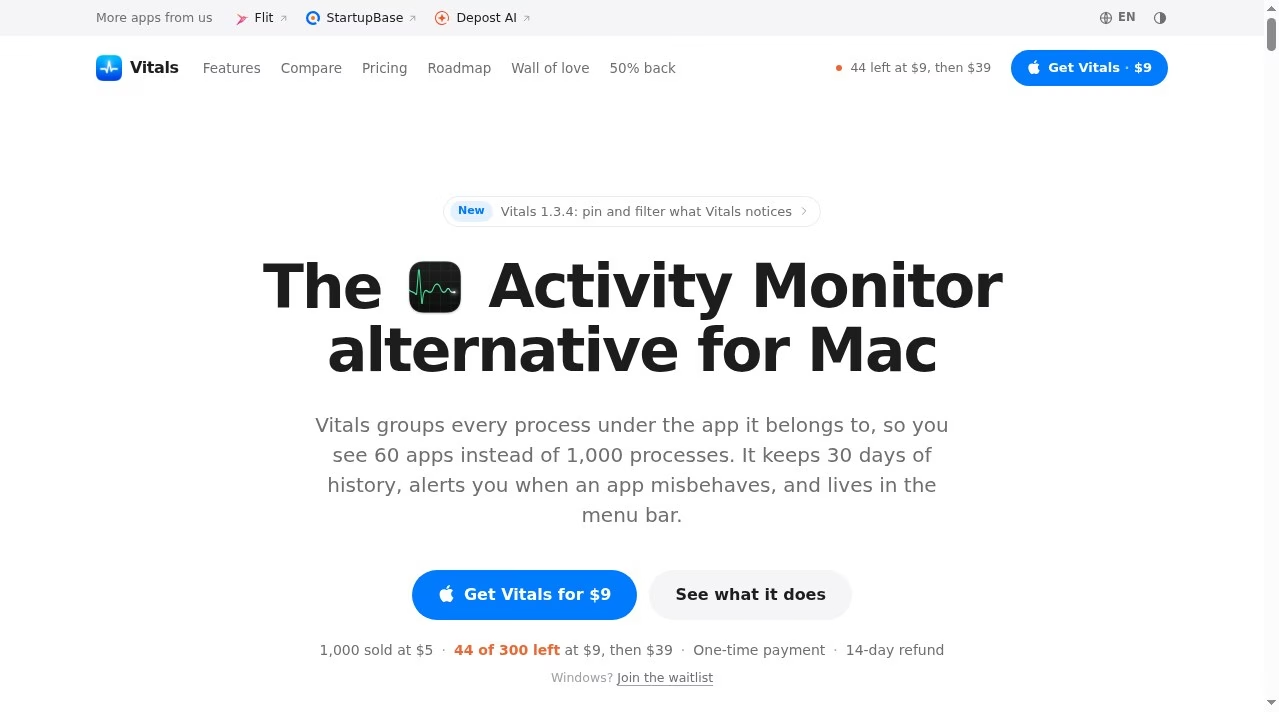
Vitals is a Mac system monitor that groups helper processes under the app they belong to. Instead of adding up several Chrome helpers or background processes yourself, you can see one resource-use figure for the app. It combines live readings with 30 days of local history, alerts and a customizable menu bar.
The app tracks CPU, memory, energy, disk and network use by app, alongside system readings such as GPU activity, battery health, temperatures and fan speeds. Browser processes can be divided into tabs, extensions, graphics and the browser itself, but the roadmap explicitly says it does not identify memory use for each individual browser tab.
Vitals keeps 30 days of history on your Mac and can flag high CPU use, growing memory, and heavy disk or network activity. The Projects view groups processes by their working
Vitals is a Mac system monitor that groups helper processes under the app they belong to. Instead of adding up several Chrome helpers or background processes yourself, you can see one resource-use figure for the app. It combines live readings with 30 days of local history, alerts and a customizable menu bar.
The app tracks CPU, memory, energy, disk and network use by app, alongside system readings such as GPU activity, battery health, temperatures and fan speeds. Browser processes can be divided into tabs, extensions, graphics and the browser itself, but the roadmap explicitly says it does not identify memory use for each individual browser tab.
Vitals keeps 30 days of history on your Mac and can flag high CPU use, growing memory, and heavy disk or network activity. The Projects view groups processes by their working folder and shows listening ports. Docker containers and idle development servers can be inspected in that project context. Quitting apps, processes or servers requires a user request and confirmation; force-quitting can still lose unsaved work.
Each menu-bar readout can show a value, graph or both, and the dropdown and main window can be rearranged. Other tools include per-app volume control, Bluetooth accessory batteries, temperature readings and fan control. The optional Full System Metrics helper extends monitoring to system processes and runs with administrator rights. Vitals works without it.
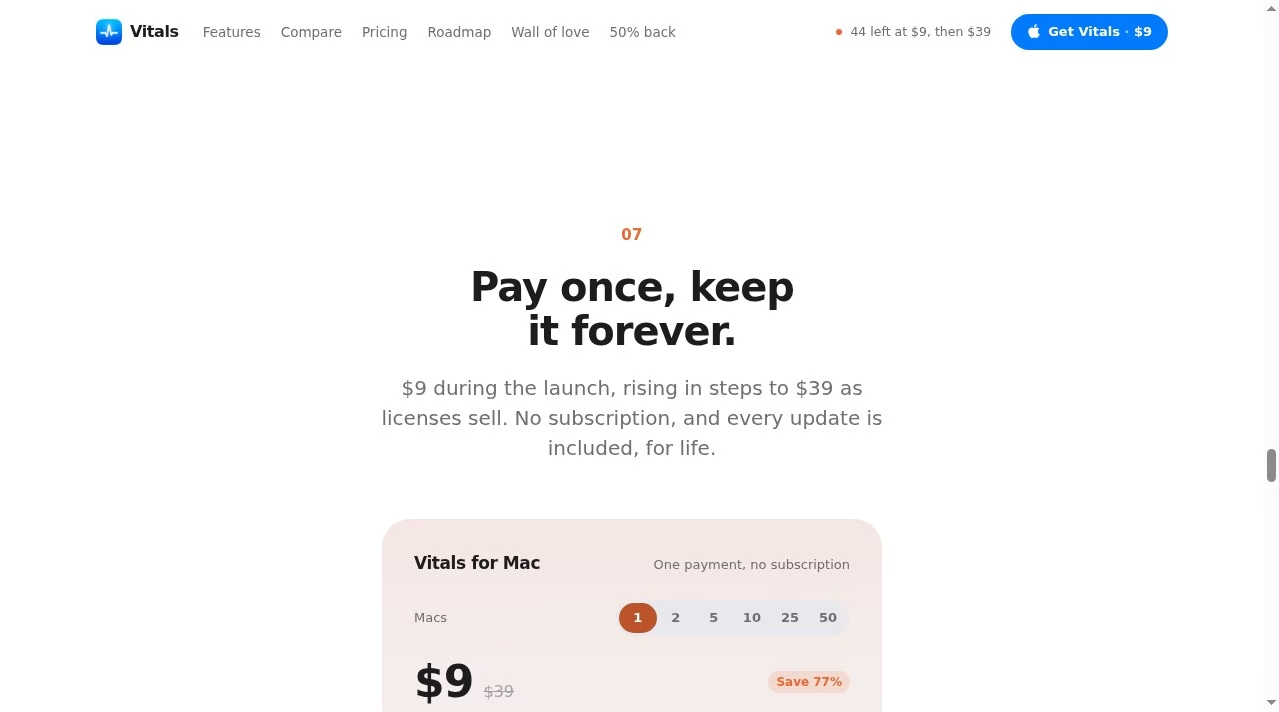
Vitals requires macOS 15 Sequoia or later and supports Apple silicon and Intel Macs. The vendor says power and temperature readings are most detailed on Apple silicon. A one-time license covers the number of Macs purchased and includes future updates. The official site checked October 5, 2026 showed a $9 USD launch price for one Mac and a $29 regular price. Launch pricing changes with license sales, so check the live pricing card before buying. The live pricing card showed $18 for 2 Macs, $45 for 5, $90 for 10, $225 for 25 and $450 for 50, all one-time launch totals. These are time-sensitive offers. The FAQ describes different regular bundle discounts, so future bundle prices should be checked on the live card rather than inferred from the crossed-out totals.
The privacy policy says app names, process names, project paths, readings and history stay on the Mac. License activation does send the license key, Mac name, operating-system and app versions, and a hashed hardware identifier. Update checks and optional reviews also use the network. The website has analytics even though the app does not. There is no free plan or free trial, but the vendor offers a 14-day refund.
An MCP server, command-line interface, AI-agent view, storage map and cleanup tools are planned, not current features. Vitals also does not copy every specialist Activity Monitor tool, such as process sampling. It is best judged as a clearer everyday view of app-level resource use rather than a replacement for all diagnostic tools.
Editorial review by Deepika Pandey. This is a desk-research assessment using official product, privacy, terms, refund, roadmap and founder pages checked October 5, 2026. We did not install the app, benchmark its resource overhead or verify sensor accuracy. The interactive website uses simulated figures and is not evidence of a hands-on test.
Desk research by Deepika Pandey on October 5, 2026 using official homepage, privacy, terms, refund, roadmap and founder announcement. No installation, overhead benchmark or sensor validation. Website demo values are simulated. Launch price is time-sensitive; bundle totals unverified.
| Pricing | One-time |
|---|---|
| Starting price | 9 |
| Free plan | No |
| Free trial | No |
| Pricing page | View pricing |
| Platforms | macOS |
| API | No |
| Company | Fore Studio |
| Apps Insight Score | 38/100 |
Editorial points are assigned by AppsInsight editors and cannot be purchased or influenced.
| Feature | Vitals | Mastra | heade.rs | Loupe for Kubernetes |
|---|---|---|---|---|
| Rating | 3.5 / 5 | 4.0 / 5 | 3.6 / 5 | 3.5 / 5 |
| Pricing | One-time | Free+Paid | Free plan | Free plan |
| Starting price | 9 | $0 | Free | Free |
| Free plan | No | Included | Included | Included |
| Free trial | No | No | No | No |
| Platforms | macOS | Web app, API / SDK, CLI / Terminal | Web app, API / SDK, CLI / Terminal | macOS, Windows, Linux |
| Best for | Mac users investigating recurring slowdowns Developers tracking dev servers and containers People wanting app-level history and menu-bar monitoring | TypeScript and Node developers building production AI agents who want observability and evals alongside the code. | Developers investigating public website infrastructure Site operators checking DNS and mail-policy clues Network investigators using non-sensitive targets | Engineers who live in kubectl and want a desktop view; people who left Lens or OpenLens over licensing; teams that want an Apache-2.0 tool they can audit; anyone with a huge kubeconfig; operators who want a protected mode for production contexts |
Vitals vs Mastra Vitals vs heade.rs Vitals vs Loupe for Kubernetes
Open source TypeScript framework for building, observing and improving AI agents

Free domain, IP and ASN reports for hosting, DNS, network routes and public website diagnostics.

Free, open-source desktop client for Kubernetes clusters

Manage Linux servers from a local desktop app with AI-assisted terminal commands
Manage Linux servers from a local desktop app with AI-assisted terminal commands
Open source TypeScript framework for building, observing and improving AI agents
Free, open-source desktop client for Kubernetes clusters
Free domain, IP and ASN reports for hosting, DNS, network routes and public website diagnostics.
No reviews yet. Be the first to review this app.
Already have an account? Log in to track your reviews.