

Web app testing has become more important as applications grow more complex, releases become faster, and users expect smooth experiences across browsers and devices. Modern teams need testing tools that fit their workflows, not just tools that are popular.
The global software testing market continues to expand as organizations invest more in automation and quality engineering. Industry research projects strong growth in the coming years, driven by the rising use of cloud applications, digital services, and automated testing. This makes choosing the right testing framework an important technical and business decision.
Let’s explore the leading options and see where each one can add value.
About Playwright
Playwright is an open-source browser automation framework created by Microsoft for testing modern web applications. It lets teams automate browsers and simulate real user actions such as clicking buttons, filling forms, navigating pages, and checking application behavior. It supports Chromium, Firefox, and WebKit, which helps teams test applications across major browser engines from a single framework.
Playwright also supports popular programming languages, including JavaScript, TypeScript, Python, Java, and .NET. This flexibility makes it useful for both developers and dedicated QA teams.
One of its biggest strengths is its ability to handle modern web applications. Features such as automatic waiting, browser contexts, network controls, tracing, screenshots, and video recording can make test creation and debugging easier. Teams can also run tests in parallel, which can reduce the time needed for larger test suites.
However, Playwright is not automatically the right choice for every project. Your team’s programming skills, existing test suite, browser requirements, application architecture, reporting needs, and testing goals can all affect the decision.
That is why understanding Playwright Alternatives can help you make a more informed choice instead of adopting a framework based only on popularity. In the following sections, we’ll examine several options and the situations where each can work best.
What’s The Need to Look for Playwright Alternatives
Playwright is powerful, but no single testing framework can meet every team’s needs. Your project may have different browser requirements, programming skills, infrastructure, or testing goals. In some cases, your existing automation suite may also make switching to another framework more practical.
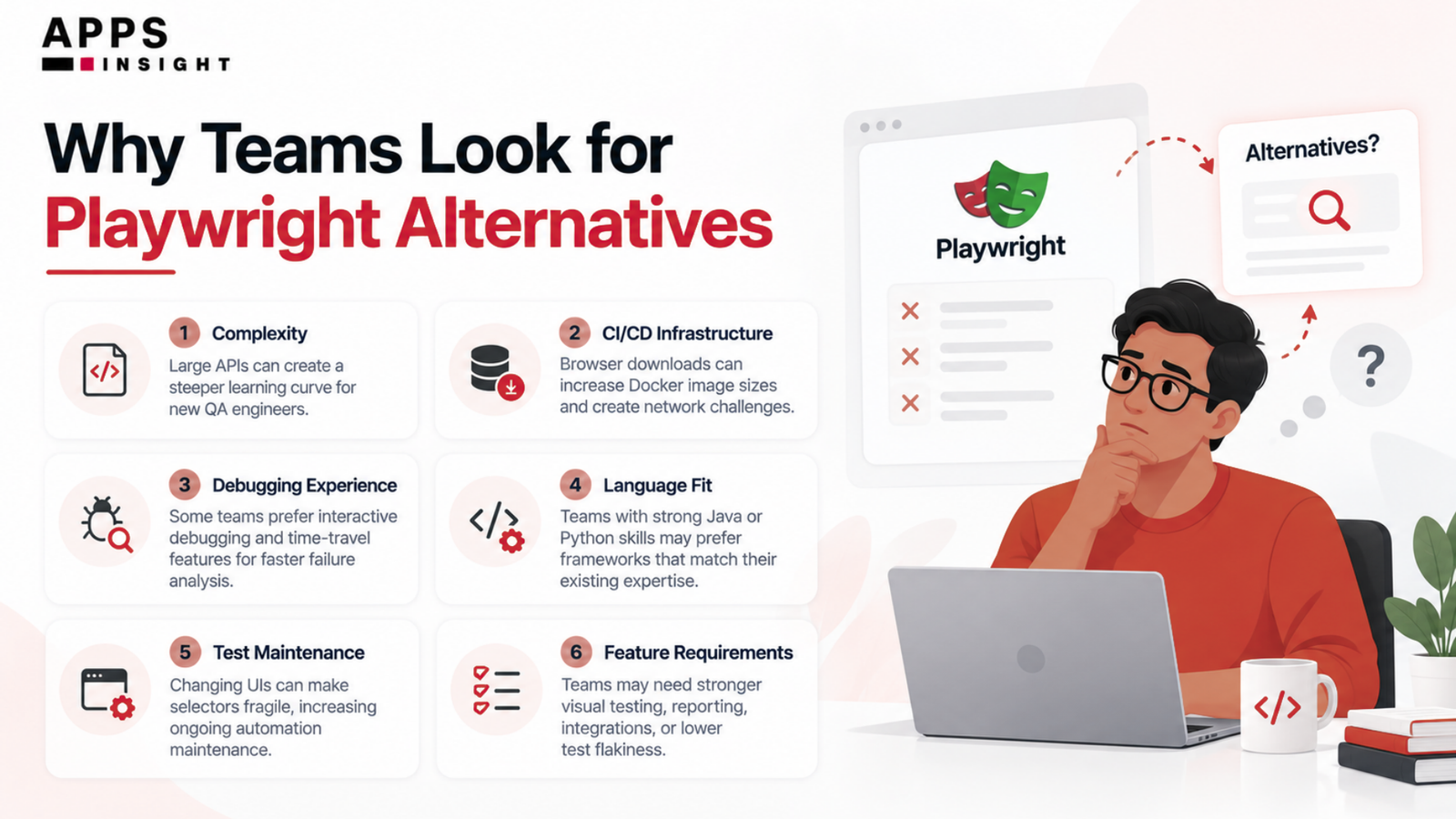
For example, a team that already has years of Selenium-based tests may not want to rebuild its entire testing system. Another team may prefer a tool with a stronger visual interface, broader enterprise features, or deeper integration with its existing QA process.
You should also consider how your tests will behave as your application grows. A framework that works well for a small project may require more effort when you have thousands of tests running across multiple environments. Test execution speed, parallel testing, debugging, reporting, maintenance, and CI/CD integration can all affect your long-term results.
Your team’s skills matter too. If your developers already work heavily with JavaScript and TypeScript, one framework may feel natural. However, a QA team with experience in another ecosystem may prefer a different approach.
Therefore, looking at Alternatives to Playwright is not about finding a tool that is simply better. It is about finding the tool that fits your application, team, budget, and testing strategy.
Before comparing individual tools, it helps to define what makes a testing framework a strong fit. This gives you a practical way to judge each option instead of relying only on feature lists.
How to Choose the Right Web Testing Tool in 2026
Choosing a testing framework is a long-term decision. You will write tests, maintain them, run them in CI/CD pipelines, and depend on their results when releasing your application. So, you should evaluate more than browser automation alone.
Browser and Device Coverage
First, check which browsers and devices the tool supports. If your users access your application through different browser engines, broad coverage can help you catch issues earlier.
Programming Language Support
Your team’s existing skills should influence your decision. A framework that supports the languages your developers already use can reduce the learning curve and make test maintenance easier.
Test Creation and Maintenance
You should look at how quickly your team can create reliable tests. Features such as automatic waits, selectors, reusable components, and stable test execution can reduce maintenance work.
CI/CD Integration
Modern teams often run tests whenever they build or deploy an application. Your chosen tool should work smoothly with your existing CI/CD environment and provide useful results when a test fails.
Debugging and Reporting
Failed tests need clear information. Screenshots, videos, traces, logs, reports, and useful error messages can help your team identify problems faster.
Scalability and Parallel Testing
As your test suite grows, execution time becomes important. Look for tools that support parallel execution and can scale with your application’s testing needs.
Team Experience and Learning Curve
A technically impressive framework can still create problems if your team finds it difficult to use. Consider documentation, community support, onboarding time, and the experience your team already has.
Enterprise Requirements and Pricing
Finally, consider security, collaboration, integrations, support, governance, and total cost. Enterprise teams may need capabilities that smaller development teams can safely avoid. With these factors in mind, we can now compare the leading Web Testing Tools Like Playwright and understand where each one fits best.
Now let’s move into the main comparison. We’ll start with a tool that has built a strong reputation for making browser testing approachable for developers.
The Top 8 Playwright Alternatives: Comparison & Analysis
Each option offers its own strengths, whether your priority is developer experience, browser compatibility, enterprise testing, visual testing, or AI-powered automation.
Let’s take a closer look at these alternatives, ranging from widely adopted testing frameworks to newer AI-driven solutions.
List of Best Playwright Alternatives to Consider
- Cypress: The Developer-Friendly Testing Choice
- Selenium: The Industry-Standard Framework
- Puppeteer: The Chrome-Focused Automation Tool
- TestCafe: The Low-Code Testing Option
- WebdriverIO: The Highly Flexible Framework
- Katalon Studio: The Enterprise Testing Platform
- Ranorex: The Visual Testing Specialist
- Autonoma: Managed Preview Environments with Codebase-Driven Testing
Each Playwright alternative serves a different type of testing requirement. The right choice depends on your team’s technical expertise, application architecture, browser coverage, testing workflow, and overall automation goals.
1) Cypress: The Developer Experience Champion
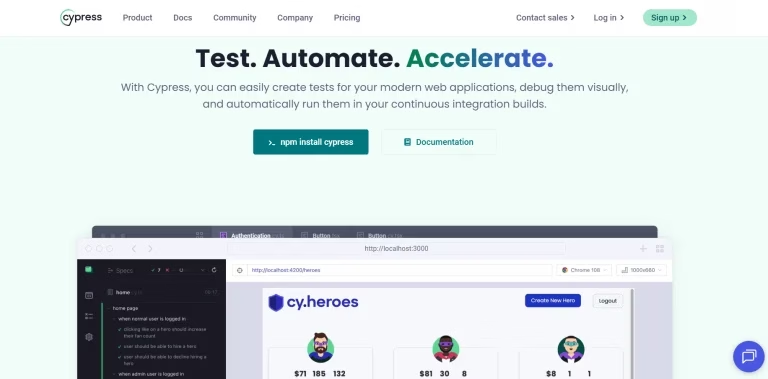
Cypress is a popular end-to-end testing framework designed around the needs of modern web developers. It runs tests closely alongside the application in the browser, giving you a fast and interactive way to see what your tests are doing.
One of Cypress’s biggest strengths is its developer experience. You can watch commands execute in real time, inspect application behavior, and quickly understand why a test failed. Its automatic waiting also reduces the need for manually adding delays to many tests.
Cypress works particularly well for frontend teams that want quick feedback during development. It provides tools for screenshots, videos, network control, test retries, and debugging, which can make everyday testing more manageable.
However, its architecture and browser approach can differ from what you may expect if you have worked with traditional WebDriver-based frameworks. Certain testing scenarios may require additional planning, especially when your application needs broader browser or cross-origin coverage.
For teams focused heavily on frontend development, Cypress can provide a smooth testing workflow. It can also be a strong option when developers need to create and understand automated tests without dealing with unnecessary infrastructure.
The key question is whether its testing model matches your application’s architecture and your team’s long-term requirements.
Best For:
- Frontend-focused development teams
- Teams that value an interactive debugging experience
- Fast end-to-end testing during development
- JavaScript and TypeScript projects
- Teams that want a developer-friendly testing workflow
We have listed! Best Chrome Extensions For Devs
2) Selenium: The Universal Standard
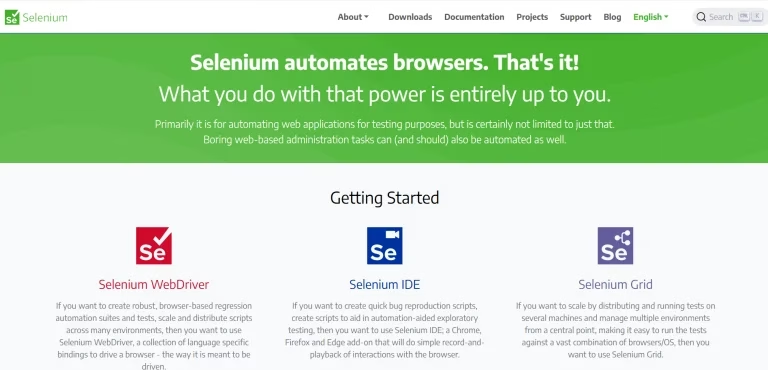
Selenium is an open-source framework that has played a major role in the growth of automated browser testing. It provides a well-established way to control web browsers and automate actions that closely match how users interact with applications.
One of Selenium’s biggest advantages is its ecosystem. It supports several programming languages, including Java, Python, C#, JavaScript, and Ruby. This means you can often use it without changing the language your QA or development team already knows.
Selenium WebDriver also supports major browsers and works across different operating systems. Because of this broad compatibility, it has become a common choice for organizations with large and diverse testing environments.
Its maturity is another advantage. You can find extensive documentation, community discussions, integrations, testing libraries, and third-party solutions around Selenium. Teams that already have large Selenium test suites can therefore continue building on their existing investment.
At the same time, Selenium can require more setup and framework decisions than newer tools. You may need to manage additional components for reporting, test structure, synchronization, and infrastructure.
For organizations with complex environments or established QA practices, Selenium can still be a practical choice. It is particularly valuable when flexibility and ecosystem maturity matter more than having an all-in-one developer experience.
Best For:
- Large QA and engineering teams
- Organizations with existing automation suites
- Multi-browser testing
- Teams using different programming languages
- Complex or long-running enterprise testing programs
- Projects looking for established Selenium alternatives when evaluating newer frameworks
3) Puppeteer: The Chrome Specialist
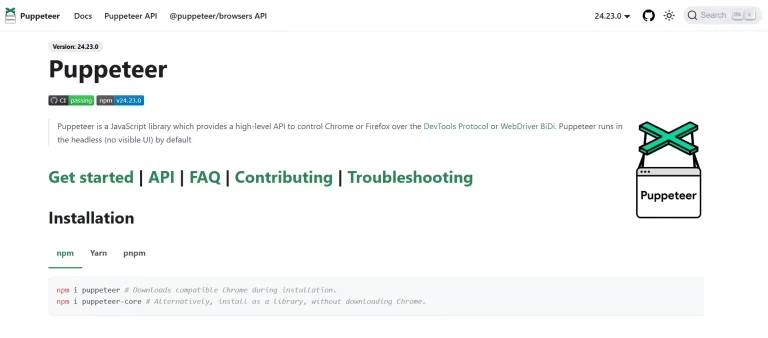
Puppeteer is a browser automation library maintained by the Chrome team and is closely connected to the Chromium ecosystem. It gives developers programmatic control over browsers, making it useful for automated testing, web scraping, performance checks, screenshots, PDF generation, and other browser-based tasks.
Its biggest strength is its close relationship with Chrome and Chromium. If your application is heavily optimized for these browsers, Puppeteer can give your team a direct and familiar automation workflow. It also works naturally with JavaScript and TypeScript, so developers can start writing browser automation without learning a completely different programming environment.
Puppeteer provides useful capabilities for controlling pages, handling browser events, managing network requests, taking screenshots, and inspecting browser behavior. Its APIs are also useful beyond traditional end-to-end testing.
However, its Chrome-first focus can become a limitation when your testing strategy requires broad coverage across different browser engines. You should consider your real user base before making that trade-off.
For development teams that primarily work with Chromium-based applications, Puppeteer can be a simple and capable choice. It is also useful when browser automation is only one part of a broader development workflow.
Before choosing it, you should decide whether your priority is focused Chromium automation or wider cross-browser coverage.
Best For:
- Chrome and Chromium-focused applications
- JavaScript and TypeScript teams
- Browser automation beyond traditional testing
- Screenshot and PDF workflows
- Teams that need direct browser control
Listed here! Must-Have Chrome Extensions For Web Designers
4) TestCafe: The Codeless Automation Option
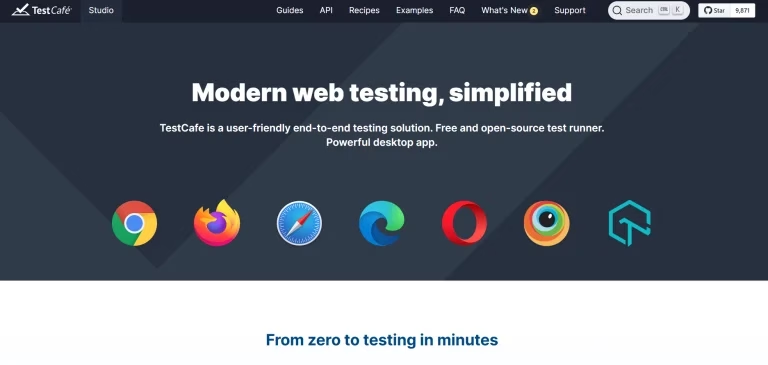
TestCafe is a web testing framework designed to make browser testing easier to set up and use. It allows teams to create automated tests without requiring a separate WebDriver installation or a complex browser driver setup.
Its straightforward workflow can make it approachable for teams that are new to automation. You can write tests that interact with pages, fill forms, click elements, verify results, and check application behavior. The framework handles much of the browser communication behind the scenes.
TestCafe can also work well when your team wants a lightweight testing process. Instead of spending significant time configuring browser drivers, you can focus more directly on writing and maintaining test cases.
However, you should evaluate its current ecosystem and browser requirements before adopting it for a new long-term project. Modern applications can involve complex authentication, third-party services, multiple browser engines, and advanced interaction patterns. Your chosen framework should handle the scenarios your application actually needs.
TestCafe may be most useful when simplicity is a priority and your testing requirements are relatively straightforward. It can reduce some of the infrastructure decisions that come with traditional browser automation.
Ultimately, you should judge it based on your application’s needs rather than choosing it simply because the setup looks easier.
Best For:
- Teams seeking simple browser automation
- Straightforward web application testing
- Smaller QA teams
- Projects where minimal setup is valuable
- Teams beginning their automation journey
Read once! Developer Tools Developers Can’t Stop Talking About
5) WebdriverIO: The Flexible Framework
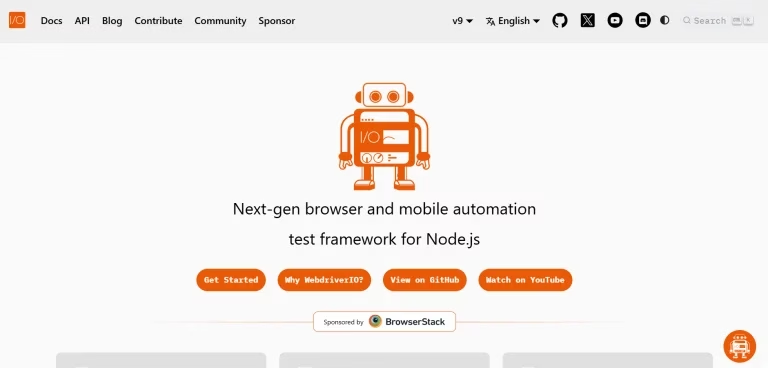
WebdriverIO is an open-source automation framework built around the JavaScript and TypeScript ecosystem. It helps teams automate web applications and can also support mobile application testing through integrations with technologies such as Appium.
Its flexibility is one of its strongest features. You can build a testing setup around your team’s existing tools instead of being locked into one rigid workflow. WebdriverIO also provides a large ecosystem of services, plugins, and integrations that can extend what your test suite can do.
The framework supports different automation approaches, including browser automation through WebDriver and newer browser automation technologies. This gives teams room to adapt their setup as project requirements change.
WebdriverIO is particularly useful when you want to customize your testing architecture. You can add reporting, assertions, services, visual testing, and other capabilities based on what your team needs. That flexibility can be valuable for larger engineering organizations with specialized QA processes.
The trade-off is that more flexibility can also mean more decisions. You may need to spend additional time designing your framework, choosing integrations, and maintaining the surrounding test infrastructure.
For teams that value customization and already work with JavaScript or TypeScript, WebdriverIO can be a strong candidate. It is especially useful when web and mobile automation need to work together.
Best For:
- JavaScript and TypeScript teams
- Custom automation frameworks
- Web and mobile testing
- Teams that need extensive integrations
- Organizations that want greater control over their QA stack
We have listed! Best Low-Code Platforms To Build Applications
6) Katalon Studio: The Enterprise All-in-One
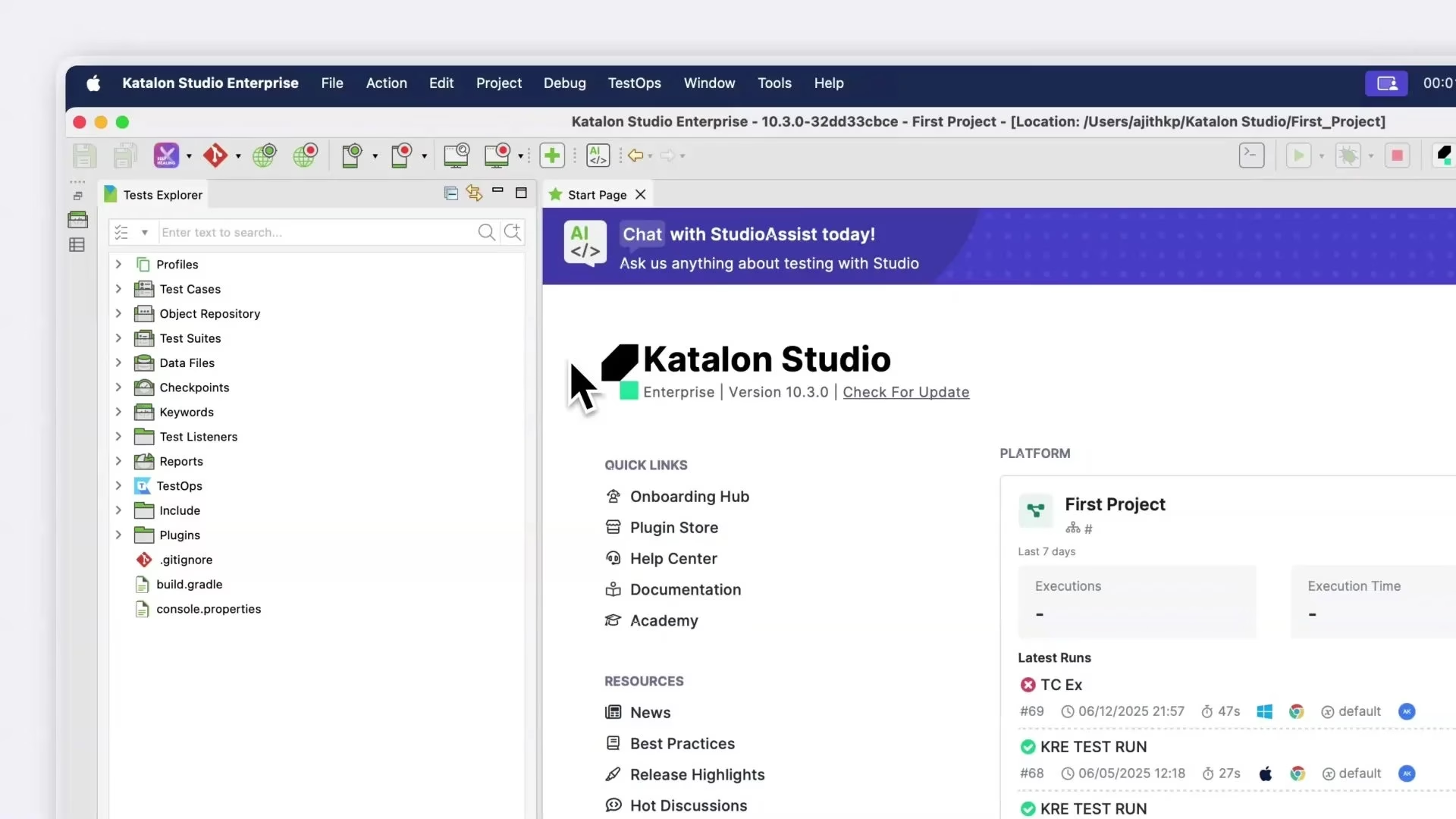
Katalon Studio is a comprehensive testing platform that brings several testing capabilities into one environment. It supports web, API, mobile, and desktop testing, which can help organizations manage different types of quality checks from a common platform.
One of its key strengths is flexibility for both technical and less technical users. Teams can create tests through a more visual workflow while still having the option to use code when they need greater control. This approach can help organizations with QA teams that have different levels of programming experience.
Katalon also provides features for test execution, reporting, integrations, and test management. These capabilities can be useful when testing is part of a larger enterprise quality process rather than a small development workflow.
However, a broader platform can also introduce more features than a small project needs. You should consider whether your team will actually use those capabilities before choosing a platform-based solution.
Katalon Studio can be a good fit when you need more than browser automation. If your organization tests web applications, APIs, mobile apps, and other software components, having these capabilities in one environment can simplify your overall strategy.
For enterprise teams, the main advantage is often not one individual feature. Instead, it is the ability to bring different testing activities into a more connected workflow.
Best For:
- Enterprise QA organizations
- Web, API, mobile, and desktop testing
- Teams with mixed technical skills
- Low-code and coded testing workflows
- Organizations seeking centralized QA automation tools
Read once! AI Flyer Generator Tools To Simplify Your Design Process
7) Ranorex: The Visual Testing Expert
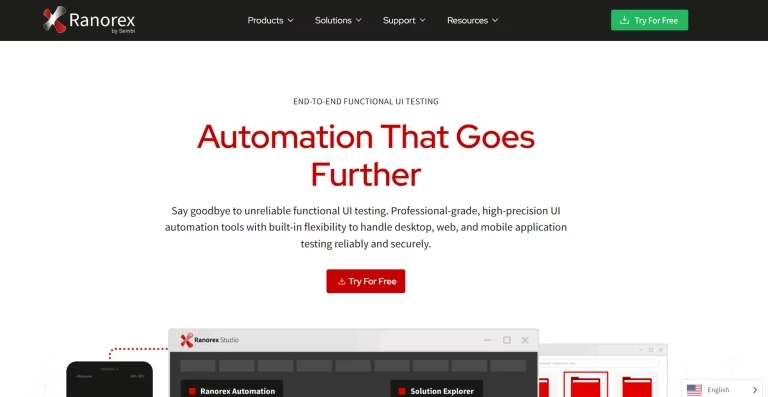
Ranorex is a commercial test automation platform designed to help teams automate graphical user interfaces across web, desktop, and mobile environments. It combines visual test creation with programming capabilities, allowing teams with different technical backgrounds to contribute to automation projects.
One of its notable strengths is object recognition. Ranorex can identify and interact with UI elements, helping testers automate workflows without manually handling every low-level browser interaction. Its recording capabilities can also help teams create initial automated tests more quickly.
The platform provides features for test organization, execution, reporting, and maintenance. These capabilities can be valuable for organizations that need a structured approach to UI testing across multiple applications.
Ranorex can be particularly useful when visual interaction is central to your testing process. For example, teams working with complex enterprise interfaces may benefit from a platform that provides tools for identifying and managing UI elements.
However, commercial platforms should be evaluated against your budget, technical requirements, and existing development workflow. A feature-rich platform may not be necessary for a small application with a simple testing stack.
If your team values visual automation and wants a combination of recording, object recognition, and coding options, Ranorex is worth considering. It can provide a different approach to modern software testing tools and help teams build structured UI automation programs.
Best For:
- Visual UI automation
- Enterprise application testing
- Teams with mixed technical experience
- Complex graphical interfaces
- Organizations wanting visual and coded automation together
Listed here! Best Open-Source Agentic AI Frameworks | GitHub Links
8) Autonoma: Managed Preview Environments with Codebase-Driven Testing
Autonoma focuses on making application testing part of the development workflow through managed preview environments and codebase-driven testing. The idea is simple: when developers make changes, teams can test those changes in an environment that closely reflects the application before those changes reach production.
Preview environments can make it easier for developers and QA teams to review new features, identify regressions, and validate application behavior earlier. Instead of waiting for a shared staging environment to become available, teams can work with environments connected to specific code changes or branches.
The codebase-driven approach can also help testing stay closer to the software being developed. As applications change, teams can connect their testing process with development activity rather than treating QA as a completely separate stage.
This approach can be useful for modern engineering teams that rely heavily on Git workflows, continuous integration, and frequent deployments. It can support faster feedback while reducing some of the friction between development and testing.
However, you should consider how well this model fits your existing infrastructure. Teams with established environments and traditional QA processes may need to adjust their workflow to gain the full benefit.
Autonoma is therefore worth considering when your priority is connecting development changes, preview environments, and testing into a more continuous process.
Best For:
- Modern software development teams
- Preview-environment workflows
- CI/CD-focused organizations
- Teams practicing frequent releases
- Developers and QA engineers who want earlier testing feedback
Looking for? AI Brand Monitoring Tools
Comparing the Top Playwright Alternatives
Each testing framework solves a slightly different problem. Some focus on developer experience, while others prioritize browser coverage, enterprise features, flexibility, or a simpler testing workflow.
| Framework | Best For | Languages | Browsers | Pricing | Migration |
|---|---|---|---|---|---|
| Cypress | Web-only, dev experience | JS/TS | Chrome, Firefox | Free + $75/mo | Moderate |
| Selenium | Java/Python, broad support | All major | All | Free | High |
| Puppeteer | Chrome-only | JS/TS | Chrome | Free | Minimal |
| TestCafe | Codeless automation | JS/TS | All major | Free + Studio | Moderate |
| WebdriverIO | Flexibility, web+mobile | JS/TS | All + mobile | Free | Moderate-High |
| Katalon | Enterprise all-in-one | Java/Groovy | All + mobile | $167-358/mo | High |
| Ranorex | Desktop apps | C#/VB.NET | All + desktop | $2,290/year | Very High |
| Autonoma | Codebase-driven testing + preview envs | N/A (agent-generated) | Cloud-based | Custom | Not a migration |
Which Tool Should You Choose?
If you want an easy developer workflow, Cypress can be a strong option. If your organization already has a large automation ecosystem, Selenium can make more sense.
For Chrome-focused projects, Puppeteer provides a focused approach. TestCafe may appeal to teams that value straightforward setup, while WebdriverIO gives experienced teams more room to customize their automation stack.
Katalon Studio is better suited to organizations that need multiple testing types in one platform. Ranorex can work well for teams that rely heavily on visual UI automation. Meanwhile, Autonoma offers a different approach for teams that want testing closely connected to code changes and preview environments.
There is no universal winner. Your application, team skills, browser requirements, test volume, CI/CD workflow, and budget should guide your decision.
Listed! Best AI Tools For Marketing, Writing, Design, CRM,
Common Mistakes Teams Make When Choosing Testing Tools
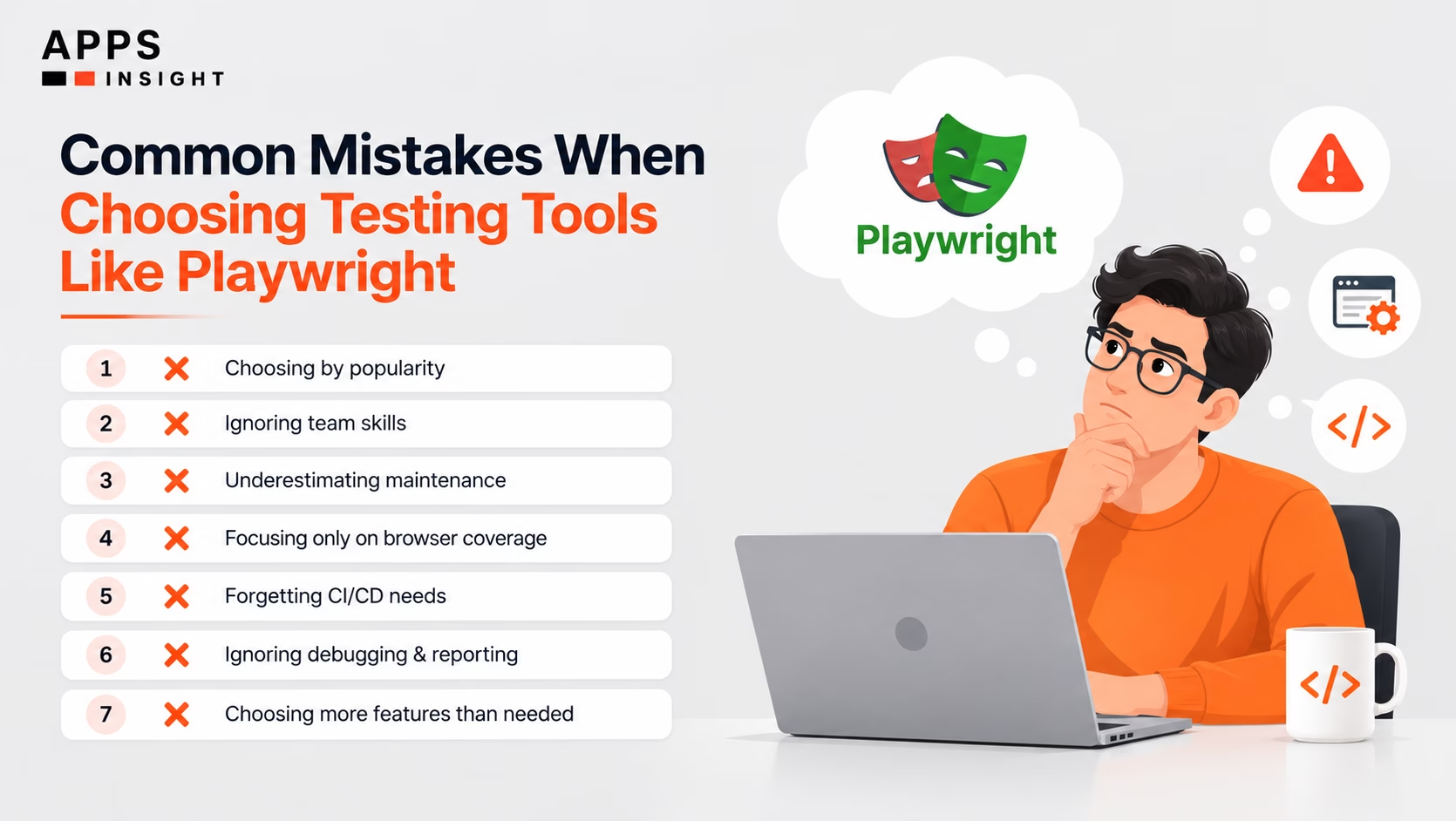
Choosing a testing framework is not just a technical decision. It can affect development speed, maintenance effort, release quality, and the way your QA team works. So, you should evaluate the tool from several angles.
1. Choosing Based Only on Popularity
A popular framework is not automatically the best fit for your application. You should look at your browser requirements, application architecture, team skills, and testing goals first.
2. Ignoring Existing Team Skills
Your team will use and maintain the test suite every day. If the framework requires skills that your team does not have, adoption can become slow and expensive.
3. Underestimating Test Maintenance
Creating tests is only the beginning. Your application will change, selectors will move, and workflows will evolve. Choose a framework that helps your team maintain tests without unnecessary effort.
4. Focusing Only on Browser Coverage
Browser support matters, but it should not be your only deciding factor. You should also consider debugging, reporting, integrations, execution speed, and CI/CD support.
5. Forgetting CI/CD Requirements
If your team releases frequently, tests need to run reliably within your delivery pipeline. A tool that works well locally but creates problems in CI can slow down your entire release process.
6. Ignoring Reporting and Debugging
A failed test is only useful when your team can understand what went wrong. Look for useful logs, screenshots, traces, videos, and reports when they match your workflow.
7. Selecting More Features Than You Need
More features do not always mean more value. A small application may not need a large enterprise platform. Likewise, a complex organization may quickly outgrow a basic framework.
8. Forgetting the Long-Term Cost
You should consider licensing, infrastructure, training, maintenance, developer time, and migration costs. The cheapest tool today may not be the cheapest option over several years.
Avoiding these mistakes can make your evaluation much more practical. Once you understand your priorities, you can make a choice based on real project needs rather than short-term trends.
Looking for? Best AI Video Generators (Free & Paid)
Final Verdict: Which Testing Tool Should You Choose?
There is no single framework that works best for every team. Your application, testing goals, technical skills, browser requirements, and release process should determine which option you choose.
If your team wants a smooth developer experience, Cypress can be a strong starting point. Selenium remains useful when you need a mature ecosystem and broad flexibility. Puppeteer makes sense when Chromium automation is central to your workflow, while TestCafe can suit teams that prefer a simpler setup.
WebdriverIO is a good choice when customization matters. Katalon Studio stands out when your organization needs a broader enterprise testing platform. Ranorex can be useful when visual UI automation is a major requirement. Autonoma offers a different approach for teams that want testing connected closely to code changes and managed preview environments.
When you evaluate Playwright Alternatives, avoid choosing based on feature count alone. Instead, ask yourself how the tool will work six months or two years from now. Can your team maintain the tests? Can the framework scale with your application? Will it fit your CI/CD pipeline? Can it provide the visibility you need when something fails?
You should also consider the wider testing strategy. The right framework should support your team’s definition of best Web App Testing, rather than forcing your workflow around the tool.
For example, teams working on fast-moving digital products may value quick feedback, while larger organizations may prioritize governance, reporting, integrations, and centralized test management.
The strongest choice is therefore the one that solves your real testing problems with the least unnecessary complexity.
Frequently Asked Questions
Can you migrate existing tests from Playwright to another framework?
Yes, but the effort depends on your existing test suite. Test structure, selectors, fixtures, assertions, browser contexts, and custom utilities may need to be rewritten. Before migrating, you should identify which tests provide the most business value and move them in stages rather than replacing everything at once.
Should startups and small teams use an enterprise testing platform?
Not always. Smaller teams should first identify the testing capabilities they actually need. A lightweight framework can often be easier to maintain when the application and team are small. An enterprise platform becomes more useful when you need centralized reporting, collaboration, governance, multiple testing types, or advanced management features.
How many automated tests should a web application have?
There is no universal number. Your test suite should provide enough coverage for important user journeys, critical business functions, integrations, and high-risk areas. A smaller suite of reliable tests can provide more value than thousands of fragile tests that require constant maintenance.
How often should automated web tests run?
Critical tests should ideally run whenever relevant code changes are introduced. Teams can run fast smoke and regression tests during development and CI, while larger test suites can run at scheduled intervals or before major releases. The best schedule depends on test execution time, release frequency, and application risk.
Can automated web testing replace manual testing?
Automation and manual testing serve different purposes. Automated tests are excellent for repeatable checks and regression coverage, while manual testing can uncover usability problems, unexpected behavior, and issues that are difficult to predict in advance. Strong QA strategies usually combine both approaches.