

Call tracking connects incoming phone calls to the marketing sources that generated them. It uses forwarding numbers, website number replacement and call records to help a business distinguish a paid-search lead from a referral, a print campaign or another channel. The call still reaches the business, but the reporting gains a source and, where the setup supports it, a visitor history.
The useful question is not “How many times did the phone ring?” It is “Which campaigns brought qualified enquiries, and what happened after we answered?” A dashboard full of calls can hide wrong numbers, existing-customer requests, spam and missed opportunities. This guide explains how call tracking works, how to choose the right method and how to test an implementation before trusting its reports.
Editorial note: This is a documentation-based implementation guide, not a hands-on product test or legal advice. Examples are illustrative. Product capabilities depend on configuration, plan and region; no vendor ranking or return-on-investment claim is implied.
1. What is call tracking, and what does it measure?

Call tracking places a measurable phone number between a prospective customer and your normal business line. Someone dials that tracking number; the provider forwards the call to the destination number and creates a record. Depending on the service and configuration, that record may include the number dialed, start time, duration, connection status, caller identifier and marketing source.
Three numbers have different jobs. The business or destination number is where your team answers. The tracking number is what the caller dials. The swap target is the number a website script looks for and replaces. Confusing these roles can produce reporting that looks convincing while calls ring at the wrong branch.
Attribution is not the same as qualification
Attribution assigns credit to a marketing touchpoint. Qualification asks whether the caller has a relevant need and fits your business. A phone call attributed to a campaign is not automatically a new lead, and a lead is not automatically a sale. Keep these stages separate in your reports and in your CRM workflow.
A local repair business, for example, might need to distinguish a new service request from a parts enquiry. This is a hypothetical classification problem, not evidence that a particular campaign performs well. Tracking supplies the source; the team supplies the outcome. The same distinction matters when assessing lead-generation tools: more activity is useful only if the resulting enquiries are relevant.
Recording and transcription are optional capabilities, not the definition of call tracking. You can measure source and routing without storing a conversation. Decide which information you genuinely need before enabling extra collection. Even basic call metadata deserves an access policy because it can identify customers and reveal when they contacted you.
2. How call tracking works from click to conversation

A typical website implementation connects several systems. The visitor arrives from a campaign, the page displays a tracking number, the telephone service forwards the call and the reporting system associates the call with the available source data. Each connection needs testing; installing a script alone does not prove that the chain works.
- Capture the visit: the tracking system reads available referral information, campaign parameters or advertising identifiers.
- Display a number: a source-specific number or a number from a visitor pool replaces the business number when the configured conditions match.
- Route the call: dialing that number sends the call to the configured business destination.
- Create the record: the system stores supported call details and associates them with the source or visitor.
- Add the outcome: a person or connected CRM marks the enquiry as qualified, booked, won, lost or another agreed stage.
Google’s website call-conversion documentation describes a specific version of this flow: a Google tag and phone snippet replace a website number with a Google forwarding number for eligible ad-driven visits. Its default JavaScript implementation tracks one number per page; more complex cases require the documented custom setup. That is a Google Ads workflow, not a general-purpose solution for every marketing channel.
A click on a telephone link is a different event from a connected call. Someone may tap a button and close the dialer. Another visitor may manually dial the number without clicking anything. If your analytics records only button clicks, label them as clicks rather than completed conversations.
The website also needs to replace the actual dialing destination. Changing visible text while leaving an old tel: link underneath creates a measurement gap on mobile. Include this check when planning digital customer experience. Customers should be able to call easily regardless of which reporting tool sits behind the page.
3. Static, source-level and visitor-level tracking compared
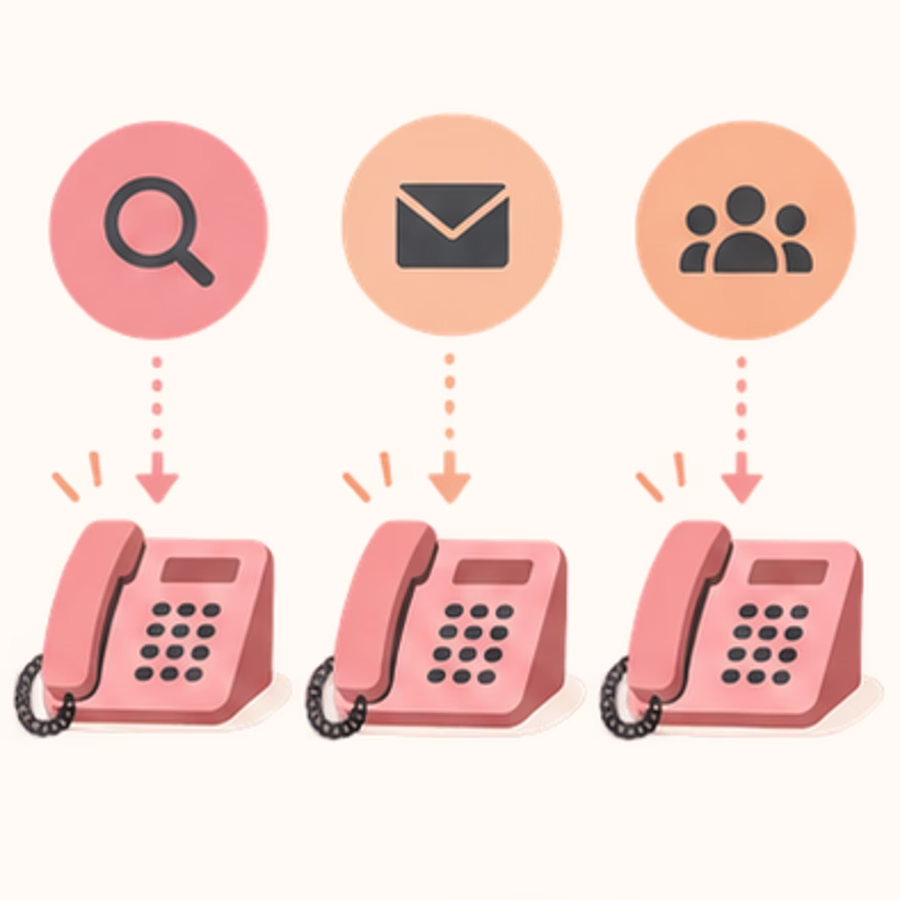
Choose a method around the question you need answered. A static number can tell you which flyer generated a call. A source-level website number can separate broad channels. Visitor-level tracking aims to connect a call with an individual web session and its available campaign data. More detail brings more setup, number capacity and privacy work.
WhatConverts’ documentation separates dynamic number pools from static offline attribution. Its offline numbers receive manually assigned source and campaign information. Do not describe that as independently discovering a caller’s entire journey.
Start with a campaign inventory: website, ads, directories, printed material and referral placements. Assign one owner to the number map. Record the source, destination, opening hours and expected lifespan of each number. This avoids two teams reusing the same number for unrelated campaigns.
Google forwarding numbers should not be copied into permanent brochures or directory listings. Google says those numbers can change or be reassigned and restricts their use to its call-reporting and website-call-conversion workflows. For long-lived offline campaigns, ask a provider about appropriate numbers, portability and what happens when the subscription ends.
For agencies, the ownership conversation belongs in the brief. Our guide to choosing a digital marketing agency provides broader selection context; call reporting additionally needs explicit responsibility for numbers, account access and exports.
4. Dynamic number insertion and attribution limits
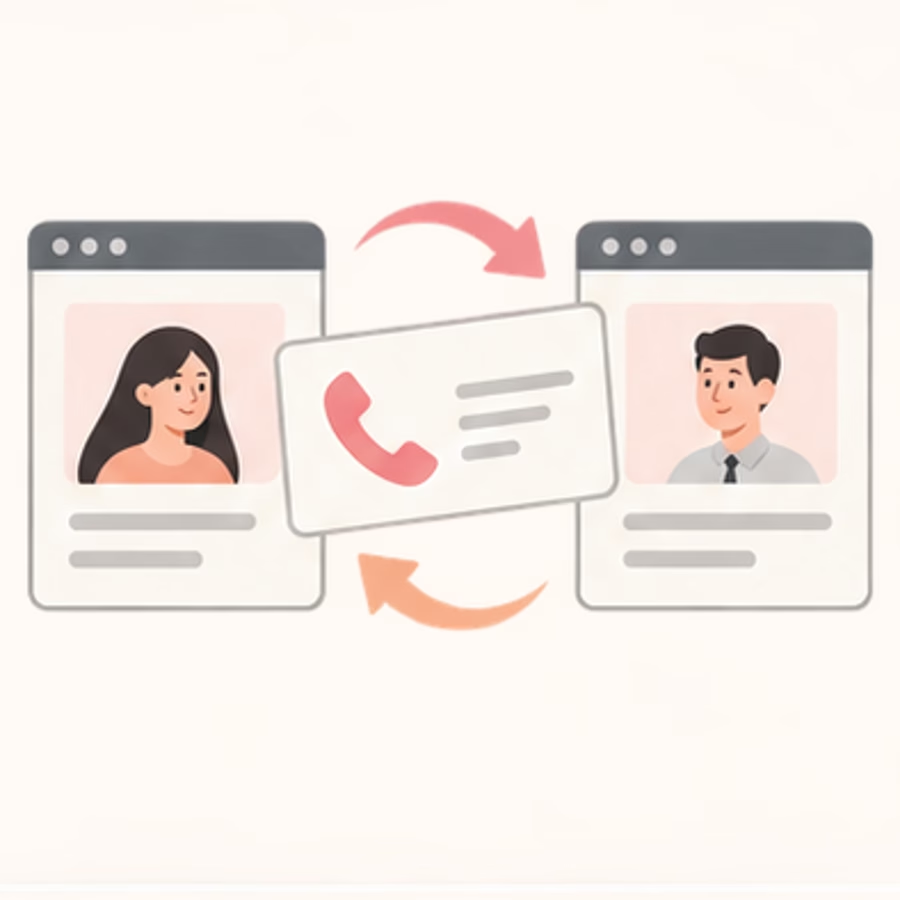
Dynamic number insertion, usually shortened to DNI, changes a phone number displayed on a website according to tracking rules. It does not require changing the destination where staff answer. Source-level DNI may show one number to visitors from a particular channel. Visitor-level DNI allocates numbers from a pool to distinguish tracked sessions.
CallRail’s DNI overview describes a JavaScript snippet, a swap target and tracking numbers. It also describes cookies used to retain source information. These are provider-specific mechanics; another service may use different matching rules or supported formats.
Why number-pool capacity matters
If too many visitors share too few numbers, a call can be matched to the wrong session. CallRail’s pool-sizing guidance explicitly warns about this misattribution. Size a pool using the chosen provider’s method and the traffic you actually intend to track. Do not apply one vendor’s formula to every service or size solely around monthly averages.
Campaign launches and seasonal peaks matter because traffic arrives unevenly. Recheck pool capacity after a significant traffic change. A small pool that appears fine during quiet hours can produce misleading histories when a promotion drives many concurrent visits.
Attribution also has boundaries beyond capacity. A visitor can switch devices, decline storage, block a script, return later or share a number with someone else. A campaign may supply source parameters without supplying a search keyword. Do not promise that call tracking reveals every organic search query or reconstructs every cross-device journey.
Choose and document an attribution model before comparing reports. First-touch and last-touch views answer different questions; neither proves that the credited touchpoint caused the sale. Explain discrepancies instead of forcing two dashboards to agree. This discipline is equally useful when evaluating AI in digital marketing or combining call data with email marketing analysis.
5. How to set up call tracking without losing calls

A safe rollout begins with routing, not dashboards. Write down where calls must ring, who handles missed calls and how the business operates outside opening hours. Then decide which sources to measure and what counts as a useful enquiry. A simple, tested setup is preferable to detailed reporting attached to unreliable phone delivery.
A practical implementation checklist
- Map destinations: confirm branch numbers, queues, voicemail and after-hours routing with the staff who answer.
- Choose the method: use static campaign numbers, source rules or a visitor pool according to the measurement question.
- Install once: use the provider’s supported site integration or tag-manager route; check for duplicate snippets.
- Configure campaign naming: keep source, medium and campaign names consistent across links and reports.
- Set outcomes: agree how staff identify a new qualified enquiry, an existing customer and a sale.
- Test end to end: inspect the displayed number, dialing link, ringing destination, call record and CRM result.
Use a small pilot before replacing numbers across an entire website. A story map can help the team lay out the caller’s path from landing page to answered enquiry. Include the less attractive paths too: busy line, wrong branch, voicemail and callback.
Test desktop and mobile, the header and footer, landing pages, contact pages and any embedded widgets. If a number lives in an image, confirm the provider supports that case rather than assuming a text-replacement script can change it. Also test the site with the tracking script unavailable: the underlying business number should remain usable.
Connect the smallest necessary set of CRM fields first. Businesses starting out can assess small-business CRM options before commissioning custom integration work. If existing systems need unusual routing or data mapping, scope that separately using our bespoke CRM development guide.
Keep a rollback plan and a named owner. If calls fail during a deployment, staff need a way to restore the normal number quickly. Record the test date and configuration so a later website update does not silently undo the implementation.
6. Measure qualified leads, missed calls and revenue
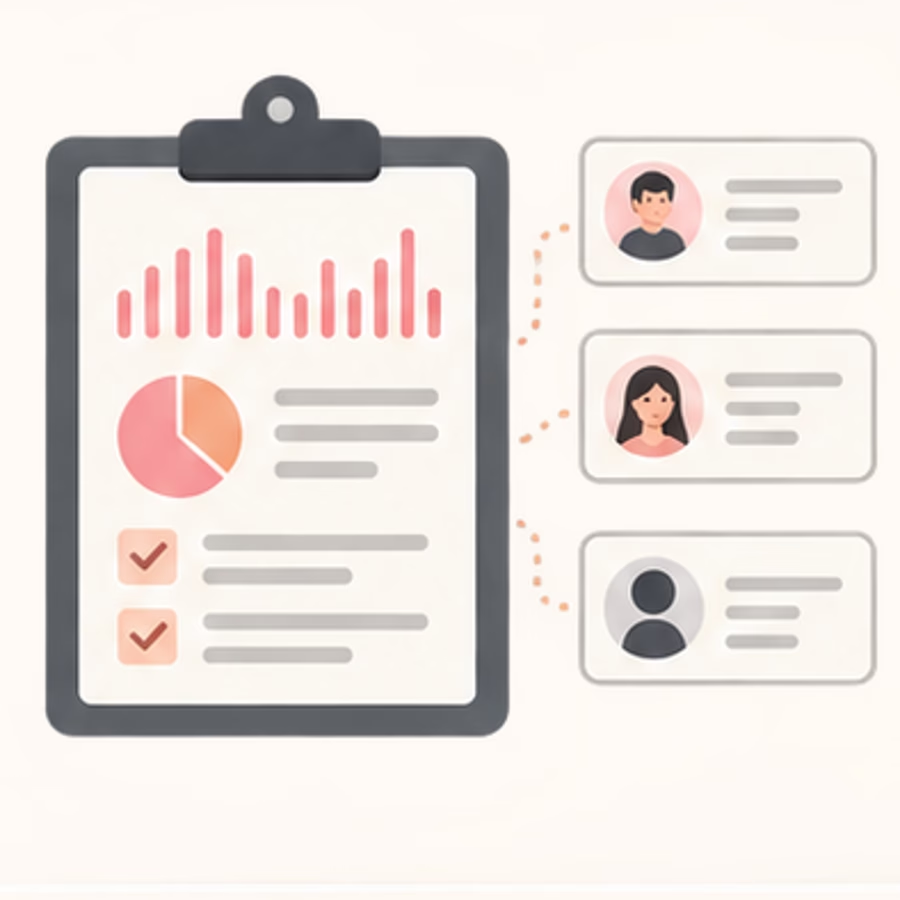
The best report connects marketing activity with business outcomes while retaining the distinctions between them. Start with incoming calls, answered calls, new enquiries, qualified enquiries, appointments and sales. Add stages only when someone can maintain them reliably. A complicated funnel with inconsistent labeling is less useful than a simple one the team trusts.
Call duration can be a screening rule, but it is not proof of quality. Google’s call-conversion workflow lets advertisers set a minimum duration. That threshold should reflect the business process, not an arbitrary universal benchmark. A long hold can meet a duration rule without becoming a useful enquiry; a brief appointment confirmation can still matter operationally.
- Answer rate: answered calls divided by calls eligible for the report’s definition.
- Qualification rate: qualified new enquiries divided by reviewed new enquiries.
- Cost per qualified call: relevant campaign spend divided by qualified calls attributed under the stated model.
- Revenue outcome: CRM sales connected to the agreed lead record, with a documented matching method.
Always state the reporting window and exclusions. Separate spam, duplicate calls and existing-customer conversations rather than quietly discarding inconvenient records. Compare equivalent periods and check whether staffing, hours or promotions changed. These factors can affect outcomes even when the marketing campaign stays the same.
Missed calls deserve their own operating report. If a campaign attracts suitable enquiries but the team cannot answer them, lowering advertising spend is only one possible response. Better scheduling, routing or callback ownership may address the actual bottleneck. Our guide to CRM benefits for small businesses explains the broader value of keeping follow-up organized.
Before relying on AI-generated summaries or qualification labels, compare a sample with human review and document error handling. Tools covered in our AI tools for marketers guide do not remove that responsibility. Similarly, treat marketing budgets as more than media spend: number capacity, integrations and staff time also belong in the measurement plan.
7. Privacy, recording and access controls

Call tracking can collect personal information even when recording is switched off. Caller identifiers, timestamps and CRM associations may reveal who contacted a business and why. Treat recordings and transcripts as an additional layer of sensitive data, not an automatic feature to enable because the plan includes it.
The FTC’s guide to protecting personal information recommends keeping only information a business needs, protecting it and disposing of it when no longer necessary. Apply those principles to call logs, audio, transcripts and exports. Decide the business purpose before deciding retention.
Questions to settle before recording
- What notice or consent is required for callers and staff in the relevant locations?
- Can recording be paused or disabled when payment or other sensitive information is discussed?
- Who can listen, download, share or delete recordings?
- How long are call records, audio, transcripts and backup copies retained?
- Which providers receive the data through integrations or transcription services?
Get qualified legal advice for recording consent, regional privacy duties and industry-specific rules. A vendor’s statement about its own cookies or compliance features is not a legal determination for your business. Avoid copying a blanket “consent not required” statement into your privacy policy.
For healthcare, resolve the applicable agreements and data-handling requirements before routing patient conversations through a service. Our healthcare IT consulting guide provides broader security context, but neither a blog nor a feature checkbox establishes compliance.
Give marketing staff the access needed for analysis rather than universal access to every recording. Review administrator accounts, export permissions and departing-user access. Our discussion of customer database management is relevant here: improving the record does not mean collecting everything.
Finally, test deletion and export procedures before they become urgent. Know whether removing a CRM record also removes connected audio, and document exceptions rather than assuming connected systems delete together.
8. Common mistakes and how to choose a provider

Most disappointing implementations fail at a specific link in the chain. The wrong destination loses calls. A stale dialing link bypasses tracking. An undersized pool mixes visitor histories. Duplicate scripts create conflicting swaps. Missing outcome labels leave the business optimizing call volume instead of useful enquiries.
Build a troubleshooting sequence that follows the caller. First verify what number is visible. Then inspect the dialing destination, place a controlled test call, confirm the business receives it and examine the resulting source and outcome record. Record each result separately. One successful desktop test does not prove every mobile template works.
Use website QA as part of each release, not only the initial installation. Our web testing tools comparison offers options for broader testing, although an automated page check cannot replace a real routing test. Review number replacement after changes to the theme, tag manager, consent system or landing-page builder.
Evaluate the operating fit, not the biggest feature list
Ask providers about supported countries and number types, visitor-pool sizing, routing rules, integration fields, data export and number portability. Request a demonstration using your actual reporting question. A provider able to count calls may still lack the outcome workflow or access controls your team needs.
Compare total cost: subscription, numbers, usage, recording, transcription and integration work. Do not quote a fixed market-wide price because plans and inclusions vary. Ask what happens to active tracking numbers and historical records if you leave. Your exit plan matters most for numbers already printed on physical material.
Businesses comparing affordable CRM systems should check that the call integration sends usable fields rather than a vague activity notification. If a custom connector is proposed, use our bespoke CRM cost guide as scoping context, not as a quote for call tracking.
Choose the least complex method that answers the question, pilot it, and expand only after routing and attribution checks pass. Reliability is the first requirement; a beautiful dashboard comes afterward.
9. Call tracking FAQs

Does call tracking replace my business phone system?
Usually it adds a measurable forwarding layer rather than replacing the destination where staff answer. Some providers also sell phone-system features, so confirm the specific architecture. Ask where calls ring, what happens during an outage and whether existing voicemail and queues still work. Test these paths before retiring any current configuration.
Can I track calls without recording conversations?
Yes. Source attribution and basic call records do not inherently require storing audio. Recording and transcription may be optional provider features. Leave them disabled unless they serve a clear business purpose and you have settled the relevant notice, consent, retention and access requirements. Metadata still needs protection even when no recording exists.
Is a phone-button click the same as a call conversion?
No. A click measures an interaction with the website, not necessarily a connected conversation. Google documents several call-conversion types, so check exactly which action your account counts. Keep click events, connected calls and qualified enquiries separate. Otherwise a report may show apparent growth while the team receives no additional useful conversations.
Can call tracking identify every keyword?
No. Detail depends on the advertising data, parameters and visitor matching available to the implementation. Provider documentation may describe PPC keyword tracking, but that is not a promise to reveal every organic query or recover missing identifiers. Preserve an unknown category and explain attribution limits rather than assigning a source with false precision.
What should a small business implement first?
Start with a specific question and a working routing plan. A single campaign number may be enough for an offline placement; website session analysis may need a pool. Define qualified enquiries, agree who labels outcomes and run controlled tests. Add recording, automation and deeper integrations only when the simpler setup produces trustworthy records.
Will call tracking automatically improve marketing results?
No. It improves the information available for decisions when configured correctly. Results still depend on campaign relevance, answering capacity, follow-up and the offer. Use the data to investigate patterns, then test changes. Do not treat a provider’s attribution report as evidence that it caused more sales or that every credited campaign deserves more budget.
Sources and further reading
Documentation reviewed for this guide: Google Ads website call setup; Google phone-call conversion types; Google forwarding-number restrictions; WhatConverts tracking methods; CallRail DNI documentation; CallRail pool-sizing guidance; and FTC data-protection guidance. Vendor sources establish their own mechanics, not independent performance claims.