


Jotform Sign for ChatGPT and Claude
Create, send, and sign documents in ChatGPT and Claude - the whole e-sign workflow in one…
Free+Paid
- Web app
- API / SDK
AI voice typing that turns rough speech into polished text on Mac, Windows, iOS and Android
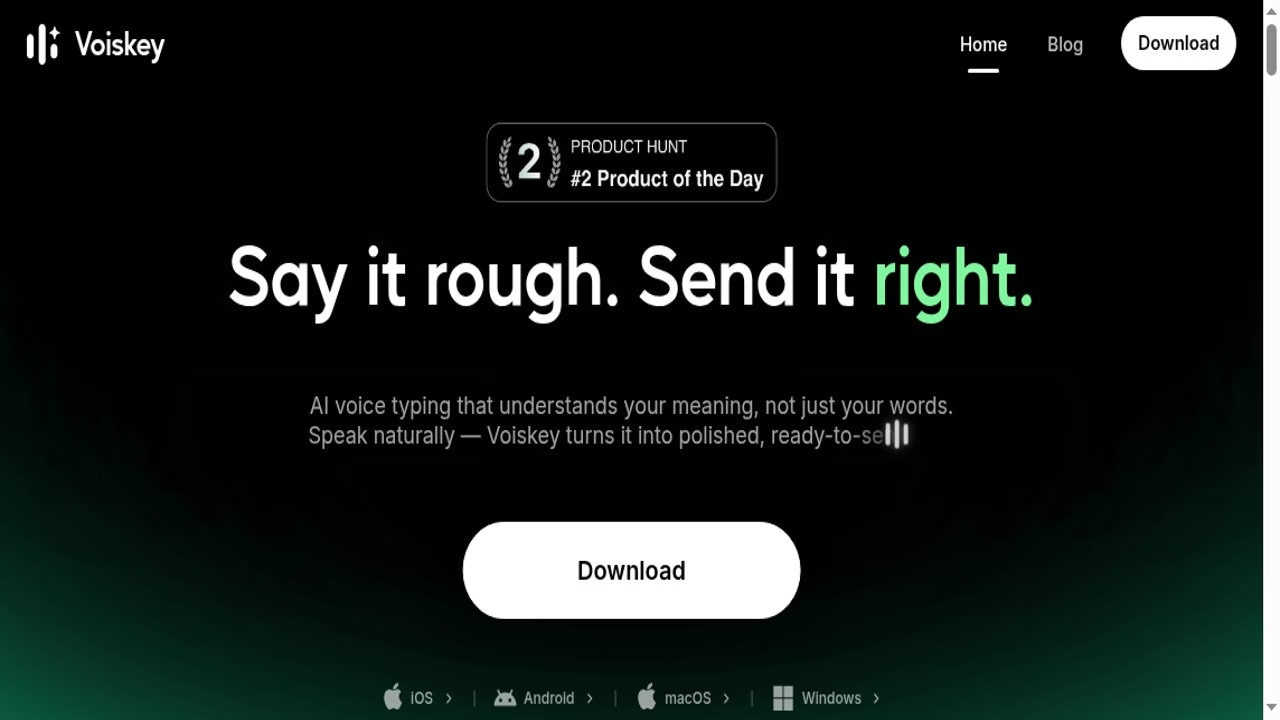
AI voice typing that turns rough speech into polished text on Mac, Windows, iOS and Android Voiskey is a voice typing app.
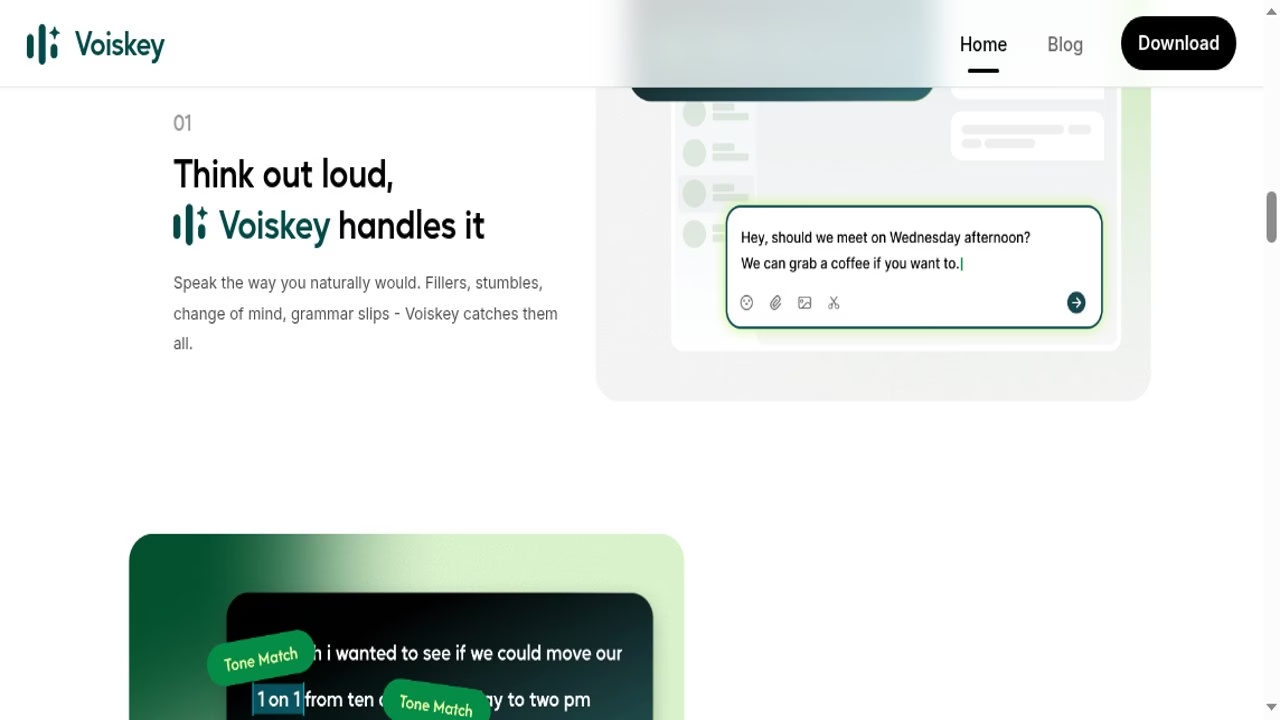
It targets the common annoyance of dictation that needs heavy cleanup, and it covers desktop and mobile.
Voiskey is a voice typing app. You speak the way you normally would, with fillers, restarts and changes of mind, and it turns that into clean text formatted for where you are typing: a message, an email, a note, a document or an AI prompt. It runs on macOS, Windows, iOS and Android.
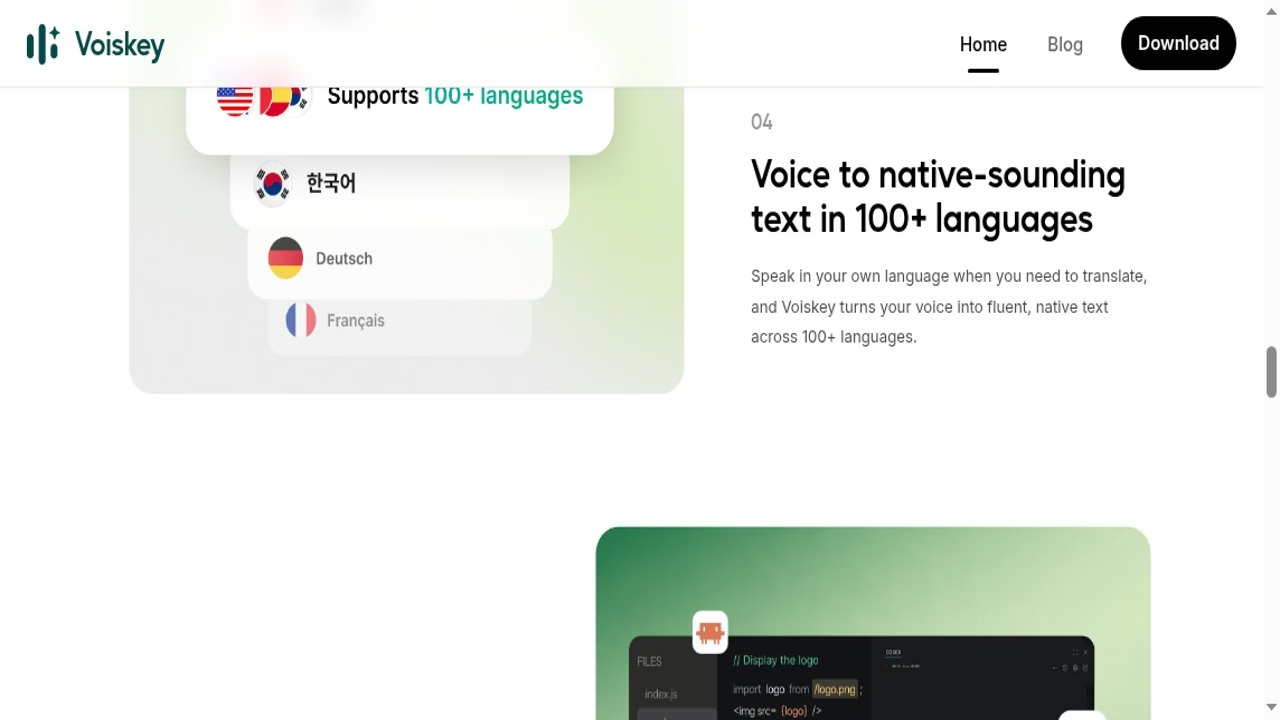
Two things set it apart from basic dictation. It adjusts tone, formatting and word choice to the context, and it learns your names, jargon and spelling preferences. It also writes text in 100+ languages from speech in your own language, which makes it usable as a quick translator. For developers there is a mode that turns spoken instructions into an AI-ready prompt with files, paths and commands captured.
The site claims voice is about 5x faster than typing (220+ words per minute against 45 on a keyboard). That is Voiskey’s own comparison, not a test I ran.
Voiskey is a voice typing app. You speak the way you normally would, with fillers, restarts and changes of mind, and it turns that into clean text formatted for where you are typing: a message, an email, a note, a document or an AI prompt. It runs on macOS, Windows, iOS and Android.
Two things set it apart from basic dictation. It adjusts tone, formatting and word choice to the context, and it learns your names, jargon and spelling preferences. It also writes text in 100+ languages from speech in your own language, which makes it usable as a quick translator. For developers there is a mode that turns spoken instructions into an AI-ready prompt with files, paths and commands captured.
The site claims voice is about 5x faster than typing (220+ words per minute against 45 on a keyboard). That is Voiskey’s own comparison, not a test I ran.
I could not find any pricing, free plan or trial information on voiskey.ai, so those fields are blank. Check the download flow for current terms before relying on it.
AppsInsight desk research by Deepika Pandey, October 5, 2026. Source: voiskey.ai (home, download, terms, privacy links). I did not install or test the app. Pricing is not published on the site and is left blank. Speed and language claims are Voiskey's own.
Listed from the public site; no changelog reviewed.
| Pricing | Free+Paid |
|---|---|
| Starting price | $29.99 |
| Free plan | Yes |
| Free trial | Yes (30 days) |
| Pricing page | View pricing |
| Platforms | iOS (iPhone & iPad), Android, macOS, Windows |
| API | No |
| Company | Nexileap Private Limited |
| Apps Insight Score | 32/100 |
| Implementation | Easy |
| Learning curve | Intermediate |
Editorial points are assigned by AppsInsight editors and cannot be purchased or influenced.
| Feature | Voiskey | Jotform Sign for ChatGPT and Claude | LUCI Desktop | Timeless Code |
|---|---|---|---|---|
| Rating | 3.0 / 5 | 4.3 / 5 | 4.2 / 5 | 4.2 / 5 |
| Pricing | Free+Paid | Free+Paid | Free plan | Free+Paid |
| Starting price | $29.99 | — | Free | — |
| Free plan | Included | Included | Included | Included |
| Free trial | Yes (30 days) | No | No | No |
| Platforms | iOS (iPhone & iPad), Android, macOS, Windows | Web app, API / SDK | macOS, Windows | Web app, macOS, Windows, API / SDK |
| Best for | People who write a lot of messages, emails and AI prompts and would rather speak them, including non-native English writers. | Founders, freelancers and ops teams who already work in ChatGPT or Claude and want contracts and consent forms drafted, sent and tracked without opening a separate e-sign tool. | Founders, investors and sales leaders who live in meetings and want AI agents briefed from real context, privacy-conscious users who refuse cloud AI note-takers, and developers who want Claude Code or Cursor to remember their workday. | Developer teams and founders who live in Claude Code and want meetings to become queryable memory - briefs before calls, action items after, and answers grounded in what was actually said. |
Voiskey vs Jotform Sign for ChatGPT and Claude Voiskey vs LUCI Desktop Voiskey vs Timeless Code
$0 /mo
$0 billed annually
$29.99 /mo
$129.99 /mo
Create, send, and sign documents in ChatGPT and Claude - the whole e-sign workflow in one…

Local computer memory for every AI agent - it remembers your whole day, fully on your…

Your meetings are the prompt - record once, remember forever, and let Claude Code use it.

Assistant for scientific literature and document analysis - answers verified against the papers they cite.

Personalized AI learning that picks the right lesson format for each person and role

Always-on listening app that turns real conversations into a private, searchable memory your AI agents can…
Embeddable AI assistant that takes actions inside your app, not just answers questions

AI study helper with step-by-step homework solutions, visual lessons and live tutors

Guided AI homework tutor that walks you to the answer instead of handing it over
Personalized AI learning that picks the right lesson format for each person and role
No reviews yet. Be the first to review this app.
Already have an account? Log in to track your reviews.