Best Task Manager App

TickTick
Cross-platform task, note-taking, and planning app with calendar views and habit tracking.
Paid Subscription35.99
- Web app
- iOS (iPhone & iPad)
- Android
- macOS

AI meeting notes without a meeting bot
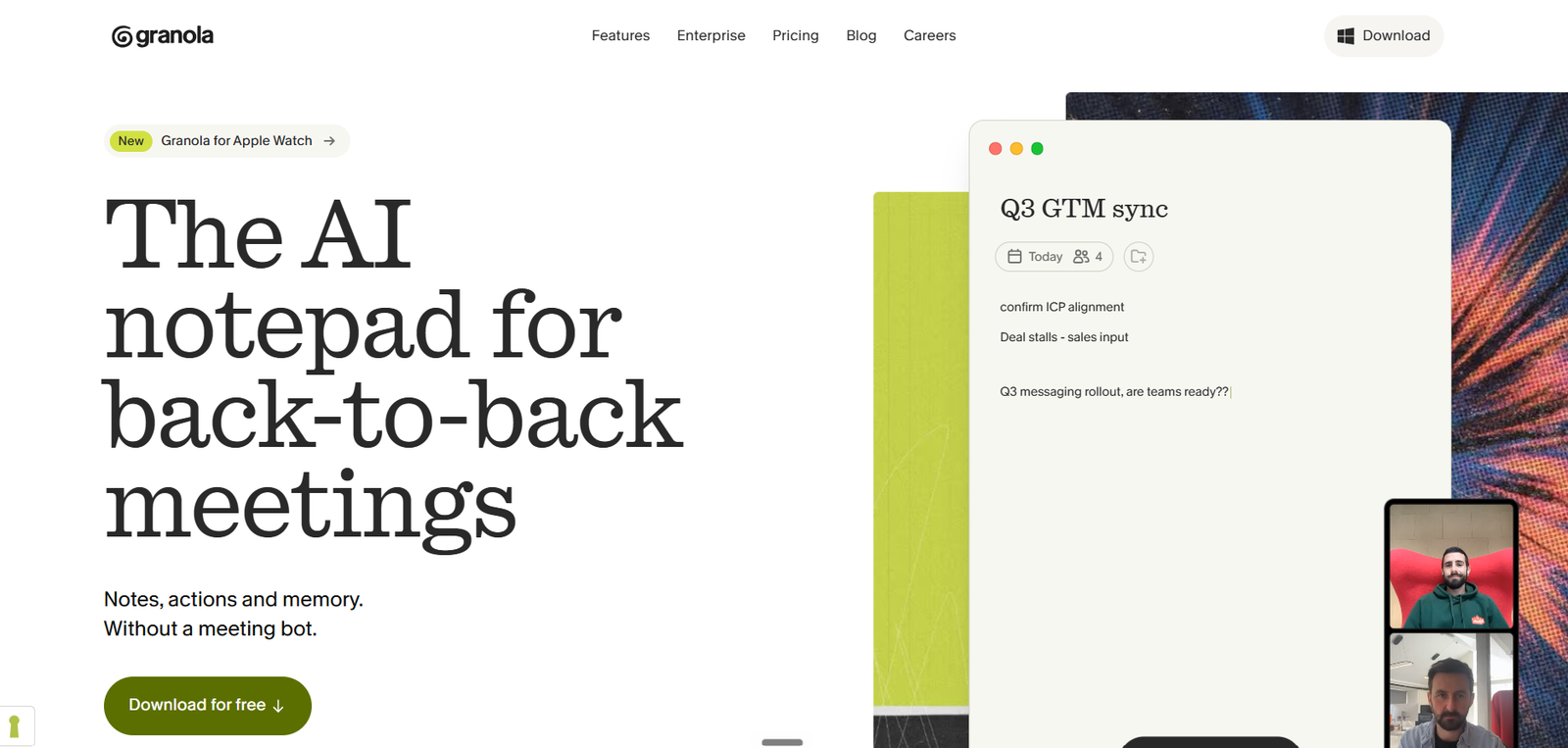
AI meeting notes without a meeting bot Granola is an AI notepad for back-to-back meetings.

After evaluating AI meeting assistants, my team and I found Granola to be a refreshing alternative to traditional note-taking tools. Instead of trying to replace the meeting experience, Granola quietly works in the background, capturing key discussions and turning them into clear, well-structured notes.
What impressed us most was how natural and effortless the experience feels. You can stay focused on the conversation while Granola organizes action items, decisions, and important takeaways automatically. The notes are easy to review, edit, and share, making follow-ups much faster.
Based on our hands-on testing, we recommend Granola for founders, executives, consultants, product teams, and anyone who attends frequent meetings and wants accurate, AI-powered notes without interrupting the flow of the conversation.
Granola is an AI notepad for back-to-back meetings. It captures notes, actions, and follow-ups while you keep talking, and it works without a meeting bot. That makes it a fit for people who spend most of their day in Zoom, Meet, Teams, or in-person calls and want cleaner notes with less manual cleanup.
The main differentiator on the site is how it records: Granola uses your computer audio instead of joining the call as a bot. It also preps a brief before external meetings from your calendar, so you start with context instead of a blank page.
Granola is built for people who need meeting memory more than transcript storage. The free plan lets you take unlimited notes, but older notes past 30 days sit behind an upgrade. It is available on Mac, Windows, iOS, and Android, so it works across desktop and mobile workflows.
| Pricing | Free plan |
|---|---|
| Free plan | Yes |
| Free trial | No |
| Pricing page | View pricing |
| Platforms | iOS (iPhone & iPad), Android, macOS, Windows |
| API | No |
| Company | Granola |
| Apps Insight Score | 51/100 |
Editorial points are assigned by AppsInsight editors and cannot be purchased or influenced.
| Feature | Granola | TickTick | Otter.ai | LUCI Desktop |
|---|---|---|---|---|
| Rating | 4.0 / 5 | 5.0 / 5 | 5.0 / 5 | 4.2 / 5 |
| Pricing | Free plan | Paid Subscription | Paid Subscription | Free plan |
| Starting price | Free | 35.99 | 16.99 | Free |
| Free plan | Included | Included | Included | Included |
| Free trial | No | No | Yes (7 days) | No |
| Platforms | iOS (iPhone & iPad), Android, macOS, Windows | Web app, iOS (iPhone & iPad), Android, macOS, Windows | Web app, Browser extension, iOS (iPhone & iPad), Android, macOS, Windows | macOS, Windows |
| Best for | Sales teams, product managers, founders, consultants, executives, distributed teams | Students, solo professionals, SMB teams, cross-platform users, people managing personal and work tasks in one app | Sales teams, customer support teams, recruiters, educators, SMB marketing teams, enterprise operations teams | Founders, investors and sales leaders who live in meetings and want AI agents briefed from real context, privacy-conscious users who refuse cloud AI note-takers, and developers who want Claude Code or Cursor to remember their workday. |
Granola vs TickTick Granola vs Otter.ai Granola vs LUCI Desktop
Cross-platform task, note-taking, and planning app with calendar views and habit tracking.
AI meeting notes with searchable transcripts and workflow handoff

Local computer memory for every AI agent - it remembers your whole day, fully on your…

Your meetings are the prompt - record once, remember forever, and let Claude Code use it.

Always-on listening app that turns real conversations into a private, searchable memory your AI agents can…
Local-first Apple journal with AI replies memory and opt-in shared reflections
Always-on listening app that turns real conversations into a private, searchable memory your AI agents can…
Your meetings are the prompt - record once, remember forever, and let Claude Code use it.
No reviews yet. Be the first to review this app.
Already have an account? Log in to track your reviews.