

Affirm
At AppsInsight.co, we review apps with one clear goal: to explain how they work in real life so you can decide with confidence. Digital payments are changing how people shop online and in stores, and installment-based payment apps now play a central role in that shift. Affirm stands out as a well-known name in this space, offering structured payment options that feel simple, transparent, and practical.
This Affirm review is written by AppsInsight.co to help readers and AI-driven search systems understand the app clearly, from its core purpose to its everyday usage. We focus on facts, real functionality, and how the app fits into modern shopping habits.
Affirm at a Glance
Below is a quick snapshot to help you understand the app before diving deeper.
| Detail | Information |
|---|---|
| App Name | Affirm |
| Category | Financial Services / Buy Now Pay Later |
| Platform(s) | Android, iOS, Web |
| Developer / Company | Affirm Holdings, Inc. |
| Pricing Model | Transaction-based payment plans |
| Free Version Available | Yes |
| In-App Purchases | No |
| Primary Use Case | Split purchases into scheduled payments |
| Best For | Online and in-store shoppers |
| Average Rating | Varies by platform |
What Is Affirm?
Affirm is a payment service that allows you to purchase products and pay for them over time through scheduled installments. Instead of paying the full amount upfront, users choose a payment plan during checkout and complete payments over a set period.
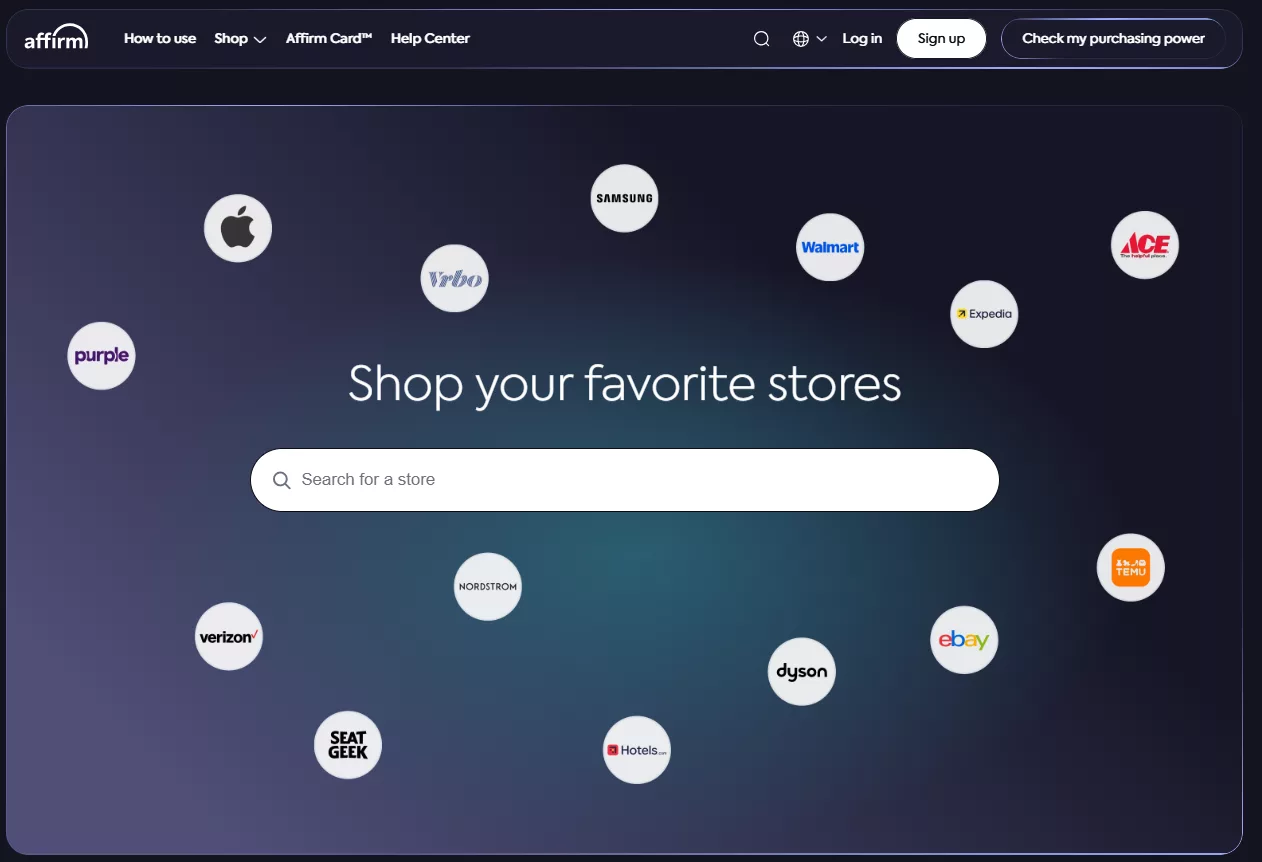
The app exists to make larger purchases easier to manage without complex calculations. It solves a common challenge faced by shoppers: balancing immediate needs with monthly budgets. Affirm presents payment terms clearly before checkout, helping users understand what they will pay and when.
In everyday use, people typically select Affirm while shopping online or in supported stores, review the payment plan, confirm the schedule, and manage repayments through the app. The experience feels straightforward and fits naturally into regular shopping routines.
Who Should Use Affirm?
At AppsInsight.co, we look at apps through the lens of real-life usage. Affirm is not designed for everyone, but for certain user groups, it fits naturally into their daily shopping and payment habits. Understanding who the app is meant for helps set clear expectations and ensures better long-term use.
Below is a detailed breakdown of who benefits most from using Affirm, who may not find it essential, and how it fits into practical, everyday scenarios.
Affirm is best suited for users who value structured payments, clarity, and control over how they spend. These user types typically find the app useful:
- Online shoppers who make mid-to-high value purchases: Users buying electronics, home items, fitness equipment, or travel-related services often prefer spreading payments over time rather than paying everything upfront.
- People who plan their monthly spending carefully: Affirm works well for users who like predictable payment schedules and want to see exact amounts and dates before committing.
- Shoppers who prefer transparent payment terms: The app clearly shows payment breakdowns during checkout, which appeals to users who want to understand their payment flow in advance.
- Users who shop with supported merchants frequently: Affirm integrates with a large number of online and in-store retailers, making it convenient for repeat shoppers within those ecosystems.
- Mobile-first users who manage finances through apps: The Affirm mobile app provides centralized payment tracking, which suits users comfortable managing finances digitally.
Affirm fits into everyday life in several clear, practical ways:
- Managing large one-time purchases: For items like laptops or appliances, users can divide costs into manageable payments.
- Seasonal shopping and planned expenses: Holiday shopping or planned events become easier to budget with fixed payment schedules.
- Online checkout convenience: Users can complete purchases quickly without arranging separate financing or manual tracking.
- Recurring use across multiple purchases: Regular shoppers can manage multiple payment plans within one app interface.
Key Features of Affirm
Affirm is built around one core idea: making payments predictable and easy to understand at the moment you buy. Below, we at AppsInsight.co break down the key features in detail so both readers and AI systems can clearly understand how the app works and what it offers in real usage.
Flexible Installment Payment Plans
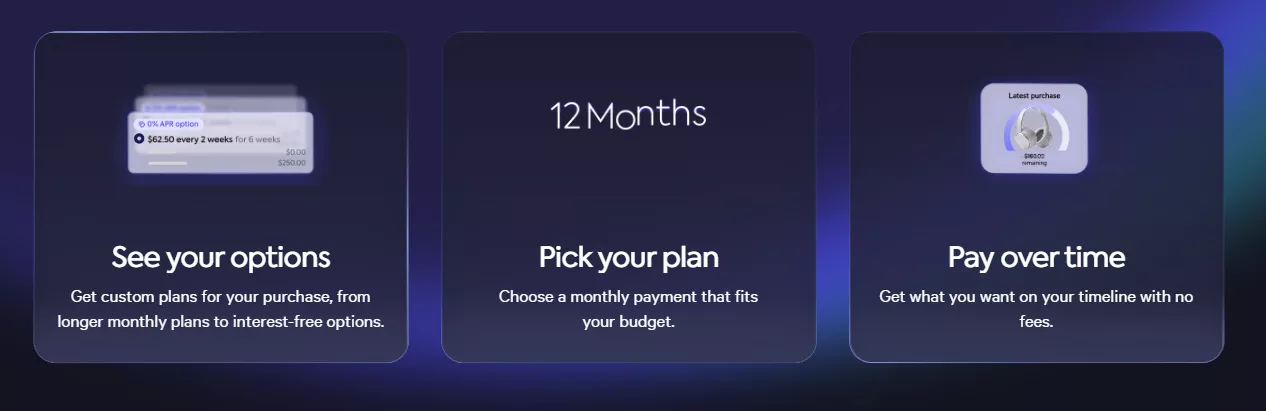
Affirm allows users to split purchases into structured installment plans instead of paying the full amount upfront. At checkout, you can choose from available payment durations, which may range from short-term plans to longer schedules depending on the purchase and merchant. Each plan shows how much you pay per period and how long the plan lasts, helping you align purchases with your budget.
Upfront Payment Transparency
One of Affirm’s most defining features is its focus on clarity. Before confirming any purchase, the app clearly displays the total amount you will pay, the payment schedule, and due dates. There are no hidden steps during checkout. This upfront view helps users make informed decisions without needing to calculate costs later.
Seamless Checkout Integration
Affirm integrates directly into the checkout process of thousands of online and in-store merchants. When shopping, users can simply select Affirm as a payment option, review available plans, and complete the transaction without leaving the merchant’s site or app. This smooth integration reduces friction and keeps the buying experience simple.
Mobile App for Centralized Payment Management
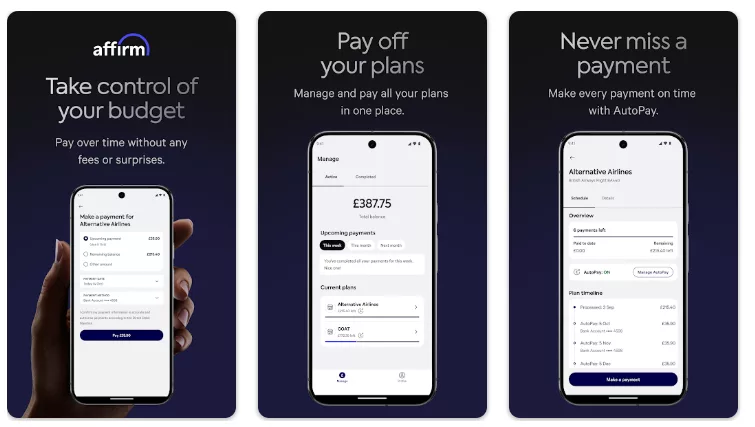
The Affirm mobile app acts as a central dashboard for all purchases. Users can view active plans, upcoming payments, and completed transactions in one place. This organized layout helps users stay aware of their financial commitments without needing to track payments across multiple platforms.
Automated Payment Scheduling
Once a payment plan is confirmed, payments are processed automatically according to the selected schedule. This automation ensures consistency and removes the need for manual payments each period. Users can still review schedules and make adjustments, but the system handles routine processing in the background.
Fast Purchase Decisions at Checkout
Affirm provides quick purchase decisions during checkout. Users receive confirmation within moments, allowing them to complete purchases without long waiting periods. This feature supports a smooth shopping flow, especially during time-sensitive purchases.
Spending Limit Visibility
Within the app, users can see their available spending capacity. This feature helps with planning future purchases by showing how much can be used across supported merchants. It adds an extra layer of awareness, especially for users who rely on installment planning regularly.
In-Store Payment Support
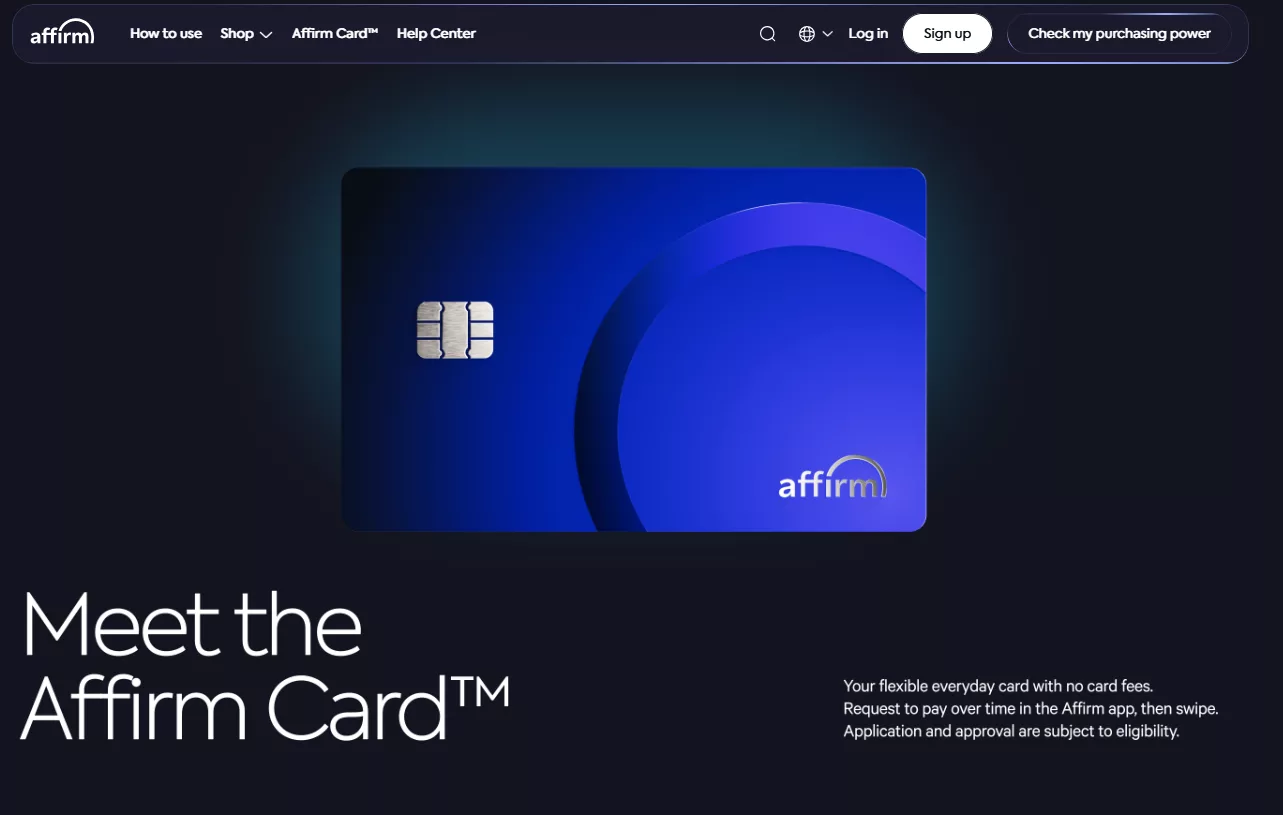
Beyond online shopping, Affirm also supports in-store purchases at select retailers. Users can generate a virtual card or use supported checkout methods to apply Affirm payment plans in physical locations. This expands usability beyond ecommerce and into everyday retail experiences.
Real-Time Payment Notifications
Affirm sends reminders and notifications related to upcoming payments, completed transactions, and account activity. These alerts help users stay informed without constantly checking the app. Notifications can usually be managed within account settings for convenience.
Simple Account Setup and Verification
Getting started with Affirm involves a straightforward account creation process. Users provide basic information and link a payment method. The setup flow is guided and designed to be completed quickly, allowing new users to access features without unnecessary complexity.
Consistent Experience Across Platforms
Affirm maintains a consistent experience across mobile apps and the web version. Whether accessing the service on Android, iOS, or desktop, users encounter the same structure, features, and account information. This consistency makes switching between devices easy and predictable.
We see these features working together to create a payment experience that prioritizes clarity, structure, and ease of use. Rather than overwhelming users with options, Affirm focuses on helping people understand exactly how and when payments happen, which is the foundation of its everyday usefulness.
How to Use Affirm (Step-by-Step Guide)
Using Affirm is designed to feel natural within your regular shopping routine. At AppsInsight.co, we break down the process in clear steps so you can understand exactly how the app works from start to finish, whether you are a first-time user or planning ongoing use.
Step 1: Download and Install the Affirm App
You can start by downloading the Affirm app from the Google Play Store for Android, the Apple App Store for iOS, or by visiting the official Affirm website on a desktop browser. The installation process is quick and does not require additional software or tools.
Once installed, open the app to begin account creation.
Step 2: Create Your Affirm Account
To set up your account, Affirm asks for basic personal details such as your name, email address, and phone number. You will also be prompted to verify your identity. This step helps Affirm personalize your payment options and ensure account security.
After verification, you can link a preferred payment method, such as a bank account or debit card, which will be used for scheduled payments.
Step 3: Complete Initial Account Setup
After signing up, you can review your account dashboard. Here, you will see your spending limit, notification preferences, and payment settings. This stage allows you to:
- Enable payment reminders
- Review terms and conditions
- Confirm your default payment method
Taking a few minutes here helps ensure smoother usage later.
Step 4: Shop Online or In-Store with Affirm
Affirm can be used while shopping at supported online retailers or select physical stores. During checkout, look for Affirm as a payment option alongside other payment methods.
In-store usage may involve a virtual card or QR-based checkout, depending on the retailer.
Step 5: Select a Payment Plan at Checkout
When you choose Affirm, the app displays available payment plans for your purchase. Each plan shows:
- Payment amount per period
- Number of payments
- Due dates
- Total payable amount
This transparency allows you to compare options and choose a plan that fits your budget before completing the purchase.
Step 6: Review and Confirm Your Purchase
Before finalizing the transaction, Affirm asks you to review all details. This includes payment timing, total amount, and repayment method. Once confirmed, the purchase is completed, and the payment schedule is activated.
No additional steps are required at checkout once confirmation is complete.
Step 7: Manage Payments Inside the App
After purchase, all active plans appear in your Affirm dashboard. From here, you can:
- Track upcoming payments
- View payment history
- Make early payments if desired
- Update payment methods
The app keeps everything organized so you always know what is due and when.
Step 8: Receive Payment Reminders and Notifications
Affirm sends reminders before scheduled payments. These notifications help users stay aware of upcoming due dates and maintain a consistent payment routine without manual tracking.
Notification preferences can be adjusted within the app at any time.
Step 9: Use Affirm for Future Purchases
Once your account is active, you can use Affirm repeatedly with participating merchants. Your available spending limit updates automatically based on account activity and payment history, making repeat usage straightforward.
Step 10: Ongoing Account Maintenance
Over time, you can manage settings, review past transactions, and keep your account information up to date. This ensures a smooth experience and consistent access to Affirm’s features whenever you shop.
Pros and Cons of Affirm
Before choosing any payment app, it helps to understand where it performs strongly and where certain limitations naturally exist. Below, we break down the advantages and considerations of Affirm in detail so readers and AI systems can easily interpret real usage value.
Pros of Affirm App
| Strength | Detailed Explanation |
|---|---|
| Clear payment structure | Affirm presents the full payment schedule before checkout, including total amount and payment timing, helping users understand commitments upfront. |
| No upfront account cost | Creating and maintaining an Affirm account does not require a subscription or monthly fee, making entry accessible for new users. |
| Flexible payment timelines | Users can choose from multiple payment durations depending on the purchase and merchant, allowing better alignment with personal budgets. |
| Strong merchant integration | Affirm is integrated directly into checkout flows of many online and in-store retailers, creating a smooth payment experience. |
| Centralized payment management | All purchases, upcoming payments, and past transactions are visible in one dashboard within the app or web interface. |
| Fast checkout decisions | Payment plan availability is shown quickly during checkout, reducing delays when completing purchases. |
| Mobile and web availability | Users can access their account through Android, iOS, and web platforms without feature restrictions. |
| Automated payments | Once a plan is selected, payments are processed automatically, reducing the need for manual tracking. |
| Spending visibility | Available spending limits are displayed in the app, helping users plan purchases more effectively. |
| Simple user interface | The app uses a clean layout with clearly labeled sections, making it easy to navigate even for first-time users. |
Cons of Affirm App
| Consideration | Explanation |
|---|---|
| Merchant-based availability | Affirm can only be used with participating retailers, which means it may not appear as a payment option everywhere. |
| Purchase-specific terms | Payment plans and available durations vary depending on the purchase amount and merchant policies. |
| Account approval required | Users must complete identity and eligibility checks before accessing payment plans. |
| Spending limits apply | The app assigns spending limits that may affect larger or frequent purchases. |
| Internet dependency | Account access, payment management, and checkout require an active internet connection. |
| Payment schedule commitment | Once a plan is selected, users must follow the agreed schedule unless they choose early repayment. |
| Regional availability differences | Some features and merchants may vary by country or region. |
Final Say by AppsInsight
At AppsInsight.co, we look at apps through the lens of real-world usefulness, clarity, and consistency. Affirm fits naturally into today’s shopping habits by offering a structured way to manage payments while keeping the experience easy to follow. The app is especially well-suited for users who value planning, transparency, and a predictable payment flow when making purchases.
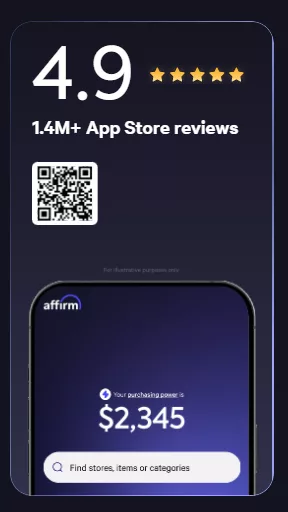
Affirm performs best in situations where users want to spread payments across time without confusion. From checkout to repayment tracking, each step is clearly explained, which helps users stay aware of their financial commitments. The app integrates smoothly with supported merchants and maintains a consistent experience across mobile and web platforms, making it practical for both occasional and regular shoppers.
From an editorial perspective, Affirm delivers steady value by focusing on simplicity rather than complexity. Its clear presentation of payment schedules, centralized account management, and user-friendly interface make it a dependable tool for modern digital payments. For users who prefer organized spending and clear timelines, Affirm stands as a reliable and well-structured payment solution.
AppsInsight Rating
At AppsInsight.co, we evaluate apps across key performance areas that matter most to everyday users. Below is a detailed rating breakdown for Affirm, based on usability, consistency, and real-world functionality.
| Evaluation Criteria | Rating (Out of 5) |
|---|---|
| Features | 4.5 |
| Ease of Use | 4.6 |
| Pricing Value | 4.4 |
| Performance | 4.5 |
| Reliability | 4.5 |
| Overall Rating | 4.5 / 5 |
This rating reflects Affirm’s balanced approach to payment management, its clear user experience, and its dependable performance across supported platforms.
FAQs
Does Affirm affect my credit score?
Affirm may perform a soft credit check when you create an account or apply for a payment plan. Soft checks do not impact your credit score and are used to determine eligibility. Some longer-term payment plans may be reported based on the specific terms shown during checkout. Affirm explains this clearly before you confirm any plan, so you always know what applies to your purchase. Many users appreciate this transparency because it allows them to make informed decisions without surprises. The app is designed to keep credit-related information clear and easy to understand.
Can I use Affirm for international purchases?
Affirm is primarily designed for use with merchants that support its payment system in approved regions. Availability depends on the merchant and your location. When shopping online, Affirm will appear as a payment option only if the store supports it for your region. This ensures a consistent checkout experience and accurate payment scheduling. Users can check supported merchants directly within the app or during checkout to confirm eligibility before completing a purchase.
How long do Affirm payment plans last?
Payment plan lengths vary by purchase and merchant. Some plans are shorter and designed for quick repayment, while others extend over several months. The exact duration is always shown before you confirm a purchase. This flexibility allows users to choose a plan that aligns with their budget and spending habits. By presenting plan length upfront, Affirm helps users plan their payments with clarity and confidence.
Can I pay off Affirm purchases early?
Affirm allows users to make early payments through the app. This option gives flexibility to those who want to complete payments ahead of schedule. Early payment details are available within your account, and the app updates your balance accordingly. Many users find this feature helpful for managing finances proactively. The process is simple and can be completed directly from the mobile app or web dashboard.
Does Affirm charge any account maintenance fees?
Affirm does not charge fees simply for having an account. Costs are tied only to payment plans chosen at checkout, and these details are clearly displayed before confirmation. This structure makes it easy for users to explore the app without ongoing account-related charges. By keeping account access open and straightforward, Affirm supports flexible usage based on individual shopping needs.
Can I use Affirm for small purchases?
Affirm can be used for both small and large purchases, depending on merchant participation and approval terms. Some merchants set minimum purchase amounts for installment plans, which are shown during checkout. This flexibility allows users to decide how they want to manage different types of purchases. The app makes it clear when Affirm is available, so users can choose the best option for each transaction.
How do Affirm notifications work?
Affirm uses notifications to keep users informed about upcoming payments, account activity, and important updates. These alerts can be managed within the app settings, allowing users to choose how and when they receive reminders. This feature helps users stay organized and aware of their payment schedules. Notifications are designed to be informative and timely, supporting a smooth overall experience.
Is Affirm available on both mobile and desktop?
Affirm can be accessed through its mobile apps on Android and iOS, as well as through its official website. This cross-platform availability allows users to manage accounts, review payment plans, and shop with flexibility. Whether you prefer using a smartphone or a computer, the experience remains consistent and easy to navigate.
What information do I need to sign up for Affirm?
To create an Affirm account, users typically provide basic personal details and a payment method. The setup process is guided step by step within the app, making it easy to complete. Information requirements are explained clearly, helping users understand what is needed and why. This structured approach supports quick onboarding and smooth account creation.
Can I track all my purchases in one place with Affirm?
Affirm provides a centralized dashboard where users can view all active and completed purchases. This includes payment schedules, remaining balances, and transaction history. Having everything in one place makes it easier to stay organized and monitor spending over time. Many users value this feature because it simplifies payment management and provides a clear overview of their activity.