Sign In

ClickUp logo

ClickUp

Work management with AI tied to your project context
4.0 Editor rating
#8 in Work Management Rank
21
AppsInsight Score Needs Improvement
Best Project Management Tool
  • Trusted by 10,000+ buyers worldwide
  • 500+ verified reviews from real users
  • Updated weekly fresh & accurate data
  • Independent editorial research 100% unbiased

What is ClickUp?

Work management with AI tied to your project context ClickUp is a work management platform for teams that want tasks, docs, chat, calendars, and AI in one place.

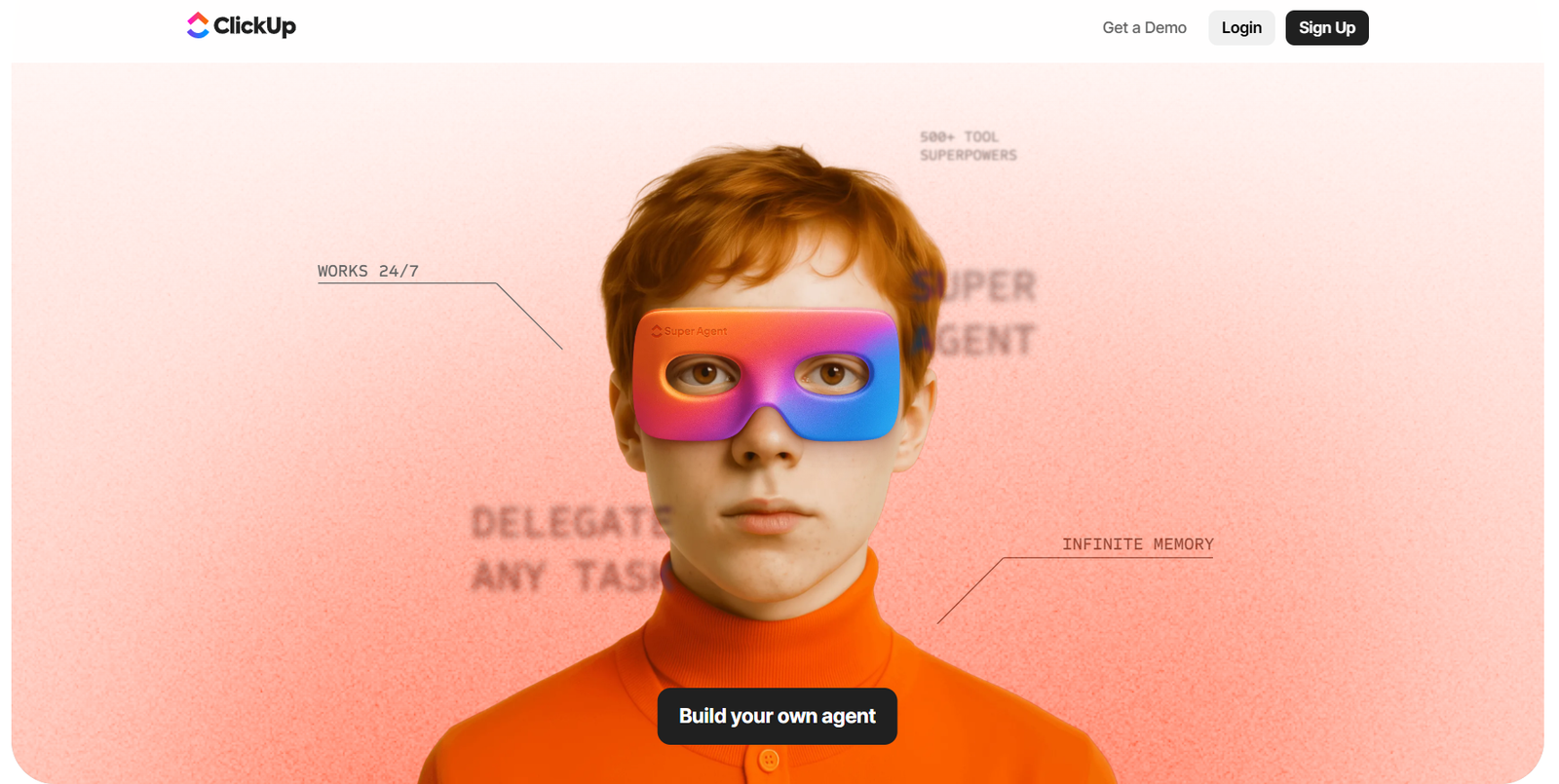
ClickUp screenshot

Our verdict

Final Verdict: Is ClickUp Worth It in 2026?

After spending considerable time with ClickUp, I found it to be one of the most comprehensive project management platforms available today. Unlike many competitors that focus primarily on task tracking, ClickUp combines project management, team collaboration, documentation, goals, dashboards, time tracking, automation, and AI into a single workspace.

What impressed me the most was its flexibility. Whether you're managing software development, marketing campaigns, client projects, HR workflows, or internal operations, ClickUp provides multiple ways to organize work. The ability to switch between List, Board, Calendar, Timeline, and Gantt views makes it easy to adapt the platform to different teams and workflows.

ClickUp AI is another valuable addition. It helps generate meeting notes, summarize documents, draft content, and automate repetitive work, allowing teams to save time on administrative tasks. Combined with powerful automation features, it can significantly improve productivity for growing businesses.

The platform also offers one of the richest feature sets in its price range. Built-in Docs, Whiteboards, Dashboards, Goals, Forms, Time Tracking, and hundreds of integrations reduce the need for multiple productivity tools.

However, I noticed that ClickUp's extensive feature set can feel overwhelming for new users. Teams unfamiliar with advanced project management software may need some time to configure workspaces and learn the available tools. Larger workspaces with many automations may also experience occasional slowdowns.


Overall, I believe ClickUp delivers exceptional value for businesses looking to centralize project management, collaboration, documentation, and workflow automation within a single platform.

What I Liked

  • Comprehensive all-in-one project management platform
  • Multiple project views including List, Board, Calendar, Timeline, and Gantt
  • Powerful automation and ClickUp AI features
  • Built-in Docs, Whiteboards, Dashboards, Goals, and Time Tracking
  • Extensive integration library with hundreds of business tools
  • Highly customizable workflows for teams of all sizes
  • Excellent value compared to competing project management platforms

What Could Be Better

  • Learning curve for first-time users due to the large number of features
  • Initial workspace setup can take time
  • Occasional performance slowdowns in very large workspaces
  • Some advanced AI capabilities require higher-tier plans

AppsInsight Recommendation

I recommend ClickUp for startups, agencies, software development companies, marketing teams, enterprises, and remote organizations that want a single platform to manage projects, collaborate, automate workflows, and improve productivity. If you're looking to replace multiple productivity tools with one flexible workspace, ClickUp is one of the strongest choices available in 2026.

Reviewed by Ashley Richmond Chief Marketing Officer at AppsInsight Last updated July 11, 2026

Full review

ClickUp is a work management platform for teams that want tasks, docs, chat, calendars, and AI in one place. It helps project teams, marketing, product, IT, HR, and leadership keep work tied to actual context instead of jumping between tools. The main differentiator on the site is ClickUp Brain. It uses your tasks, docs, timelines, and conversations to answer questions and draft work inside the workspace. That matters when you need updates, briefs, or task descriptions without copying context into another app. ClickUp also leans hard into breadth. The homepage positions it as a tool that can replace a long list of separate apps, with features like projects, docs, sprints, whiteboards, automations, dashboards, and time tracking. It is available on web, iOS, Android, Mac, and Windows. The free plan is available, which makes it easy to test before committing.

Who it's for

Best for

  • Project teams
  • marketing teams
  • product teams
  • IT and PMO teams
  • HR operations
  • leadership teams
  • SMBs
  • enterprise teams
  • cross-functional departments

At a glance

PricingFree plan
Free planYes
Free trialNo
PlatformsWeb app, iOS (iPhone & iPad), Android, macOS, Windows
APINo
Apps Insight Score21/100

Why this app scored 21/100

Editorial Review 12/30
  • Product quality 4/10 4/10
  • Ease of use 4/5 4/5
  • Feature depth Not yet reviewed 0/5
  • Innovation 2/5 2/5
  • Value for money 1/3 1/3
  • Recommendation confidence 1/2 1/2
Trust & Verification 2/25
  • AppsInsight badge installed Badge not installed 0/15
  • HTTPS website HTTPS 1/1
  • Business support email Missing 0/1
  • Privacy policy published Missing 0/2
  • Terms of service published Missing 0/1
  • Security certifications None listed 0/2
  • Knowledge base / help center Missing 0/2
  • Social profiles linked 4 profiles linked 1/1
Community 0/20
  • Verified reviews & rating 0 reviews (5 needed) 0/15
  • Recent reviews No reviews yet 0/5
Product Profile 6/20
  • Detailed description 139 words 1/3
  • Screenshots 1 screenshot 1/3
  • Demo video No demo video 0/2
  • FAQ 4 items 1/2
  • Feature list 8 items 1/2
  • Pricing published Free plan/trial flagged 1/3
  • Pros & cons Pros & cons listed 1/1
  • Integrations 0 integrations 0/2
  • API available No 0/1
  • Company details 0 of 3 details filled 0/1
Freshness 1/5
  • Listing recently updated Updated 63 days ago 1/3
  • Recent changelog entry No changelog entries 0/2

Editorial points are assigned by AppsInsight editors and cannot be purchased or influenced.

How ClickUp compares

FeatureClickUpNotionTodoist
Rating4.0 / 54.7 / 54.0 / 5
PricingFree planFree+PaidFree+Paid
Starting priceFreeFrom $10/moFree
Free planIncludedIncludedIncluded
Free trialNoNoNo
PlatformsWeb app, iOS (iPhone & iPad), Android, macOS, WindowsWeb app, iOS (iPhone & iPad), Android, macOS, WindowsWeb app, iOS (iPhone & iPad), Android, macOS, Windows
Best forProject teams, marketing teams, product teams, IT and PMO teams, HR operations, leadership teams, SMBs, enterprise teams, cross-functional departmentsTeams, startups, knowledge workersSolo creators, Freelancers, Students, SMB teams, Marketing agencies, Professional services, Operations managers, Enterprise buyers

ClickUp vs Notion ClickUp vs Todoist

Key features

Work Management Workspace
Organize projects, tasks, and team work in one system instead of splitting execution across separate apps.
ClickUp Brain AI
Use AI that pulls from tasks, docs, and conversations to generate answers and draft work with real workspace context.
Docs and Wikis
Create living documentation, notes, and team knowledge inside the same workspace as active work.
Chat and Collaboration
Keep team discussions next to the work they refer to, so context is easier to find later.
Time Tracking and Timesheets
Track time on tasks and review how work is moving without leaving the platform.
Automations
Set up repeatable actions for routine work so teams spend less time on manual updates.
Dashboards and Reporting
Monitor progress, priorities, and workload in one place with shared views for the team.
Cross-Platform Apps
Use ClickUp on web, iOS, Android, Mac, and Windows so work follows the team across devices.

Key benefits

  • Cut down on app hopping by keeping planning, docs, chat, and tracking in the same workspace.
  • Write task updates, briefs, and project notes faster because the AI already knows the surrounding work.
  • Give managers better visibility into timelines and ownership without chasing status in separate tools.
  • Reduce setup friction for new teams by starting with a free plan instead of buying upfront.
  • Support distributed work across desktop and mobile, which helps teams stay aligned outside the office.

Pricing

Free plan

Pros & Cons

Pros

  • Free plan available, with no credit card mentioned on the homepage.
  • Cross-platform coverage includes web, iOS, Android, Mac, and Windows.
  • ClickUp Brain is built into the workspace, so it can use tasks, docs, timelines, and conversations as context.
  • The site shows a wide set of product areas, including projects, docs, chat, calendars, whiteboards, automations, dashboards, and time tracking.
  • The general guide on ClickUp’s site lists pricing for ClickUp at Unlimited $7/user/mo and Business $12/user/mo, which gives buyers a clear paid path beyond free.

Cons

  • The fact sheet shows no free trial, so you only have the free plan to test before paying.
  • The site presents a lot of surface area, which can take time for new teams to learn.
  • The fact sheet lists no integrations, so buyers should verify connector needs before adopting it.
  • The fact sheet shows no API, which may be a dealbreaker for teams that need custom development or deeper automation.

ClickUp alternatives

View all alternatives
Best Task Manager App

Todoist

Task and project management with templates, natural-language capture, and team collaboration.

Free planPaid from Free
  • Web app
  • iOS (iPhone & iPad)
  • Android
  • macOS

User reviews

No reviews yet. Be the first to review this app.

Write a review

Already have an account? Log in to track your reviews.

Frequently asked questions

Does ClickUp have a free plan?
Yes. The fact sheet says ClickUp has a free plan and no free trial.
What platforms does ClickUp support?
ClickUp supports web, iOS, Android, Mac, and Windows.
What makes ClickUp different from other work management tools?
ClickUp Brain uses context from tasks, docs, timelines, and conversations inside the workspace, so AI responses are tied to live work.
Does ClickUp list paid pricing on the fact sheet?
The fact sheet only confirms the free model. The site also references paid plans, but the verified fact sheet does not provide official starting prices.